New
Lumion View for Archicad
Real-time design insight, right inside Archicad
Visualize as you design
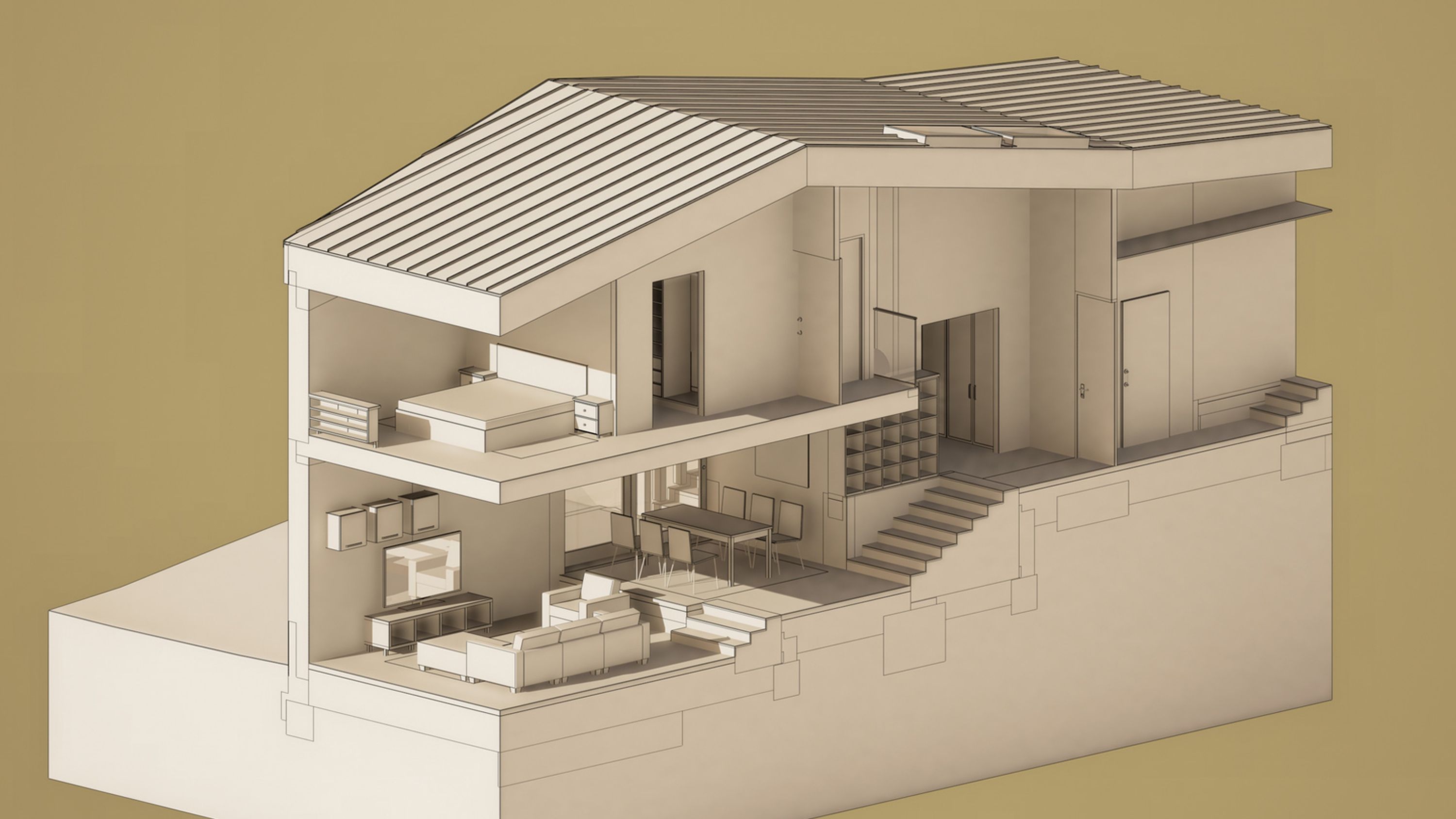
See the impact of light, materials, and form as you model.
The Lumion View plugin adds a fast, lightweight visualization layer directly to Archicad, so you can explore ideas, test options, and communicate early designs without breaking your flow.
Built for conceptual design, it helps you make faster decisions with instant visual feedback and ray-traced views—then render up to 4K whenever you want to share.
Now available for direct download and free to use for 14 days.
Start your free trial
Sign up here to try Lumion View for Archicad—free for 14 days. Check your emails for simple instructions on how to get started.
Early-stage design moves quickly
See your Archicad model in a realistic, responsive viewport as you work, so design exploration stays fast and fluid.
Test what matters, spot issues sooner, and make design decisions with clearer visual feedback from the start.
See how sunlight and shadows shape your design at any time of day or year. Quickly test orientation, mood, and spatial quality without leaving Archicad.
View Archicad’s PBR materials in a realistic ray-traced environment and understand how surfaces will read as your design develops.
Turn artificial lights on and see the result instantly. No guesswork, just immediate feedback on how your spaces feel.
Switch between realistic views and clean conceptual presets to suit the conversation, whether you’re studying form, presenting intent, or building quick diagrams.
Navigate with ease
Lumion View is made to feel natural inside your workflow. Move through your Archicad project smoothly, change perspectives in seconds, and stay focused on the design—not on the tool.
Move naturally
Navigate with simple, familiar shortcuts and explore your model without lag slowing you down.
Explore every angle
Jump between views with the View Cube or hotkeys to review your design from the perspective you need.
Shift your view
Toggle between orthographic and perspective views for quick technical checks.
Sync section boxes
View side-by-side sections of your model for more control and clarity as your design takes shape.
Up to 4K renders, ready to share
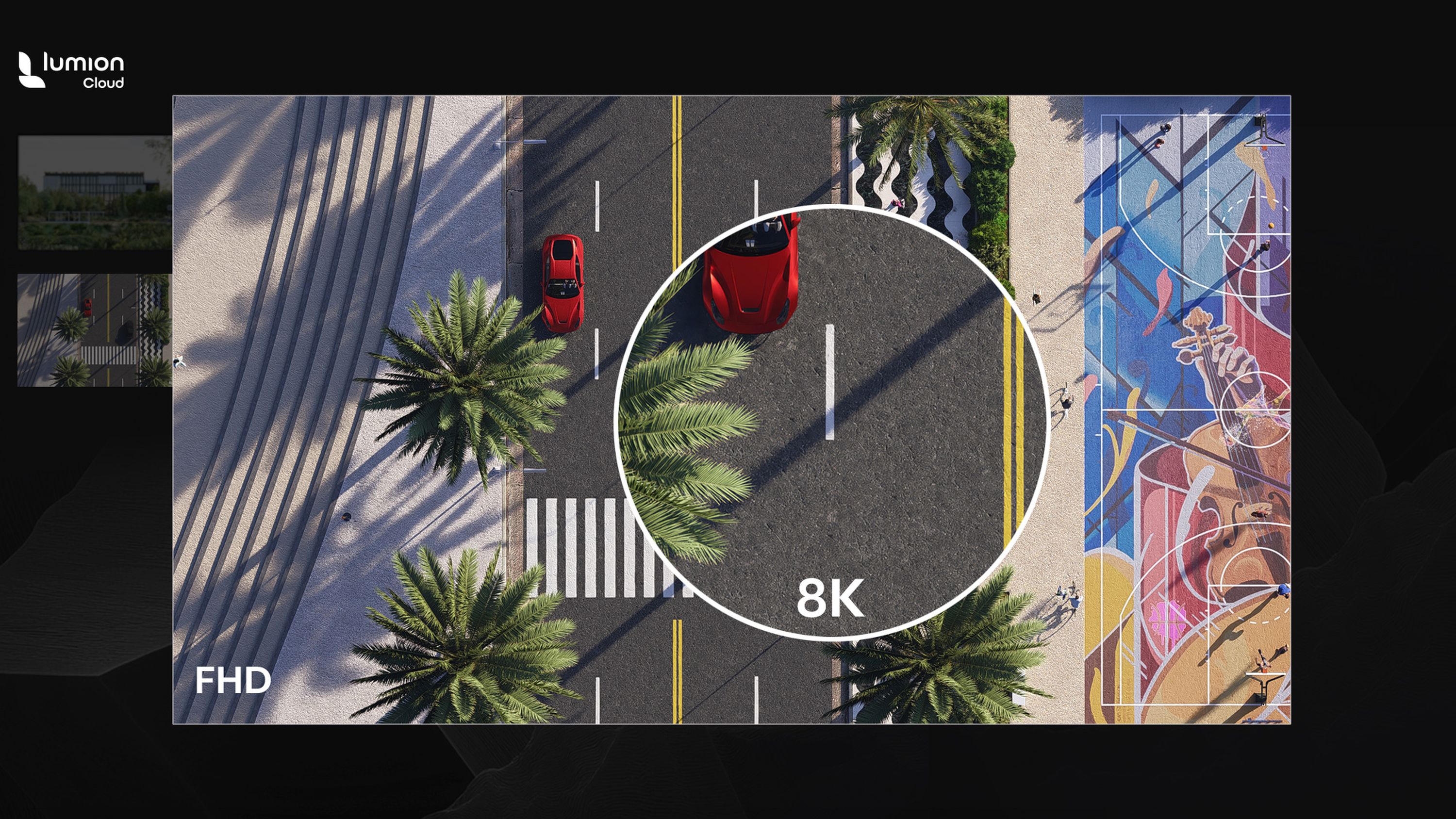
Found the perfect view? Render it instantly in up to 4K and share it with your team and clients. Choose your resolution and aspect ratio, then copy to clipboard or render to file.
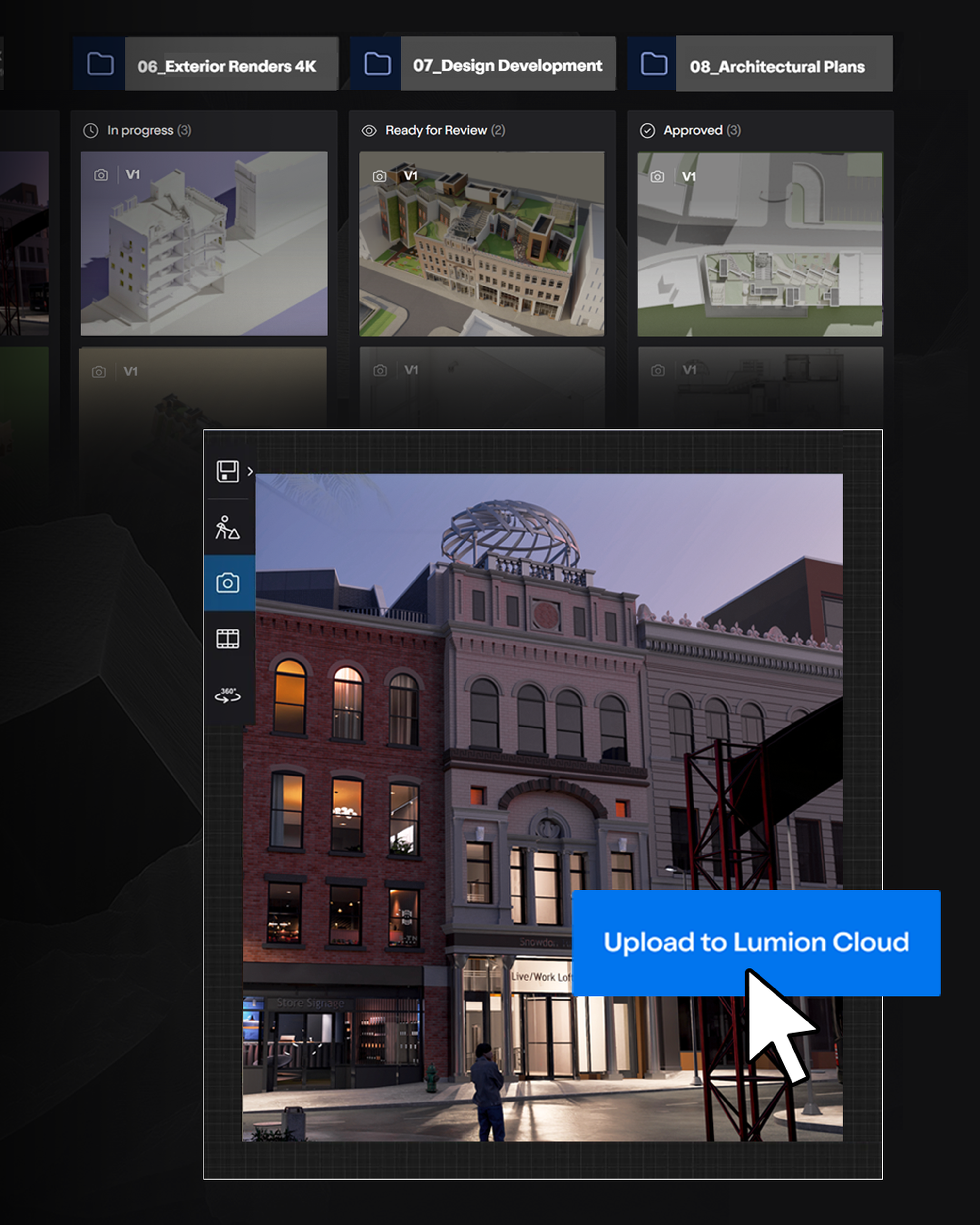
Upload your images directly to Lumion Cloud for easy sharing and collaboration. Gather feedback, manage versions, and get to approvals faster.
Collaborate in Lumion Cloud
Share visuals the moment they’re ready. With native uploads from View, Lumion Cloud makes it easy to collect feedback, compare versions, and move projects toward approval, all in one browser-based workspace. Clients and collaborators can join by link or QR code, with no install required. See how Cloud works.
One place for project visuals
Upload images from View and organize them by project, so everyone knows what they’re reviewing.
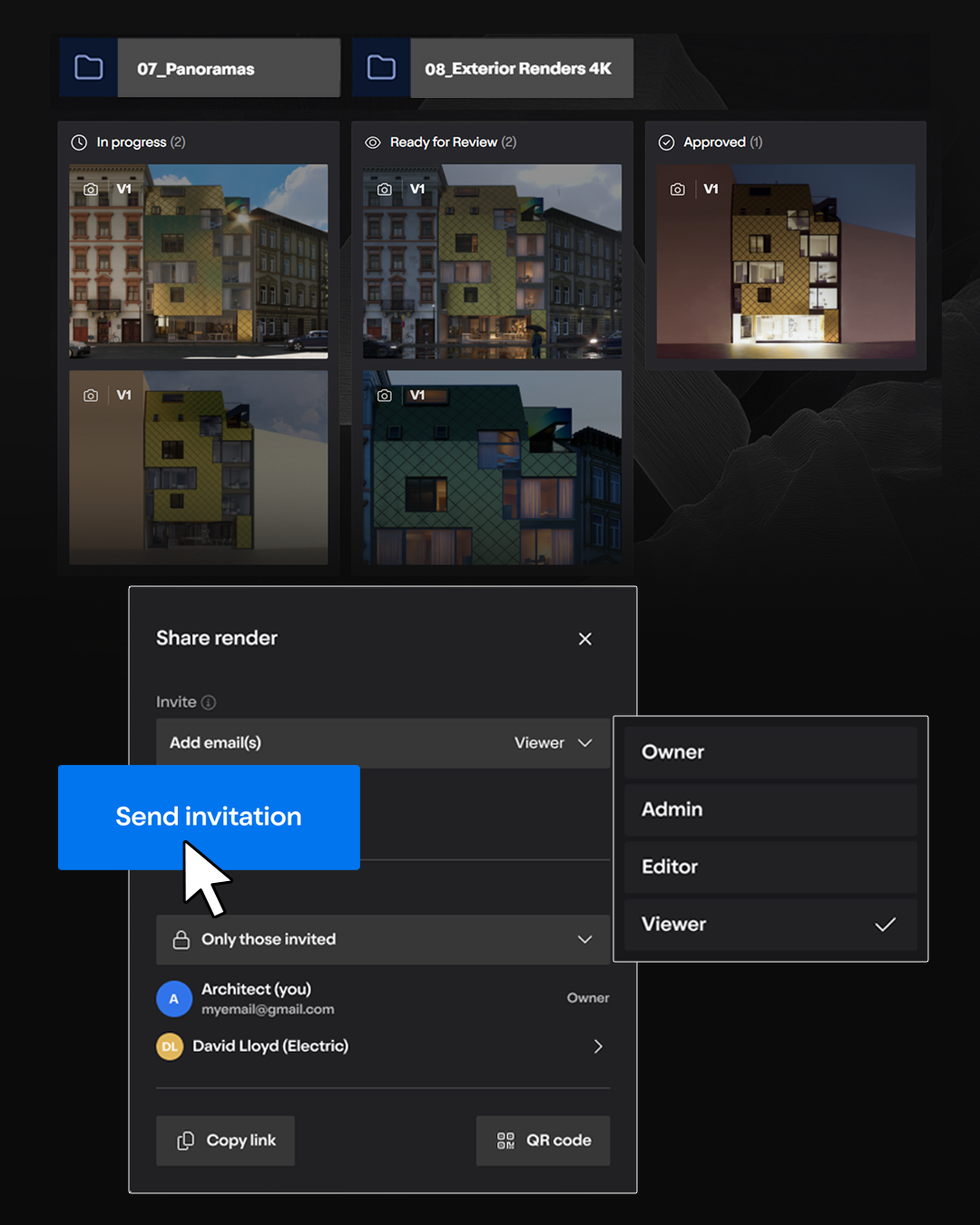
Sharing made easy
Send a secure link or QR code and invite clients and teammates into the conversation right away.
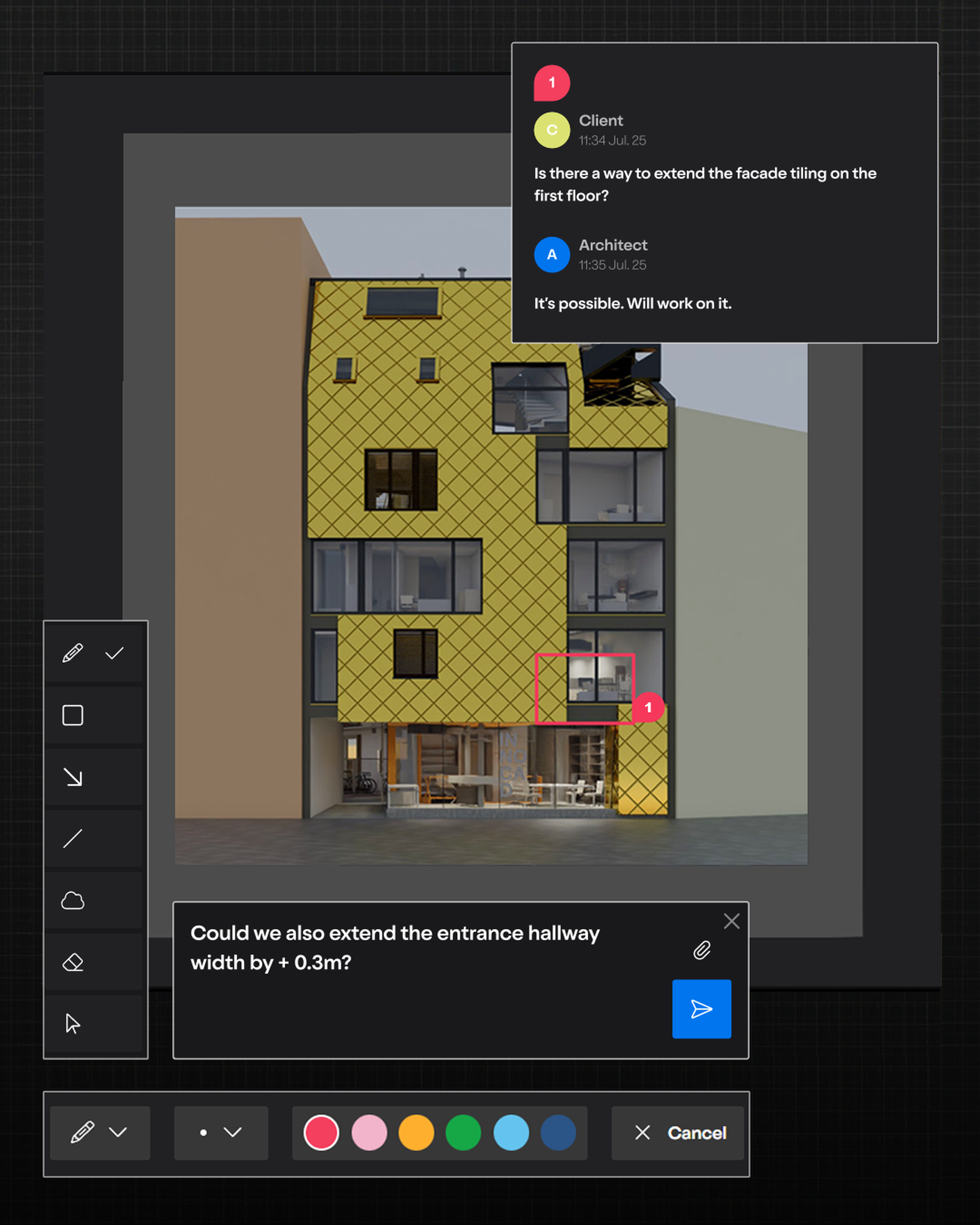
Clearer feedback
Comments, markups, highlights, and threaded discussion keep feedback in context and easy to act on.
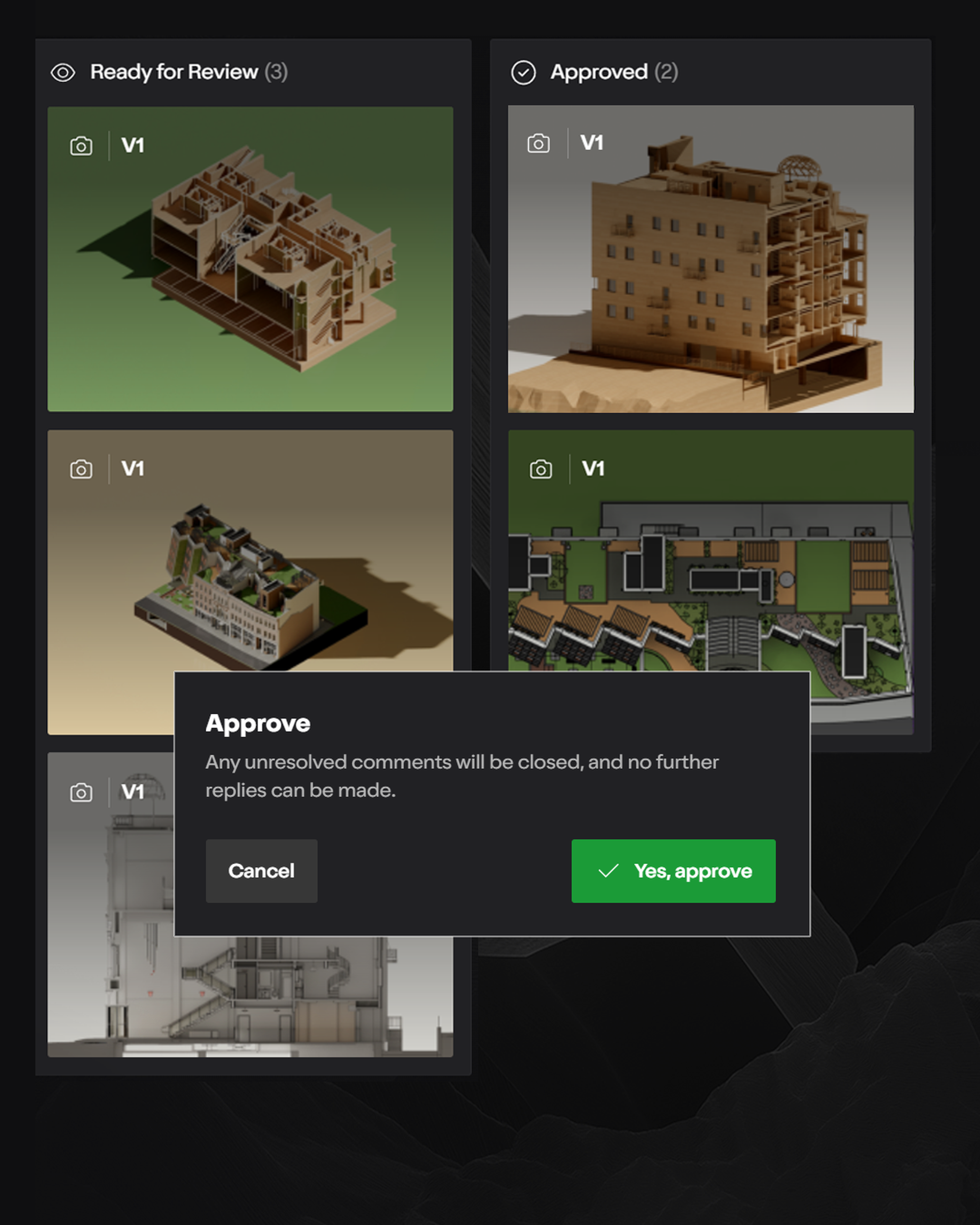
Faster approvals
Track progress with visual workflows and keep decisions moving without long email chains or version confusion.
Verpassen Sie nicht unser spezielles Startangebot
Als Lumion Pro-Abonnent erhalten Sie automatisch kostenlosen Zugang zu Lumion View.
Und es gibt noch mehr: Für jeden Lumion Pro-Platz können Sie bis zu 10 Teammitglieder einladen, Lumion View zu nutzen—ohne zusätzliche Kosten—bis zum 31. Oktober 2025.
Es ist der perfekte Moment, um Ihr Team mit Echtzeit-Visualisierung arbeiten zu lassen—direkt vom ersten Entwurf an.
Verpassen Sie es nicht—beginnen Sie noch heute mit der Nutzung von Lumion View.
Take your visualization further
When your design is ready for full context, transfer your model into Lumion Pro. Your materials will carry over so you can pick up right where you left off.
Add landscape, context, mood, animation, and high-quality assets to create visuals that are ready for client presentations, reviews, and sign-off. Lumion Pro is built to help you go further once the concept is in place.
Siehe Realease-Hinweise
Werfen Sie einen genaueren Blick auf die erste Veröffentlichung von Lumion View – jetzt im Early Access.
Pläne & Preise
Lumion View Early Access ist jetzt kostenlos für alle Lumion Pro-Abonnenten verfügbar.
Hardware-Spezifikationen
Überprüfen Sie die Systemanforderungen von Lumion View.
Treten Sie der Warteliste bei
Lumion View ist jetzt kostenlos im Early Access für alle Lumion Pro-Abonnenten verfügbar.
Seien Sie der Erste, der erfährt, wann es für den breiteren Markt startet—treten Sie der Warteliste bei und bereiten Sie sich darauf vor, es in Ihren Design-Workflow zu integrieren.