Lumion for
FormIt Pro rendering
Model and render simultaneously with the free LiveSync plugin
Explore design ideas faster
Autodesk FormIt Pro combines intelligent automation and informed analysis with fluid 3D sketching so architects can design better buildings. If you're using Autodesk FormIt Pro for your 3D modeling, you’ll discover that it's easier than ever to visualize them with Lumion.
With Lumion LiveSync, you have a fast, straightforward way to see your 3D models come to life and render at any stage in your design workflow.
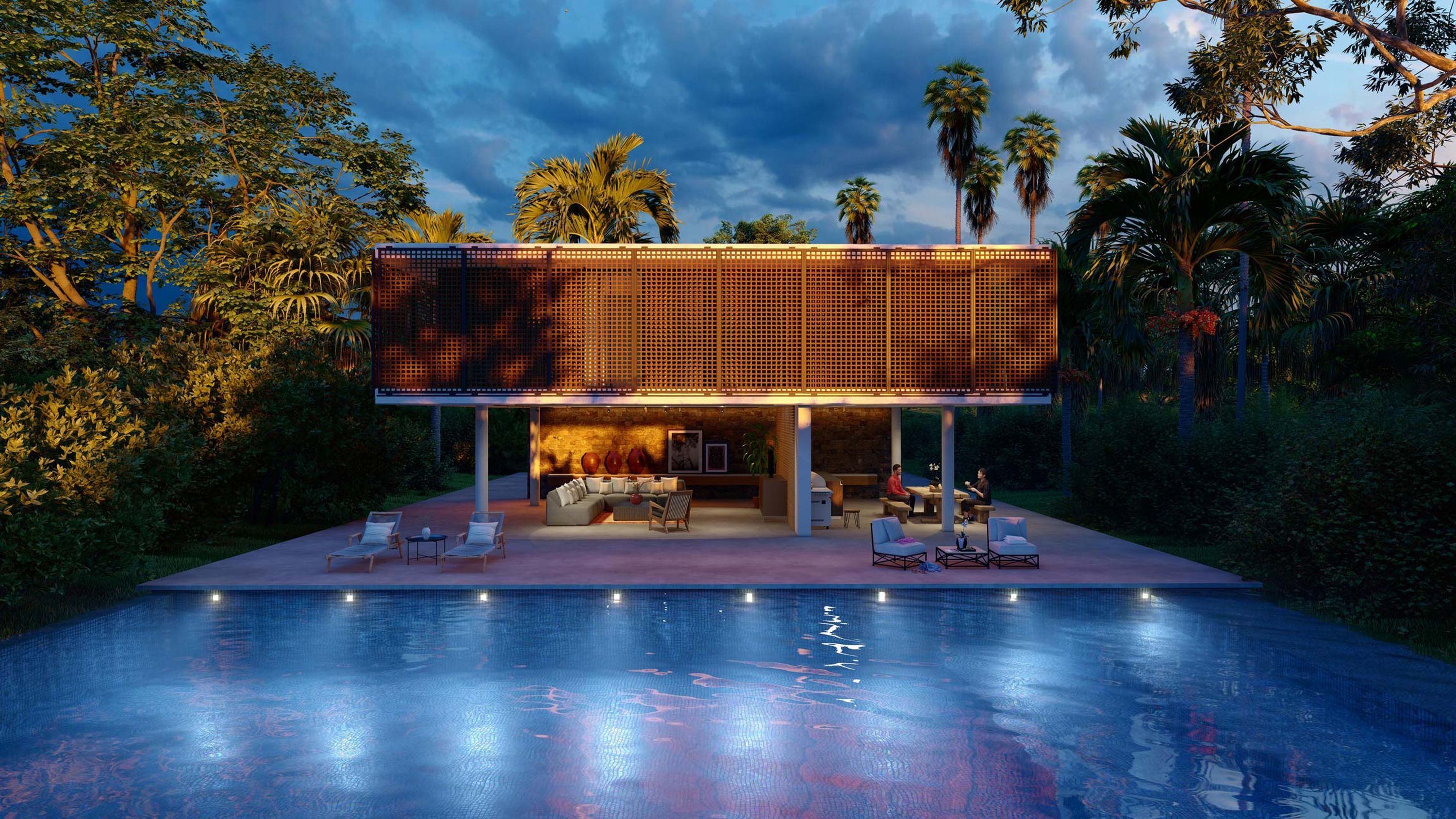
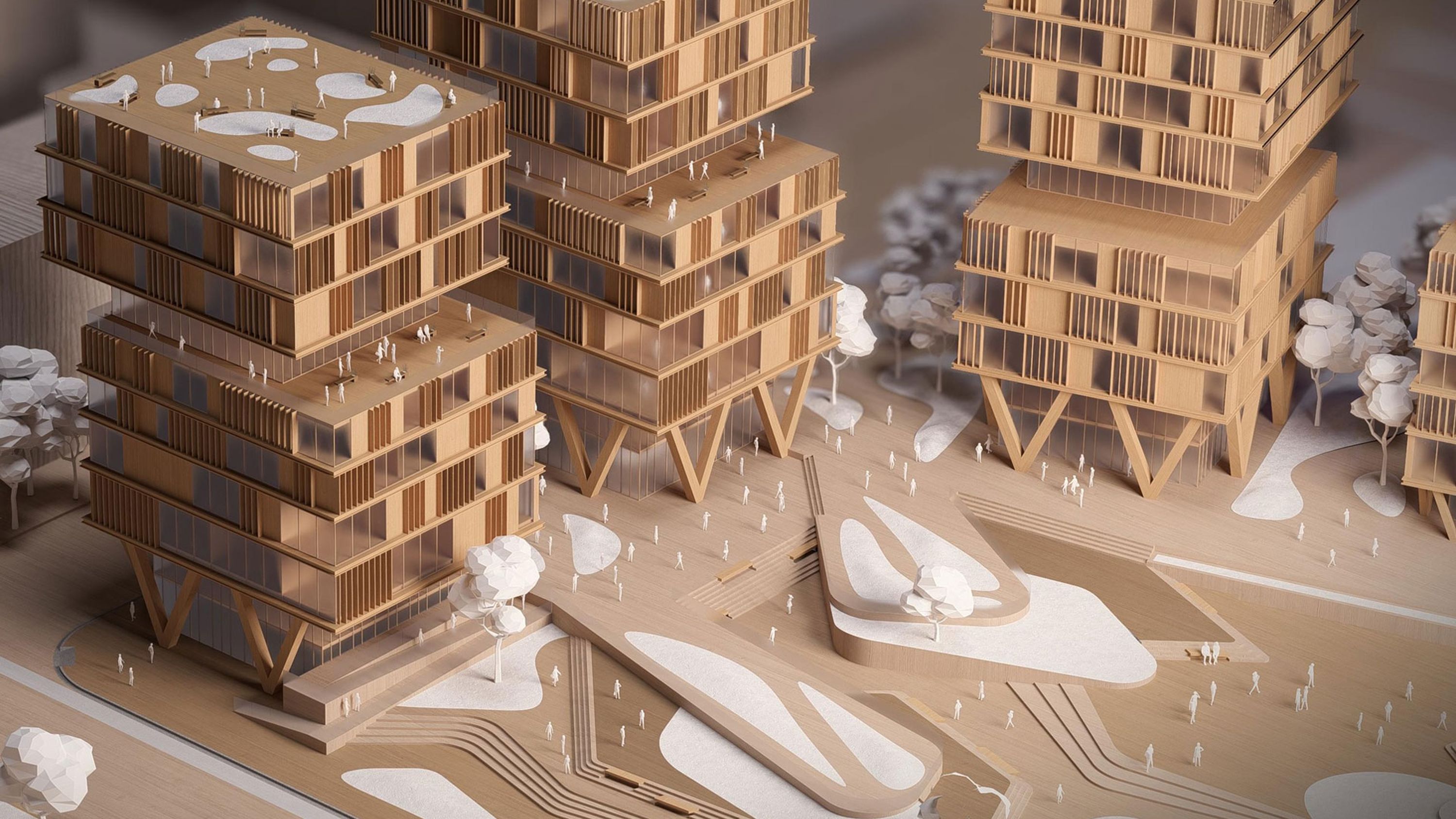
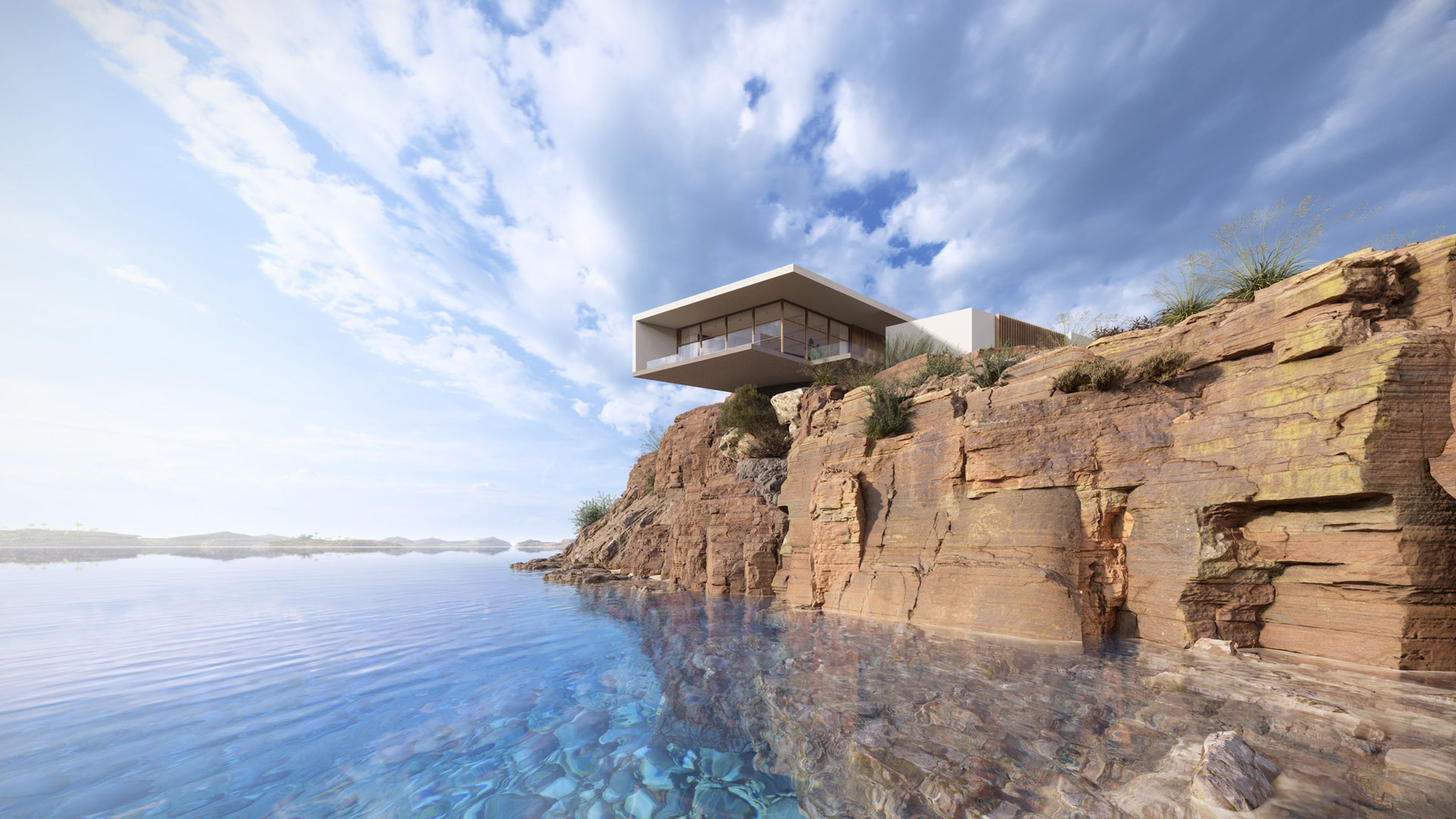
As you develop your model in FormIt Pro, Lumion lets you explore how morning sun casts a soft light on a building’s façade. Curious about your material choices? You can choose from thousands of high-quality materials and give every texture a compelling appearance. Examine the scale of your building by placing people, cars, or trees next to it. Explore how different lighting options affect the mood of your interiors.
You can gain invaluable clarity and insight into your design decisions, test ideas faster, and quickly render images, videos, or 360 panoramas at a moment's notice.

Matt Zhang
Director of Design & Development, The Luxe Design Studios
When they see a fly-through video with every detail, all the lighting, all the materials — it really gives them a realistic view of what their project could be. And I think that is what brings a sparkle to their eye.
LiveSync for FormIt Pro
Model and render in real-time
Lumion LiveSync for FormIt Pro is a free plug-in that allows you to create a live connection between your 3D modeling software and Lumion's immersive environments.
You can use Lumion LiveSync to model and render at the same time, meaning that any changes to your 3D model are immediately reflected in Lumion’s beautiful, high-quality scene editor.
Boost your design workflows
The Lumion LiveSync plug-in is available as a free download from the Autodesk App Store.
Bring your FormIt designs to life
Rendering in Lumion is about more than just visualizing form and function. You can convey a mood and trigger a deeper connection.
Lumion makes it easy to reveal how your design will be experienced in its real-life setting, as if it's ready to be lived or worked in.