Free rendering software for architects
The options, their limits, and how to try Lumion Pro for free.
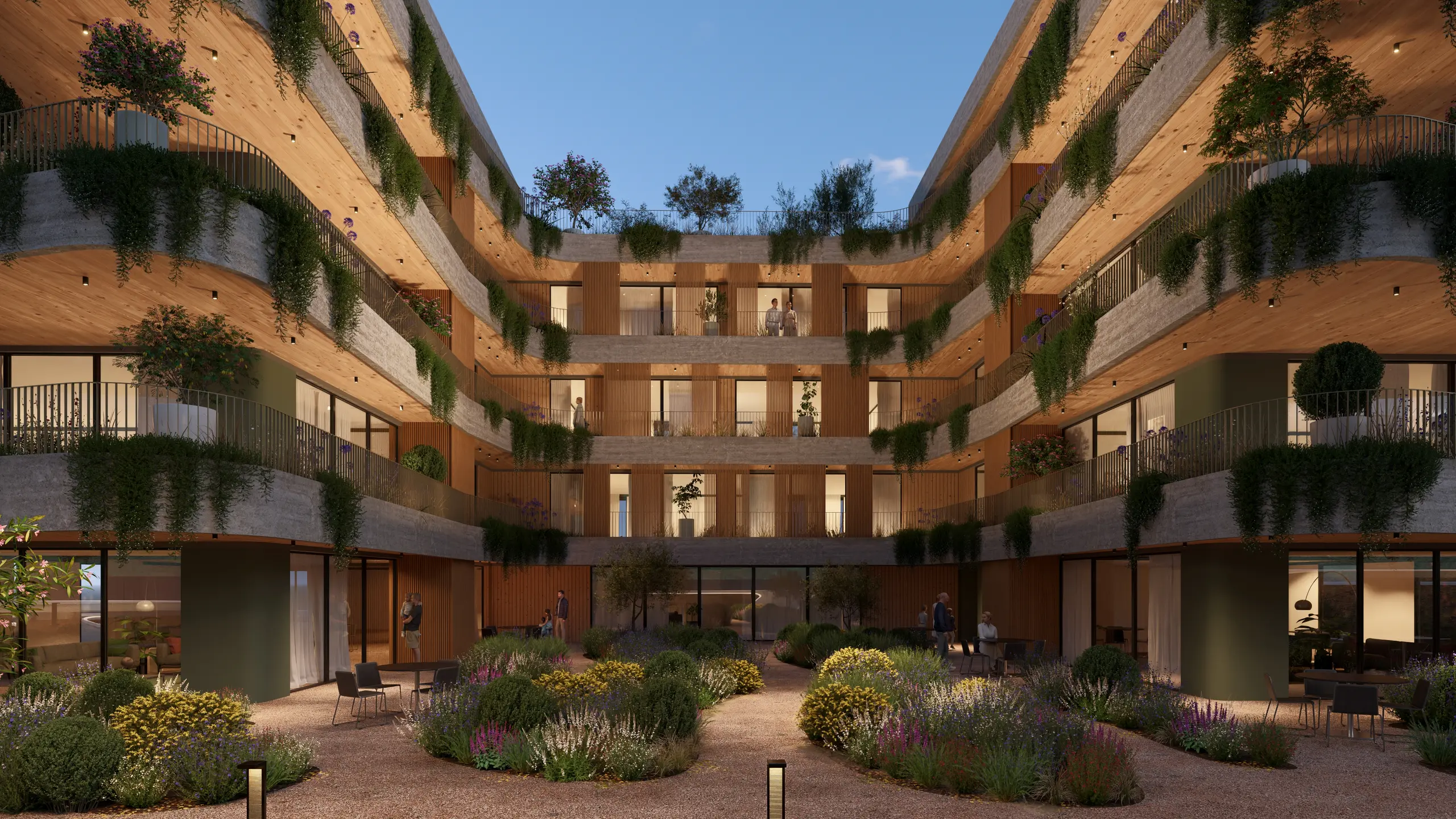
From your 3D model to a finished render, free to start
The same scene you build, rendered in Lumion on a free trial
Free rendering options for architects
Blender is free for any purpose, including client work, and Twinmotion is free for students, educators, and companies with under $1 million in annual revenue. Lumion Pro is paid software, but you can try it free for 14 days, and students use it free. Free options differ most on commercial use, content, and support.
Who it is free for
Main limits
Runs on
Blender | Anyone, for any purpose, including commercial work | A general-purpose 3D suite rather than a tool made for architecture | Windows, macOS, Linux |
Twinmotion (Epic Games) | Students, educators, hobbyists, and companies with under $1 million in annual revenue | Companies above that revenue need a paid seat | Windows, macOS |
D5 Render Community | Anyone, for personal and non-commercial projects | Not for client work, and premium library assets need a Pro license | Windows |
Lumion Pro free trial | Anyone, for 14 days, with no credit card | A curated starter set of assets; the full 10,000+ library comes with a subscription | Windows |
Lumion Student | Enrolled students, renewed each year | Not for commercial use, and renders carry a small watermark | Windows |
The conditions behind "free"
A free rendering program comes with conditions. Check four: watermarks on your renders, resolution caps on output, non-commercial use clauses that rule out client work, and revenue limits that end the free tier once your business earns above a threshold. A trial adds a fifth: a fixed period, after which you pay or stop.
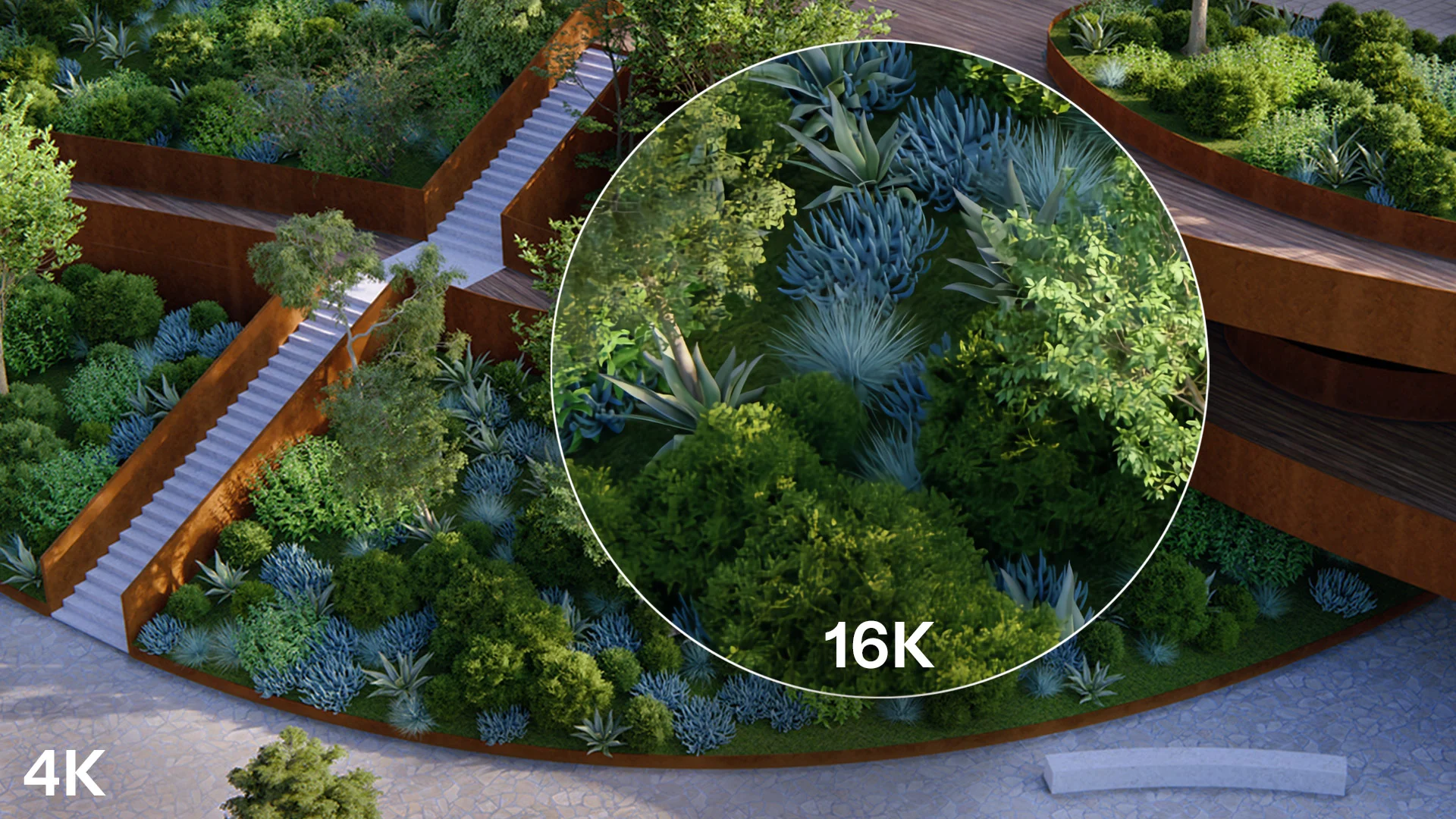
Three ways to use Lumion for free
Three things, at no cost: a 14-day Lumion Pro free trial with every current feature, Lumion Cloud, which is free to start and included with every plan, and the Axogram free plan, with 5 saved diagram views and HD output. Students get a fourth: the free Lumion Student license.

Lumion Pro free trial
Every feature of the latest Lumion Pro for 14 days, with no credit card required, plus a curated starter set of materials, characters, vegetation, and objects, the AI and collaboration tools in Lumion Cloud, tutorials, and in-house support. The complete library of 10,000+ assets and materials comes with a subscription.
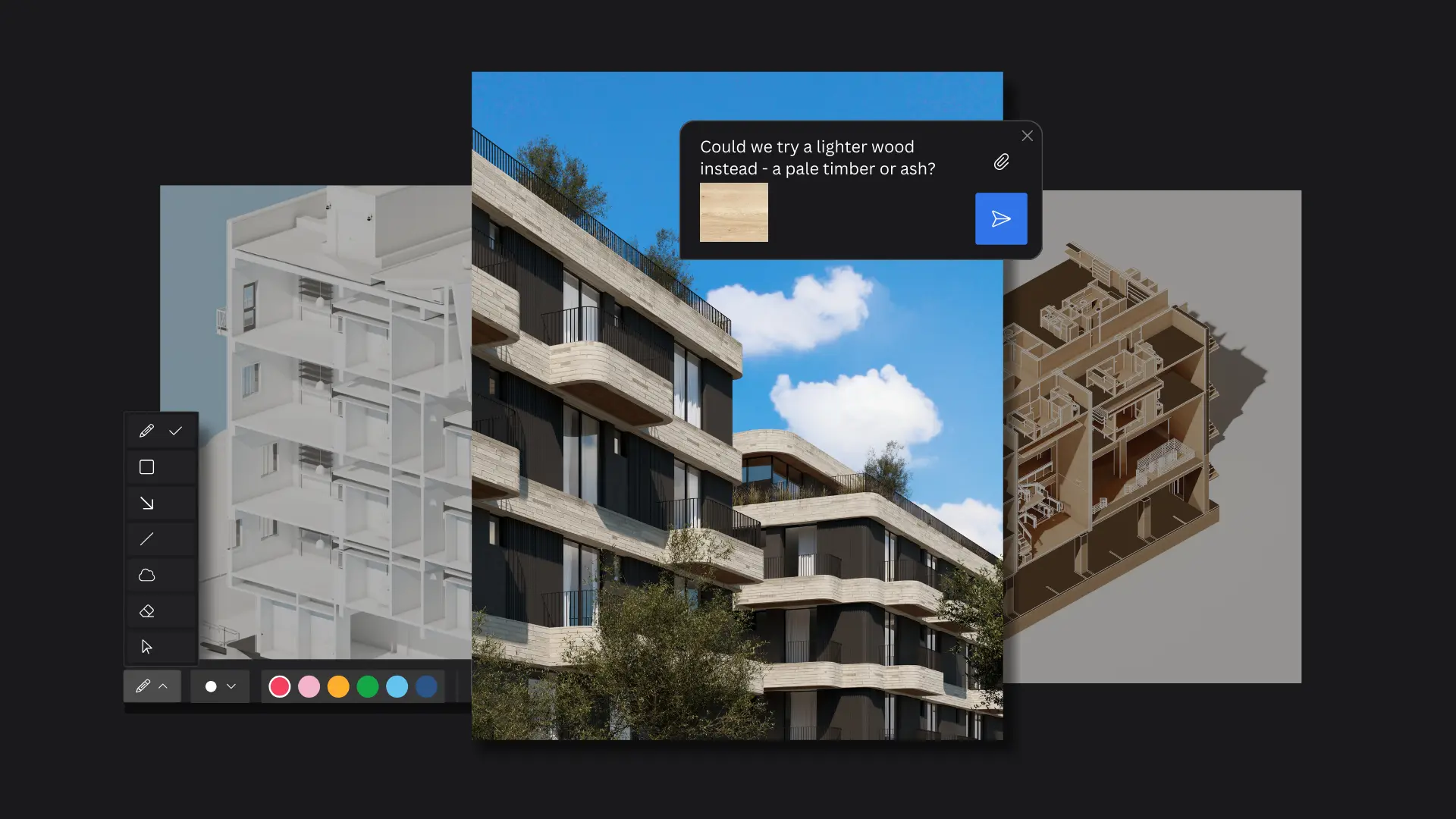
Lumion Cloud
Free and included with every Lumion plan, with up to 20 projects and 50 GB of storage. Share renders by link or QR code, collect comments pinned to the image, and refine images with AI in the browser.
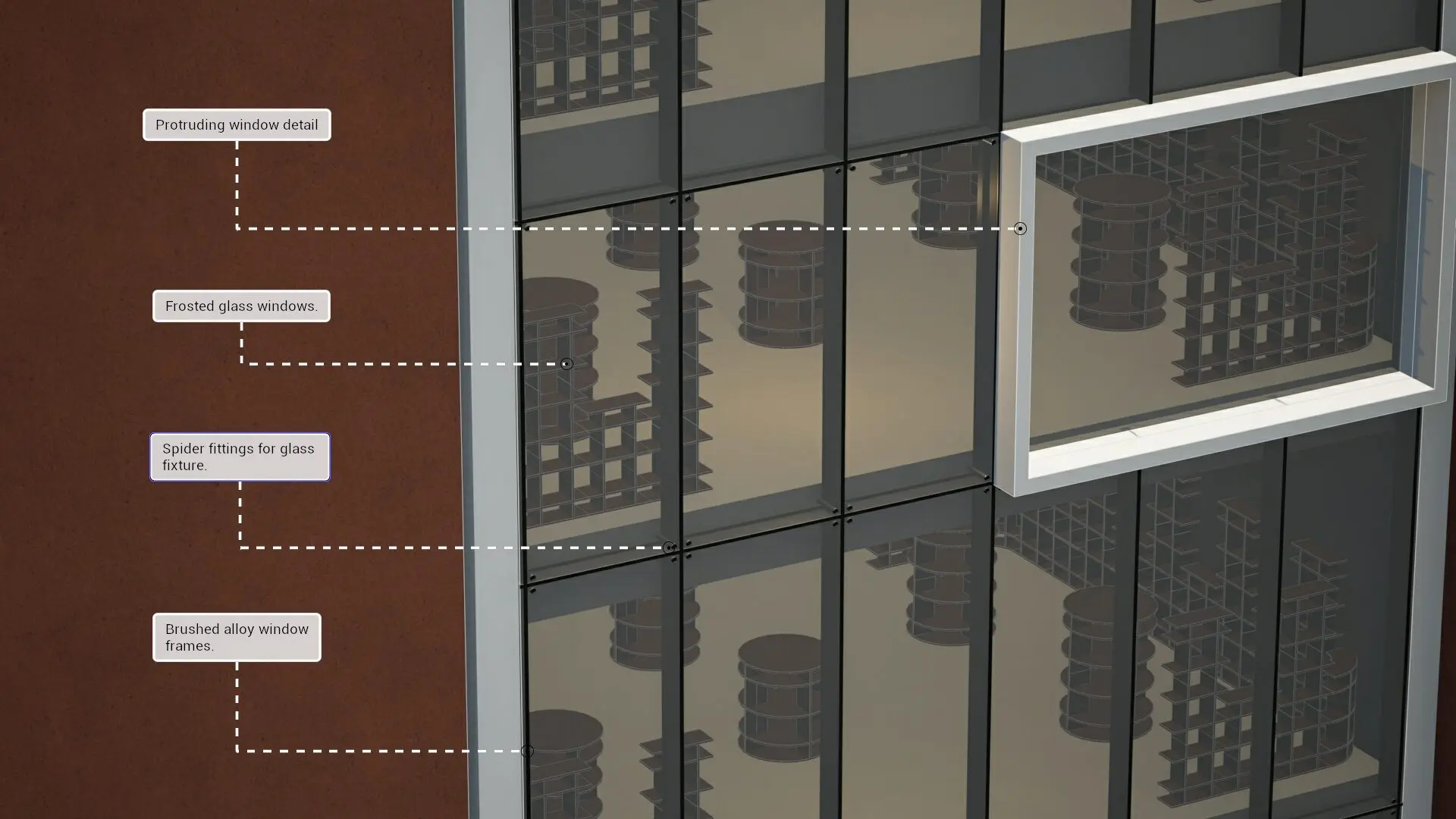
Axogram Free
Axogram by Lumion is a live 3D diagramming plugin for SketchUp, Revit, and Archicad on Windows. The free plan keeps up to 5 saved diagram views and HD renders, needs no credit card, and includes Lumion Cloud access. It does not need Lumion Pro.
Free rendering software for students
Lumion Student is a free license for enrolled students, and Lumion Faculty is free for educators and institutions. Both include all the features, tools, and content in Lumion Pro 2026, and students can also use Lumion Cloud and Axogram Free, so all Lumion software is open to them. Educational licenses are not for commercial use.
Lumion Student runs for one year and renews while you study, and projects saved in it cannot be opened in commercial versions. Lumion Faculty runs for three years, on university computer labs only. Trial projects do not open in Lumion Student, so students should start on the student page.
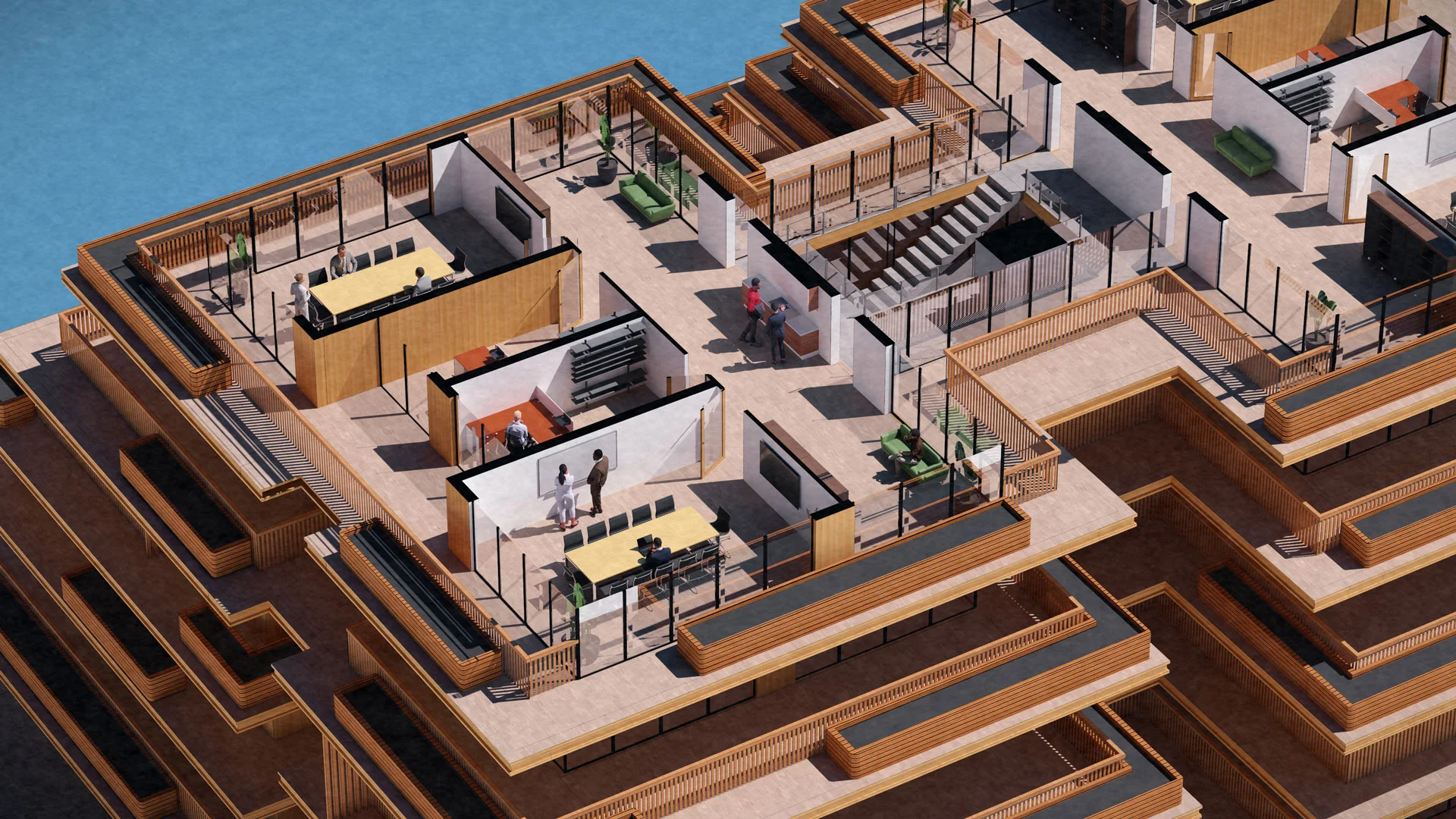
14-day free trial
Anyone evaluating Lumion Pro
Lumion Student
Enrolled students, educational use only
Paid plan
Commercial work
How long it lasts | 14 days, with another trial for each new major version | One year, renewed each year while you study | As long as your plan is active |
Content library | A curated starter set of essential assets | All Lumion Pro content | The complete library of 10,000+ assets and materials |
Starts without payment | |||
Lumion Cloud | Included | Free to start | Included |
Projects open in paid Lumion Pro | Yes, after you upgrade the trial license |
When a paid plan is worth it
Pay when renders become part of paid work. That is when commercial-use rights, a full content library, speed on deadlines, and support start to matter more than the license fee. A free option can be enough for learning or occasional personal projects; test the paid tool on a real project during its trial before you commit.

Real-time ray tracing in Lumion Pro updates lighting, reflections, and shadows instantly, so the preview matches the final render and you refine faster.
The free LiveSync plugin links Lumion Pro to SketchUp, Revit, Archicad, Rhino, AutoCAD, Allplan, BricsCAD, Vectorworks, and more, so changes to your model appear in the scene as you work.
A subscription unlocks the complete library of 10,000+ assets and materials, and a Lumion Pro plan includes an onboarding session and in-house expert support.
Make the most of your 14-day trial
Plan the 14 days before you start, so they go on your own project.
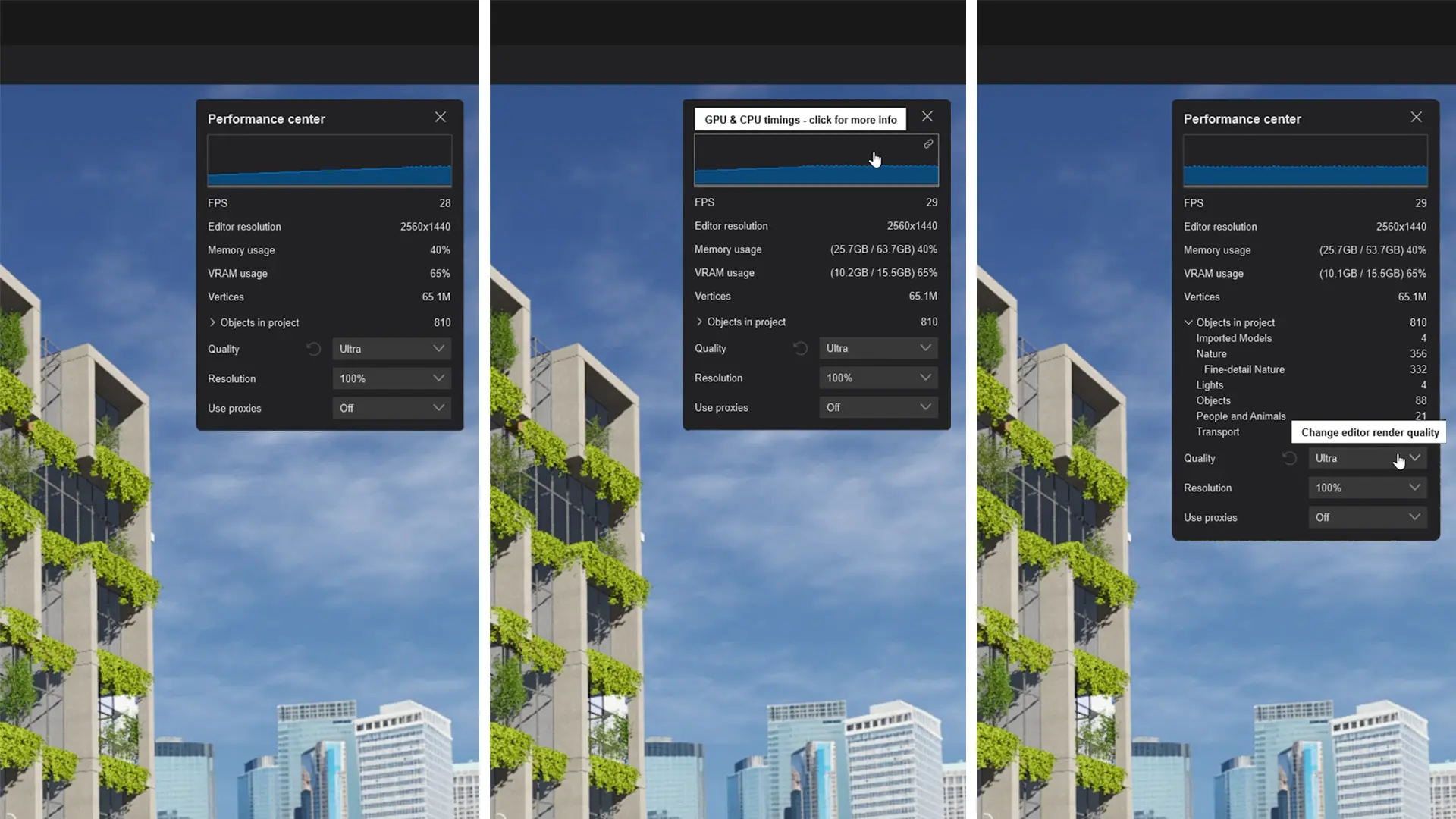
Check your PC first
Lumion Pro needs a Windows PC with a capable graphics card and enough free disk space. Check the requirements first, so none of the 14 days goes on setup.
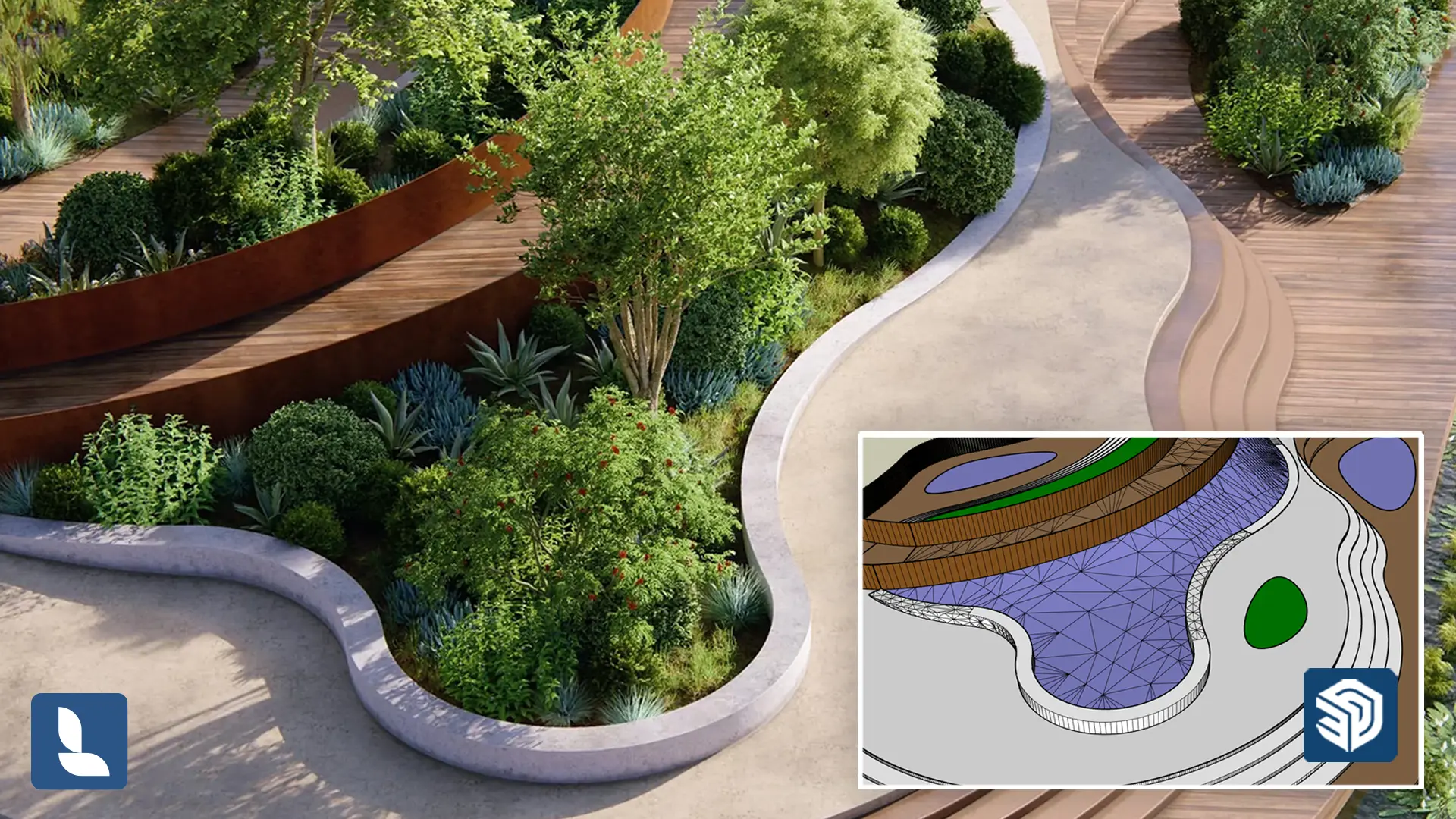
Bring a current project
Link your building model through the free LiveSync plugin or import it from your CAD tool, then build the scene from the starter assets.
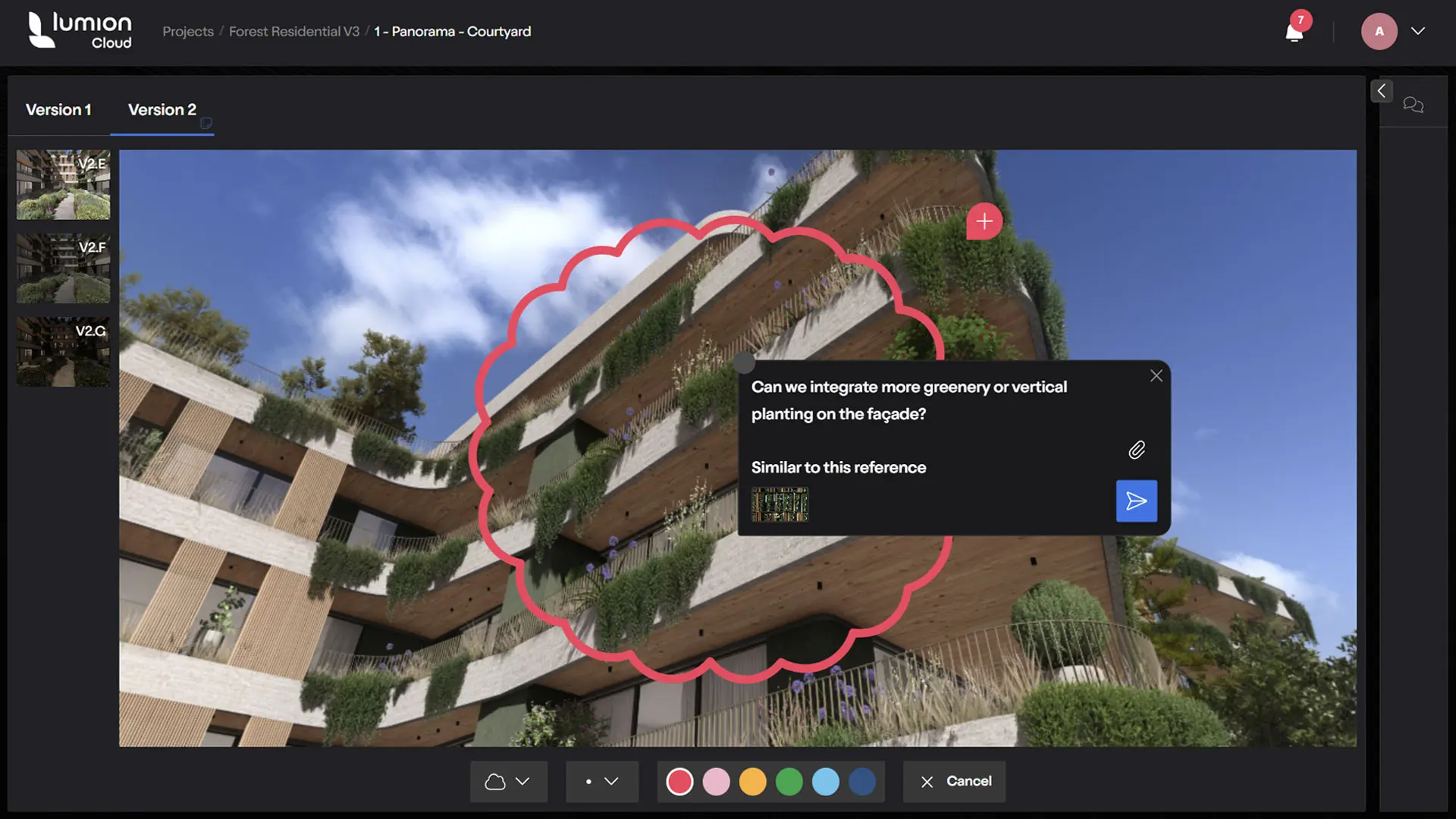
Render, then share in Lumion Cloud
Render the stills, animation, or 360 panorama you would normally send, upload them to Lumion Cloud, and collect feedback on the exact image. Projects you start in the trial open once you upgrade to a subscription.
Refine and share in Lumion Cloud, included with every plan
Refine any image with the AI image enhancer, turn a reference photo into a PBR material with the AI material generator, and use AI upscaling in Lumion Cloud. Then share by link or QR code, and clients comment in the browser with no install. Lumion Cloud is included with every Lumion plan.
Try Lumion Pro on a current project
Pick a current project, make a real model change, render the views you normally send, and put two options through review in Lumion Cloud. Free for 14 days, no credit card required.
Architects and students on Lumion

Emma Meriwether
Architectural Designer, Ford Architects
The journey of learning to render with Lumion shaped who I am and what kind of architect I would later become.

Konrad Wójcik
Creator of Architect Reflects
Lumion definitely helps me to visualize my ideas in a simple way. I get great quality, fast.

Olav Bruin
Creative Director, Atelier Nomadic
For us, Lumion is the perfect concept design tool, especially when a visual presentation for a client is due.


FAQ
Blender is open source and free for any use, but it is a general-purpose 3D tool rather than one built for building design. Twinmotion is free below a $1 million revenue limit. D5 Render's free Community version is for personal, non-commercial projects only. Lumion's free routes are time-limited, for students, or for sharing and diagramming.
Vendors change their terms, so read each license on the vendor's own website on the day you choose.
No. Lumion Pro is paid rendering software, with plans for individuals and teams. You can try it free for 14 days with no credit card, and students and faculty can use it free for education. Axogram by Lumion, a live 3D diagramming plugin for SketchUp, Revit, and Archicad, has a free tier and does not need Lumion Pro.
Current plans and prices are on the plans page.
Real-time rendering runs on your graphics card, so the GPU matters most. Lumion Pro runs on Windows 10 (version 2004) or newer and needs, at minimum, a GPU scoring 8,000 on G3DMark with 6 GB of memory, 16 GB of RAM, and 105 GB of free disk space for the full version.
For 1080p ray tracing the graphics card needs 8 GB of memory, and the recommended GPU scores 14,000 with 10 GB, plus 32 GB of RAM, per the system requirements of October 2026. Lumion Pro is not officially supported on Mac. Axogram needs less, and Lumion Cloud runs in a browser. Other free tools vary: Blender runs on Windows, macOS, and Linux, Twinmotion on Windows and macOS, and D5 Render on Windows with a ray-tracing graphics card. Check each vendor's requirements page before you install.
No. The 14-day Lumion Pro trial needs no credit card. You fill in a form, check your email, log in to your Lumion Account, and download and install the software.
If you need more time to evaluate Lumion Pro, Lumion's team may be able to extend your trial license. You also get another free 14-day trial with every new major version of Lumion Pro, but not a second trial of the same version.
Yes, once you upgrade your trial license to a Lumion subscription, or if you install the commercial version on the same computer. Projects made in the trial do not open in Lumion Student.
No. Lumion Student is not for commercial use, its renders carry a small watermark, and projects saved in it cannot be opened in commercial versions of Lumion. For paid work, start with the free trial and then a paid plan.
Rendering runs in Lumion Pro on your Windows PC, not in a browser app. Lumion Cloud, free to start and included with every plan, is where you refine finished images with AI, share them online, and collect feedback.
It depends on the work. For learning and personal projects, Blender or D5 Render Community can be enough, and Twinmotion suits students and companies under its revenue limit. For client work in Lumion, start with the 14-day trial; for coursework, use Lumion Student.
Yes. Lumion offers a full refund within 14 days of purchase, with no questions asked.