Webinar: From real plants to Lumion Pro assets
Go behind the scenes with our nature artists
Handcrafted from the real world
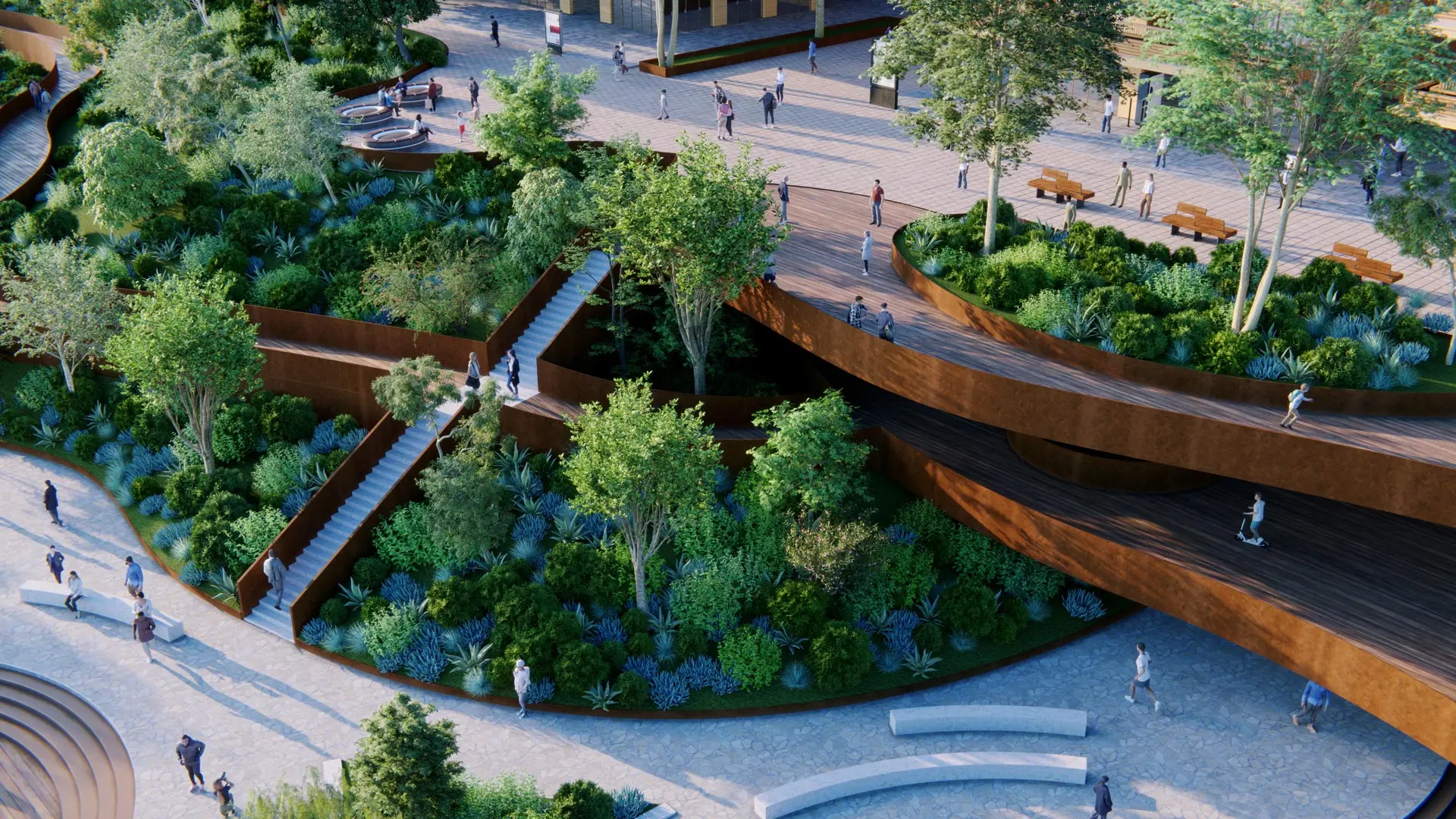
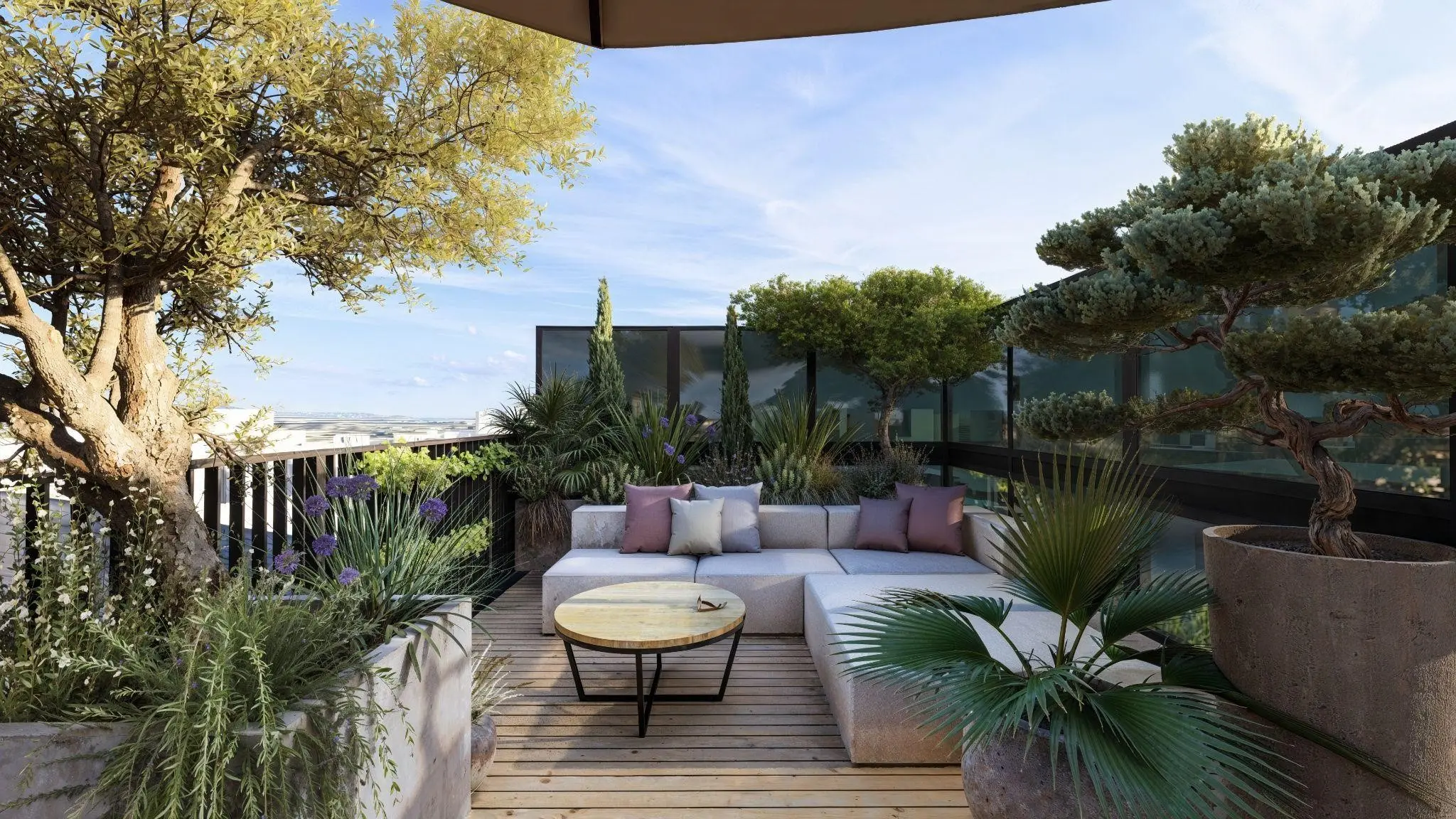
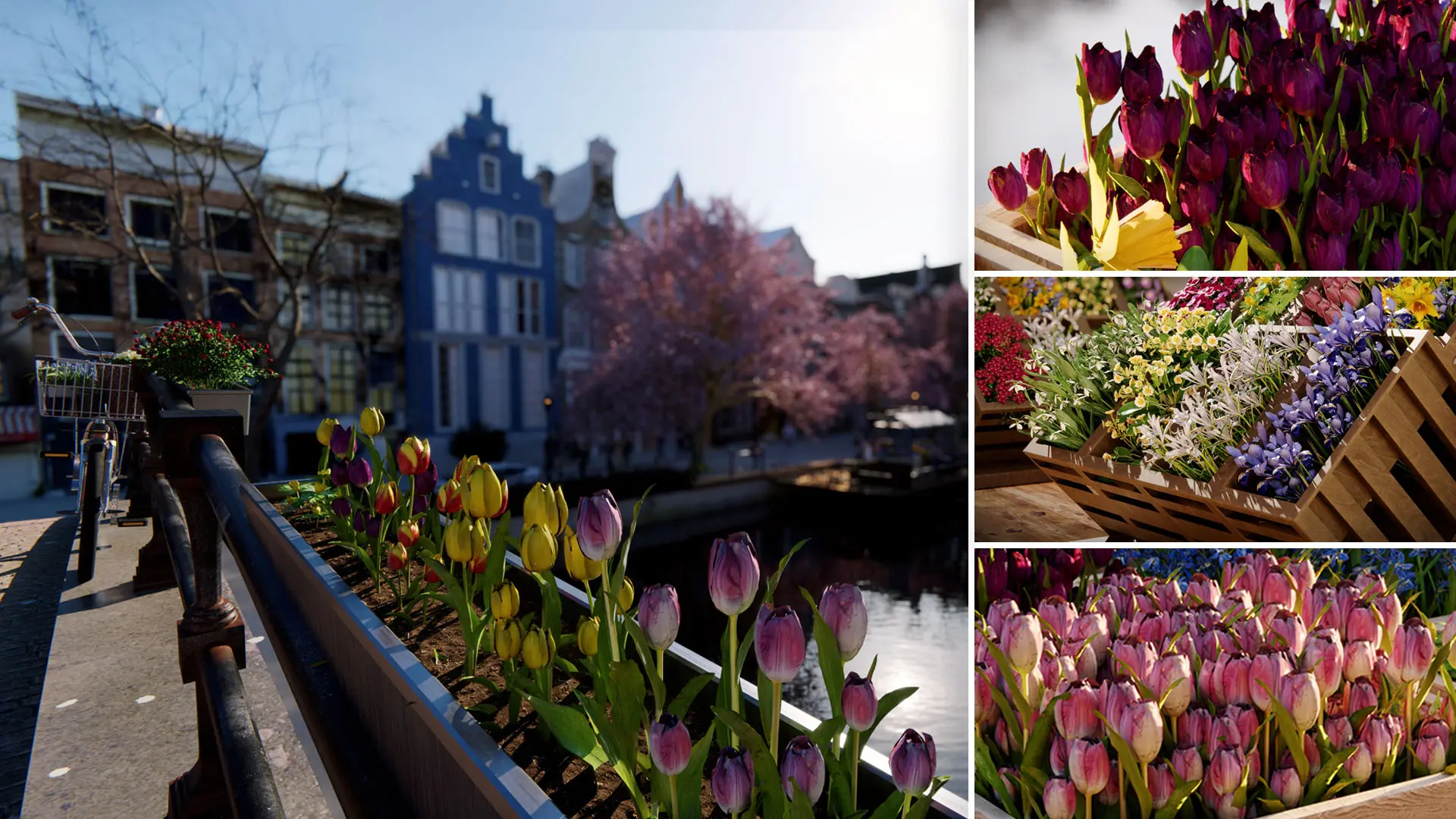
Were you aware that many of the trees, shrubs, and flowers in Lumion Pro are sourced from real-life plants?
In this recorded webinar, our visual artists Joseph and Alex take you behind the scenes of photogrammetry: the craft of turning photos of real-world plants into ready-to-use 3D models.
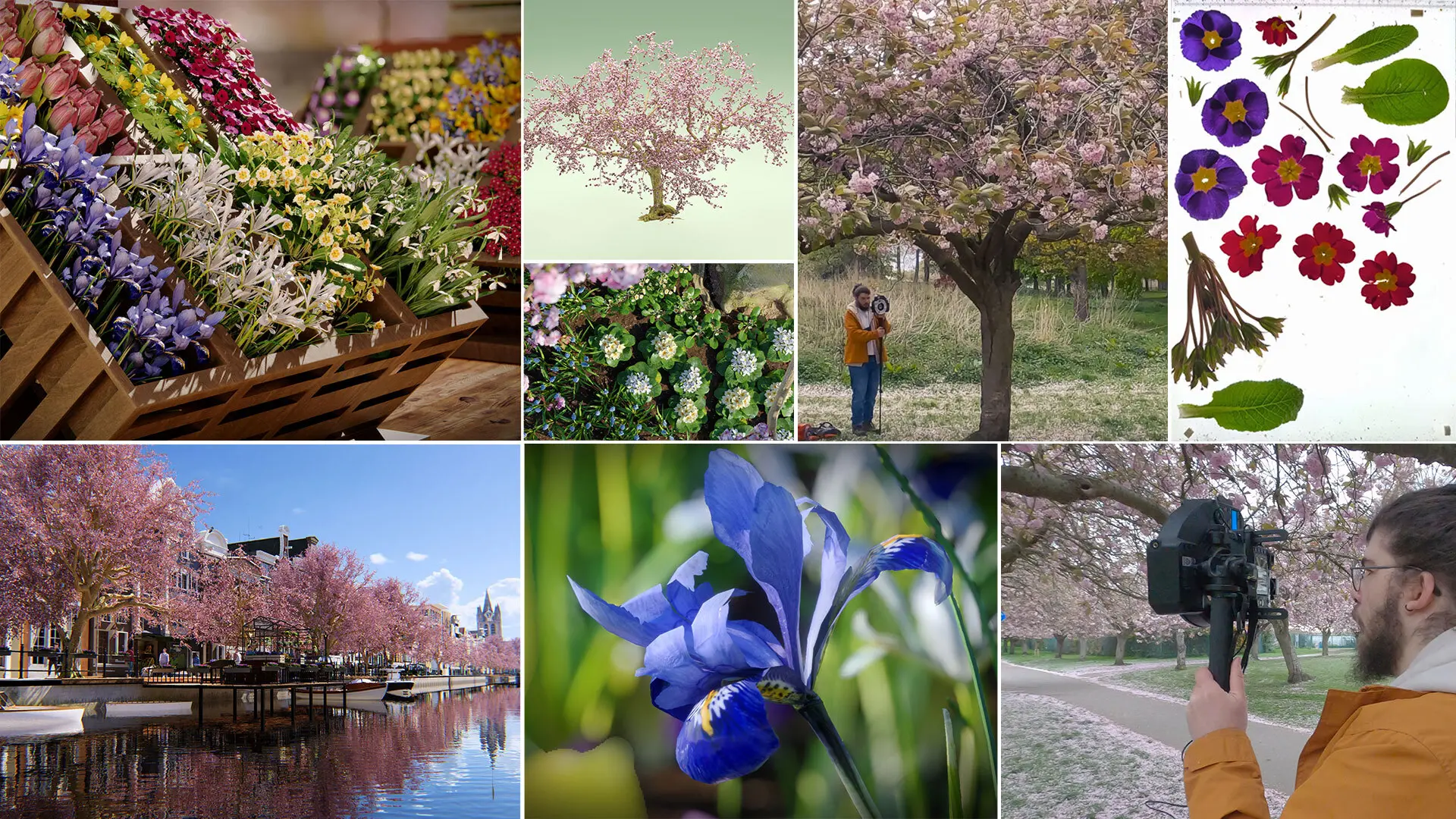
You’ll see how they capture each one, from cherry blossoms in a park to flowers and leaves laid out for scanning, and how those photos become the assets you place in your scenes.
Want to get to dive deeper into this topic? Read our behind the scenes interview.
Get a free content pack
Get up close with some of the assets shown in the webinar with our free content pack.
New to Lumion Pro? Try it out with a free 14-day trial.
Meet the team
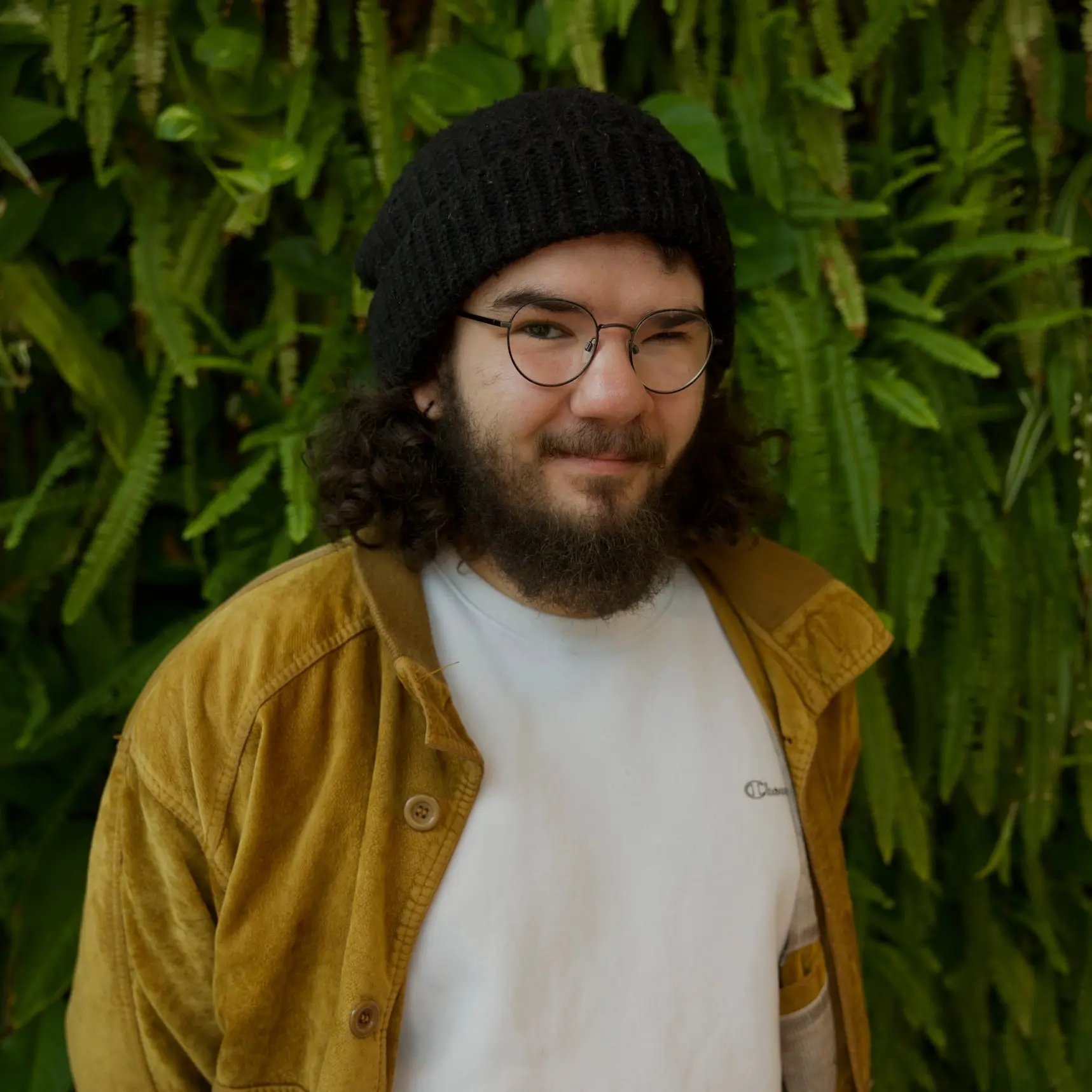
Joseph Bardeloph, Nature Artist
Joseph scans and creates high-fidelity 3D models of vegetation for Lumion Pro. Before freelancing for Lumion, he studied computer arts and later got a master's in technical arts, with a focus on scanning techniques and creating realistic natural environments for real-time rendering. Observing and reproducing nature in 3D is a deep passion for him, intertwined with his love of exploring the great landscapes of Scotland.
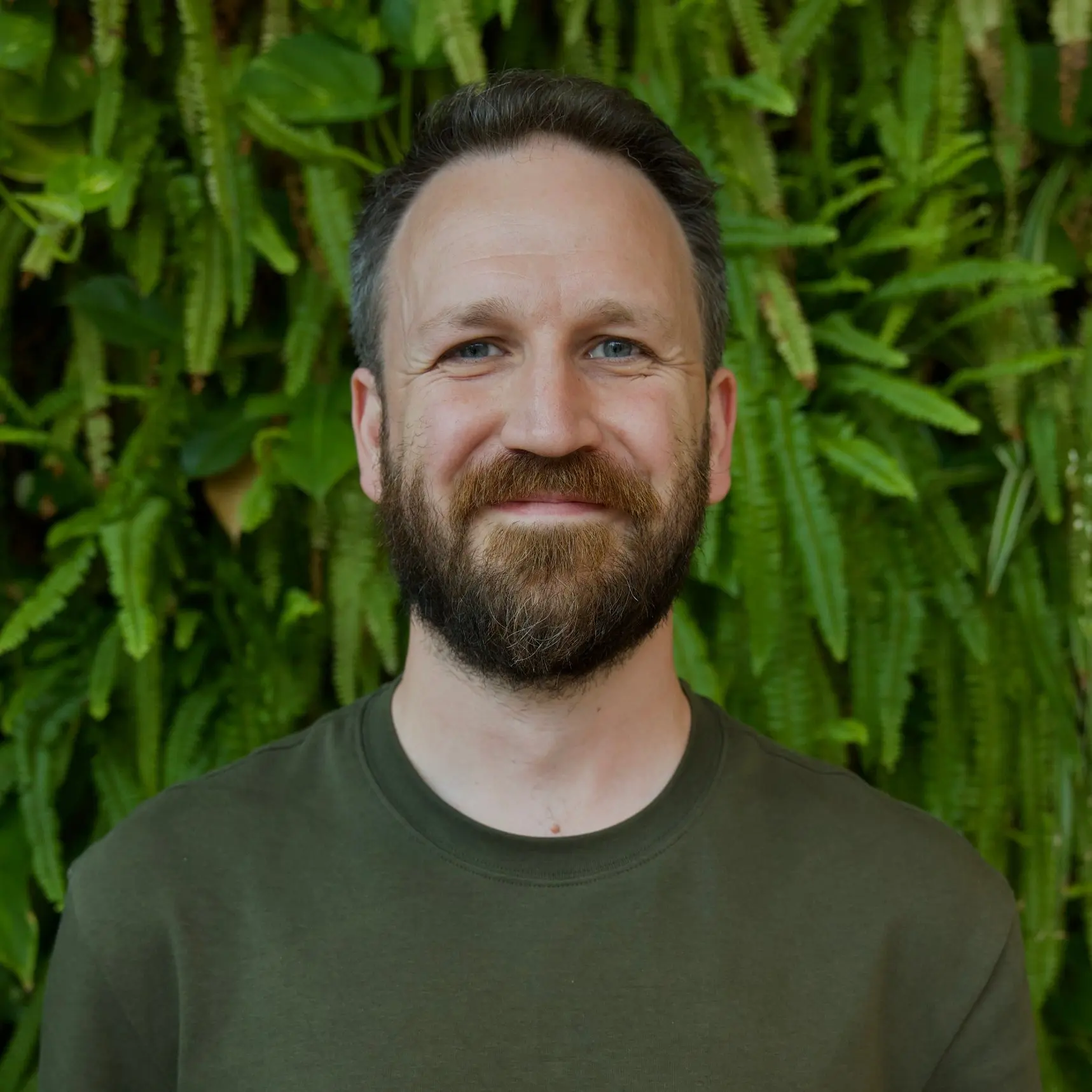
Alex Wood, Nature Artist
Alex creates highly detailed and realistic 3D plants and trees for Lumion Pro. Before joining Lumion, he worked as an archaeologist for 7 years before retraining as a 3D artist at Abertay University. Alex seems unable to escape his last name, having previously trained as a wooden artefact specialist, undertaking green wood working in his spare time and now making 3D models of trees on a daily basis
A deeper look into the process
Why does an archviz company need its own nature team?
Joseph: Vegetation has always been one of the hardest things to get right in real-time tech. A tree is made of thousands of parts, and grass means scattering thousands of assets. It's also a load-bearing asset: everyone knows what a tree looks like, so a bad one instantly gives away a CGI render. That's why vegetation is one of our users' most requested asset types.
Where does a new tree asset start?
Joseph: Outside, with a real one. All our nature assets are now sourced directly from real plants, which gives the highest quality and is often quicker. For trunks, we use photogrammetry: taking lots of photos of an object and turning them into a 3D model. My kit includes:
A camera on a monopod, to reach high enough to capture the base of the branches.
A ring flash, for flat, consistent lighting, so you have full control over the lighting in your own scene.
It looks a bit silly in the park, but onlookers are usually delighted when they find out what I'm doing.
How do you capture leaves and flowers?
Alex: We use a technique called photometric stereo, with a setup that's portable by design.
Some plants start to wilt as soon as you pick them, so rather than bringing them back to a studio, we bring the studio to the plant. Most setups like this need a dedicated studio. Ours can go anywhere. We take the plant apart piece by piece, right where it grows, and photograph it with:
A blacked-out hood with LED strips, to control the light direction and create detailed normal maps.
A light bed underneath, to capture how light glows through a leaf.
From just 10 photos, we get clean, detailed textures. I used to spend a whole day sculpting a single leaf by hand. Now it takes a couple of hours.
How does a scan become a 3D model?
Alex: We cut the textures into pieces in Blender, shape each one using the real plant as reference, and reassemble them, petal by petal for a rose. One scan goes a long way: from one white rose, we made pink and red versions too.
Joseph: For trees, we combine the scanned trunk and leaves in Natsura or SpeedTree and grow the canopy from the real scan.
What makes this approach special?
Joseph: We're the only archviz company that produces photo-scanned assets in house for its users. The scans are future-proof, too: we capture more detail than today's hardware can use, so we can bring it into the engine as technology catches up.
And seeking out the real species teaches you things you'd never notice otherwise. Our old version of the Weigela was an outdated, generic bush. When I scanned a real one, I saw that it flowers in spring, so we made a flowering variant alongside it, in a few different sizes too.
Couldn't AI just generate these plants?
Joseph: Not at this level. We tested an AI-generated monstera side by side with ours, and the wireframe shows the difference straight away.
Alex: At a glance it looks okay, but up close you see merged leaves, leaves cutting through each other and floating pieces. AI trees are just clouds of green. There's so much individuality, even within one species, and that's really hard to replicate.
How has AI helped?
Joseph: We explore every technology that helps us work faster, and machine learning already helps with specific steps in our workflow. But there's no one-click solution for nature.
Alex: The craft is still in the capture and the careful reassembly. AI helps us get there faster.
What's next for your team?
Alex: We're based in Scotland, so the assets we've built using this technique so far have been European varieties, but since our kit is portable, we'd love to scan in other regions, so keep telling us what you need.
Joseph: We'd also love to make localized packs: scan all the species in one area and scatter them by natural rules, so you can build a scene with the plants that actually grow there.
Download free assets
Get your free content pack from our photogrammetry session, ready to use in Lumion Pro.
Simply fill out the form to instantly access and download the file.
New to Lumion Pro? Try it free for 14 days.