SPEED
Fast from the first click
Open the software, load your project and begin working in seconds:
Up to 7.5x faster start-up
Up to 2x faster import and rendering
Lumion Pro in 2027
It opens in seconds, shows the final look while you design, and keeps every idea you try. Included with your subscription.
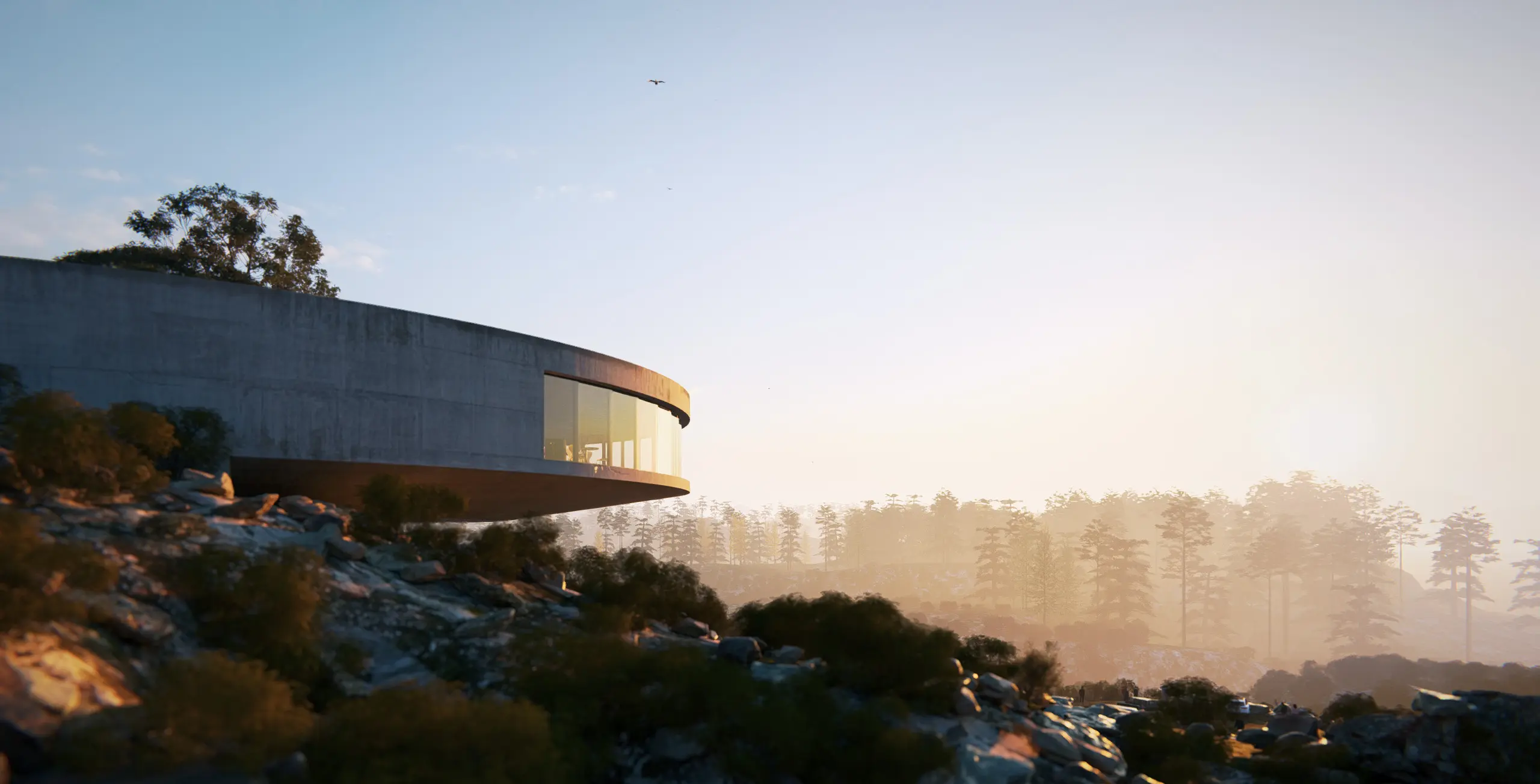
Lumion Pro keeps its simplicity and style, but its engine has been retuned. You'll notice the difference from the first click.
SPEED
Open the software, load your project and begin working in seconds:
Up to 7.5x faster start-up
Up to 2x faster import and rendering
QUALITY
Fully path-traced throughout build and render modes, with sharper shading and reflections:
Full-scene path tracing, no exceptions
Path-tracing in Build mode by default
CONTROL
Full project history across every mode — even between sessions:
Undo and Redo across every mode
Built-in version control
LIGHTNESS
Cloud-based content library cuts local install size by 90%:
Under 1GB installation size
Redesigned library with better search, filters, previews, and a detachable window
FUTURE-PROOF
The new engine now unlocks:
AI that integrates directly into Lumion
Built-in Cloud and API services
New features ship much faster
Bigger projects used to mean longer waits. The new Lumion Pro opens in seconds and loads projects in a fraction of the time. Model imports and renders are up to 2x faster too.
Lumion now becomes a tool you can open live in a client meeting, instead of preparing everything beforehand.
Start-up time from 83s down to 11s, example shown on an RTX 5080.
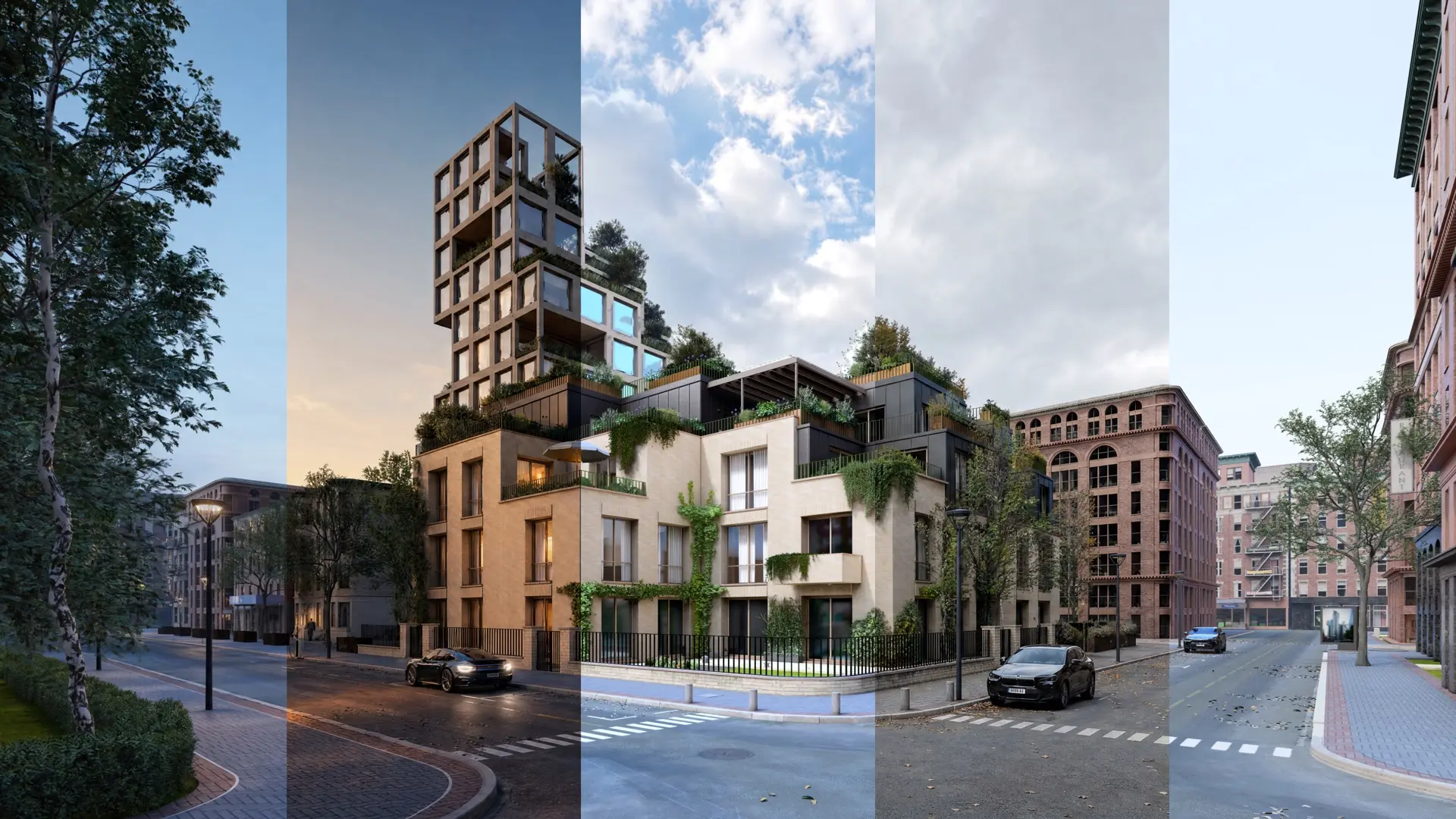
Now Build mode is path-traced by default, with no toggle and no separate mode. Change a material or the lighting and you see the real result, not an approximation.
The full scene is now path traced, including grass, foliage and fur with wind, and animated characters — no exceptions.
Ray tracing in build mode by default
The new Lumion Pro records each step, in every render mode, and keeps a living history with your project, even between sessions. Undo, redo, and delete objects safely with just a keystroke.
Lumion's extensive library used to sit on every machine, and finding a model meant browsing folder by folder. Now, it lives in the cloud, removing the need to browse folder after folder to locate items. Assets download when selected, so you only install what you use.
Under 1GB install. Quicker to set up on every seat.
Better search, sort, filter and preview in one place.
Resize the Library, place it beside your scene, or move it to a second screen.
Sign up to receive the latest updates, previews, and opportunities for early access to the upcoming version of Lumion Pro.
Coming early 2027 as part of your current subscription.
Existing projects open and work as before.
Hardware requirements stay the same.
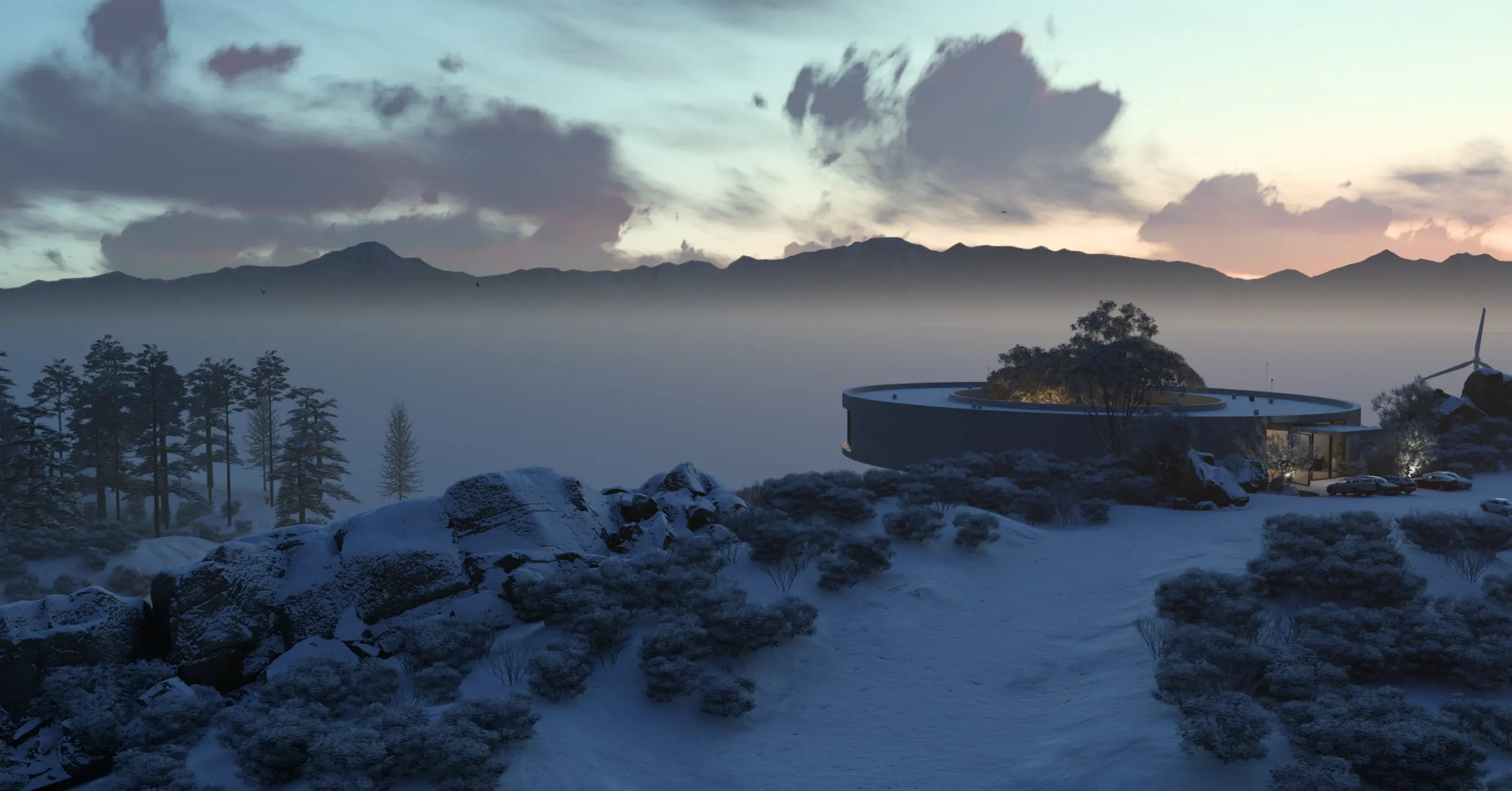
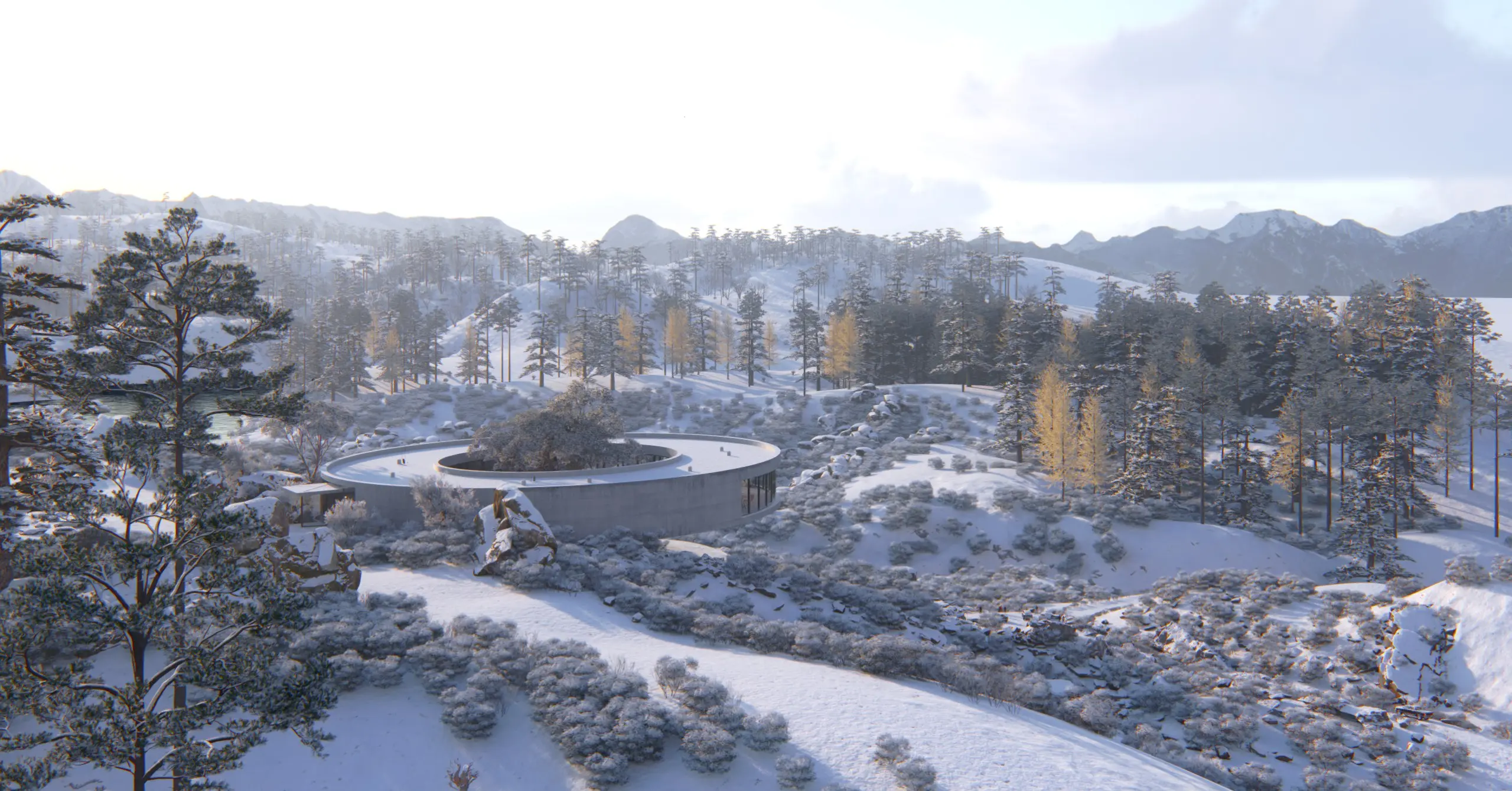
The next Lumion Pro ships with new tools across the workflow. The new engine allows for bigger, more frequent updates, with new AI integrations on the way.
The next version of Lumion Pro is coming early 2027. Sign up and you'll hear the date first.
Yes, at no extra cost, if your Lumion Pro subscription is active at release.
Yes. Existing projects open and work as before.
No. Hardware requirements are the same as today.
Sign up here to hear about opportunities for early access.
No. Everything here is in development with more features available at launch. Images and clips come from current builds.