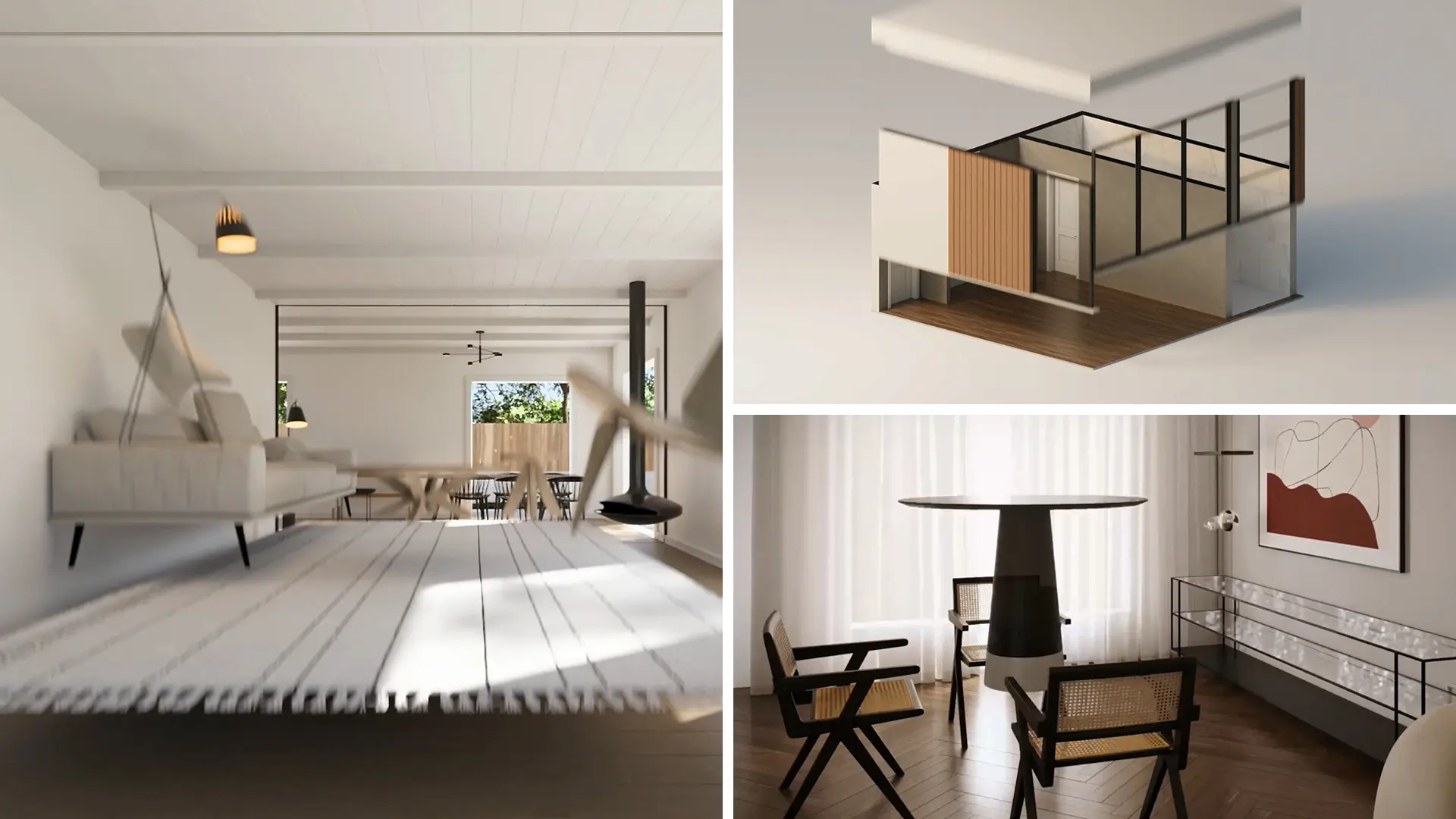
Architectural animation software
Make walkthroughs and flythroughs in-house, from the model you already have.
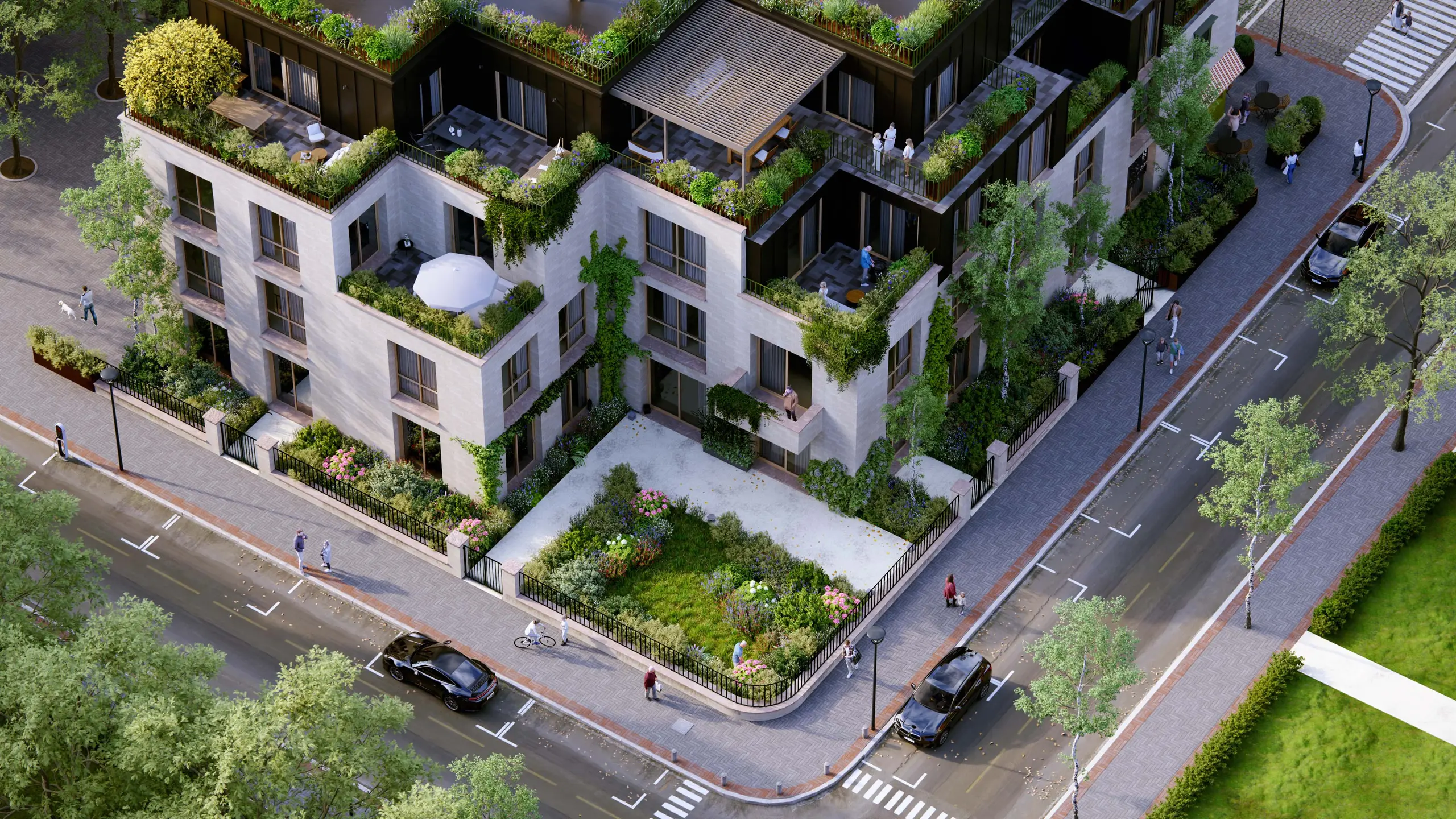
Create architectural animations built from your 3D model
A still shows a building from one spot. A walkthrough offers something more immersive, which is what clients and competition juries want to see. When a studio's quote for that clip is too high or too slow, you can make it yourself, with Lumion Pro.
Walkthroughs, flythroughs, and build-up sequences
Lumion Pro makes it possible to generate architectural animations with ease. Rendered from a scene built around your 3D model, you can capture everything from handheld walkthroughs at eye level, drone flythroughs from above, to timelapse construction sequences that show how a design comes together. Lumion Pro will allow you to show how the spaces you design are experienced in motion and light, and communicate details a single still image cannot.
Who it fits. Practices that present to clients, planners, and competition juries, and now commission animation or go without it. They model in Revit, SketchUp, or Archicad and work on Windows.
What you get. Camera paths, phasing, and animated people, light, and weather, rendered in Lumion Pro from the same scene as your stills, then reviewed in Lumion Cloud, part of the same subscription.
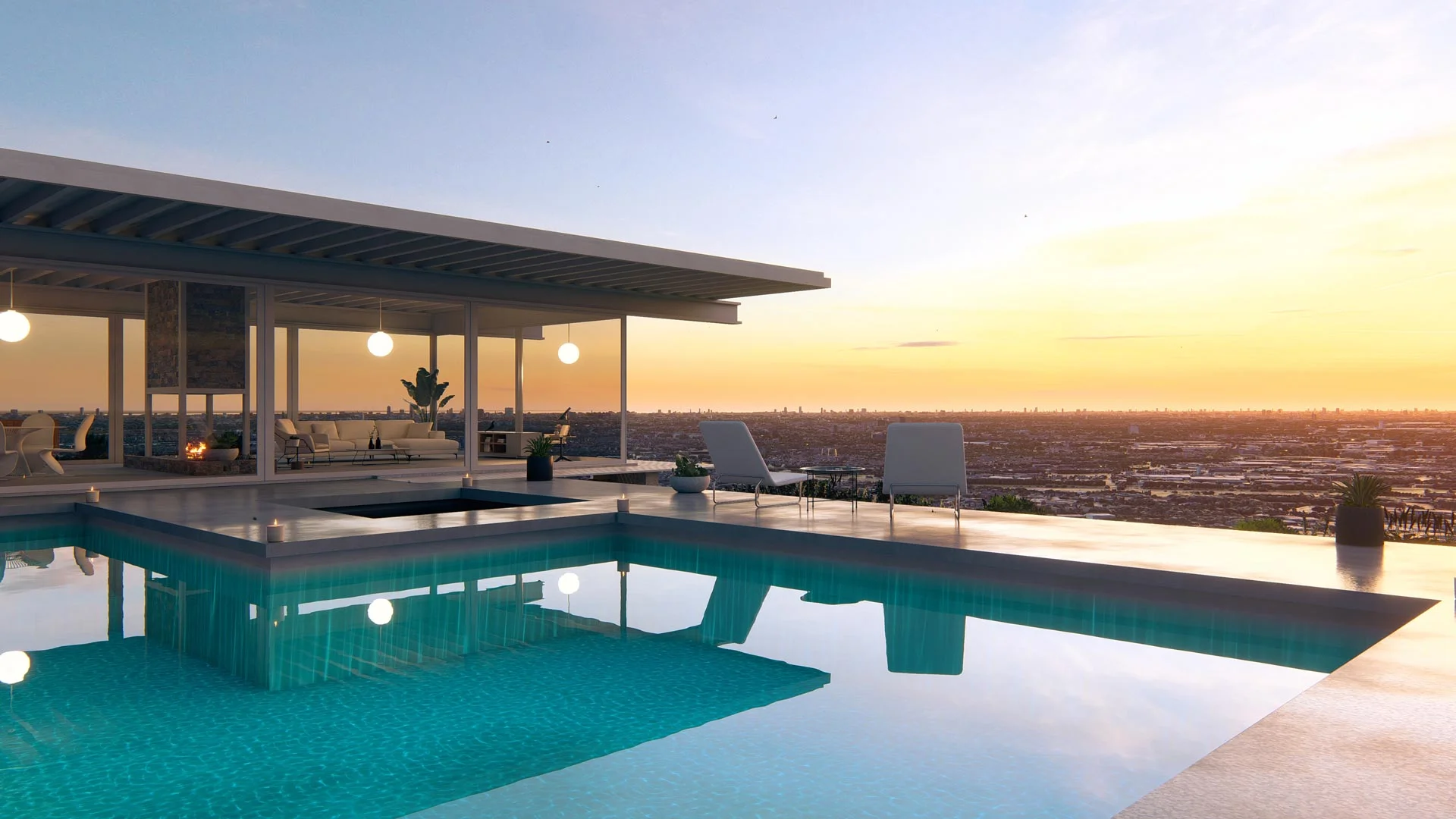
Make a walkthrough or flythrough in Lumion Pro
Link or import your model and open Movie mode in Lumion Pro. For a flythrough, pick a preset path (orbit, dolly, pan or tilt, or follow object); for a walkthrough, record camera keyframes at eye level and add the handheld camera effect. Then render the clip. Presets take a few clicks, so no filmmaking background is needed.
Real-time ray tracing updates light, reflections, and shadows instantly, so the preview matches the final render. Lumion's guide to animating architecture in Lumion Pro walks you through each technique step by step.
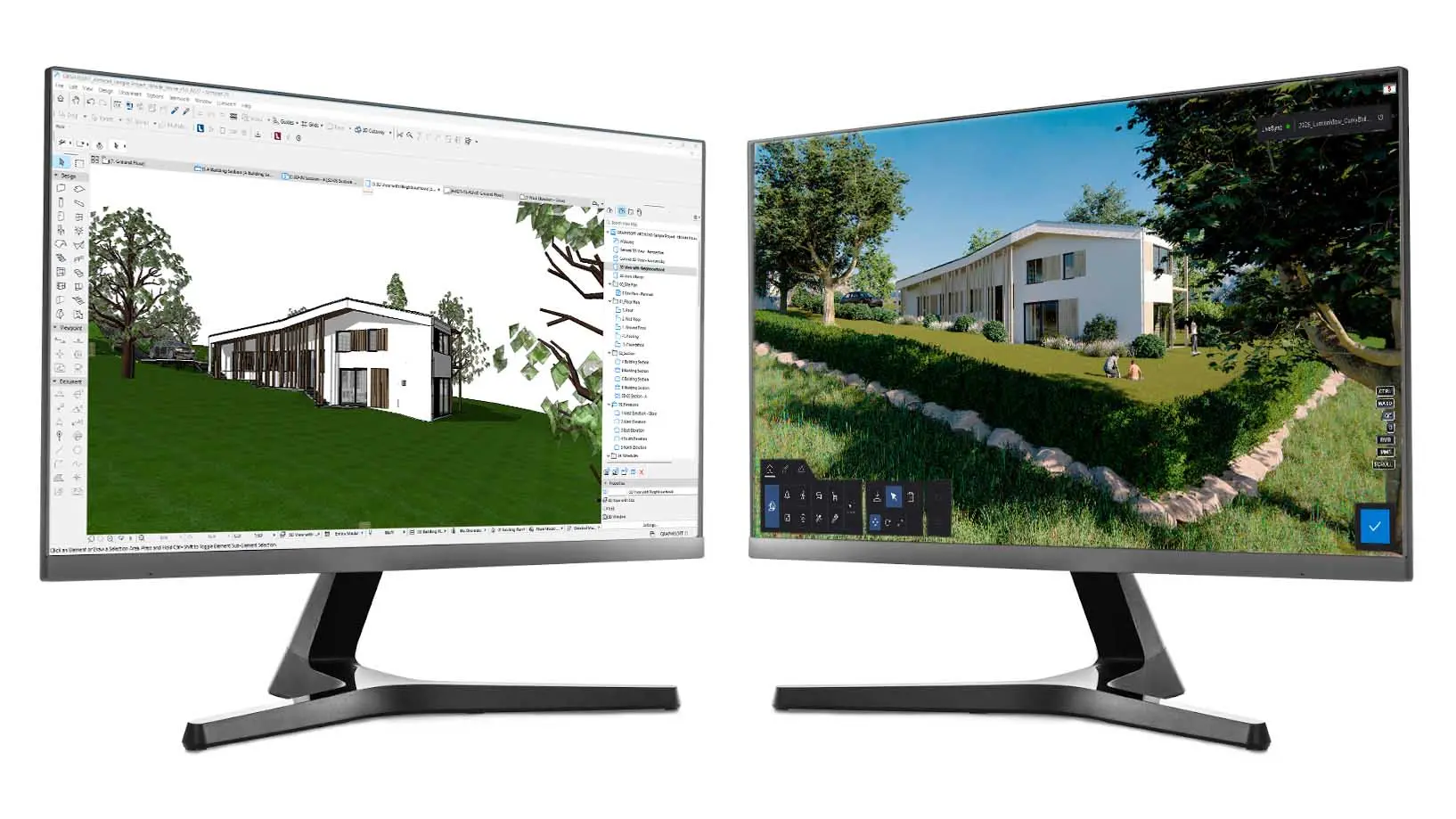
Import the model you already built
Connect your CAD or BIM model through the free Lumion LiveSync plugin and the scene comes across ready to animate.
Set the camera path in Movie mode
Pick a preset camera path, or record your own keyframes. Add the handheld camera effect for the footsteps of a walkthrough or the gentle tilt of a drone flythrough.
Add the phasing and the life in the scene
Assign your objects to layers for a build-up, then animate the people, cars, light, and sky so the space reads as lived-in instead of a bare model.
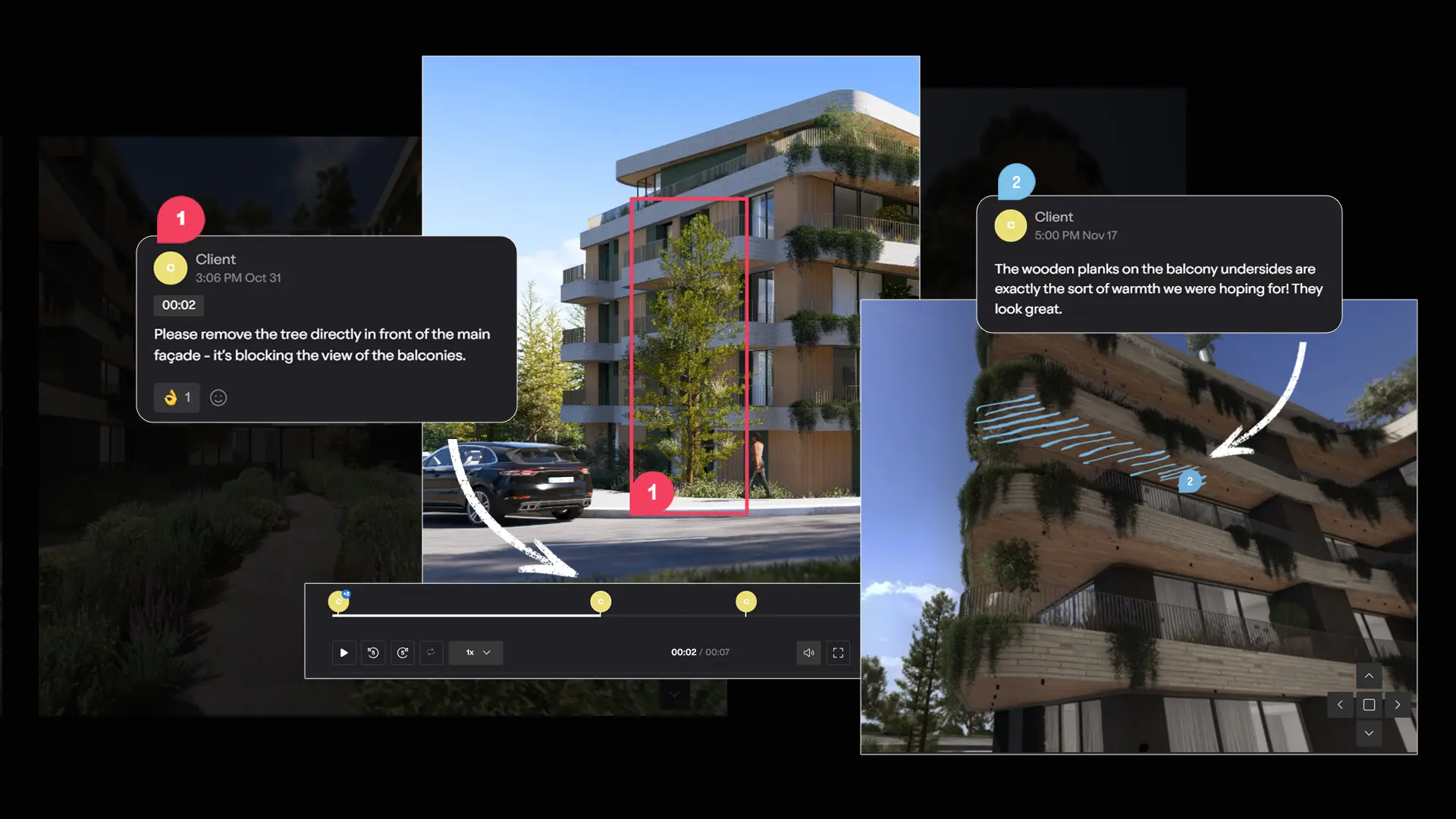
Render the clip and review it in Lumion Cloud
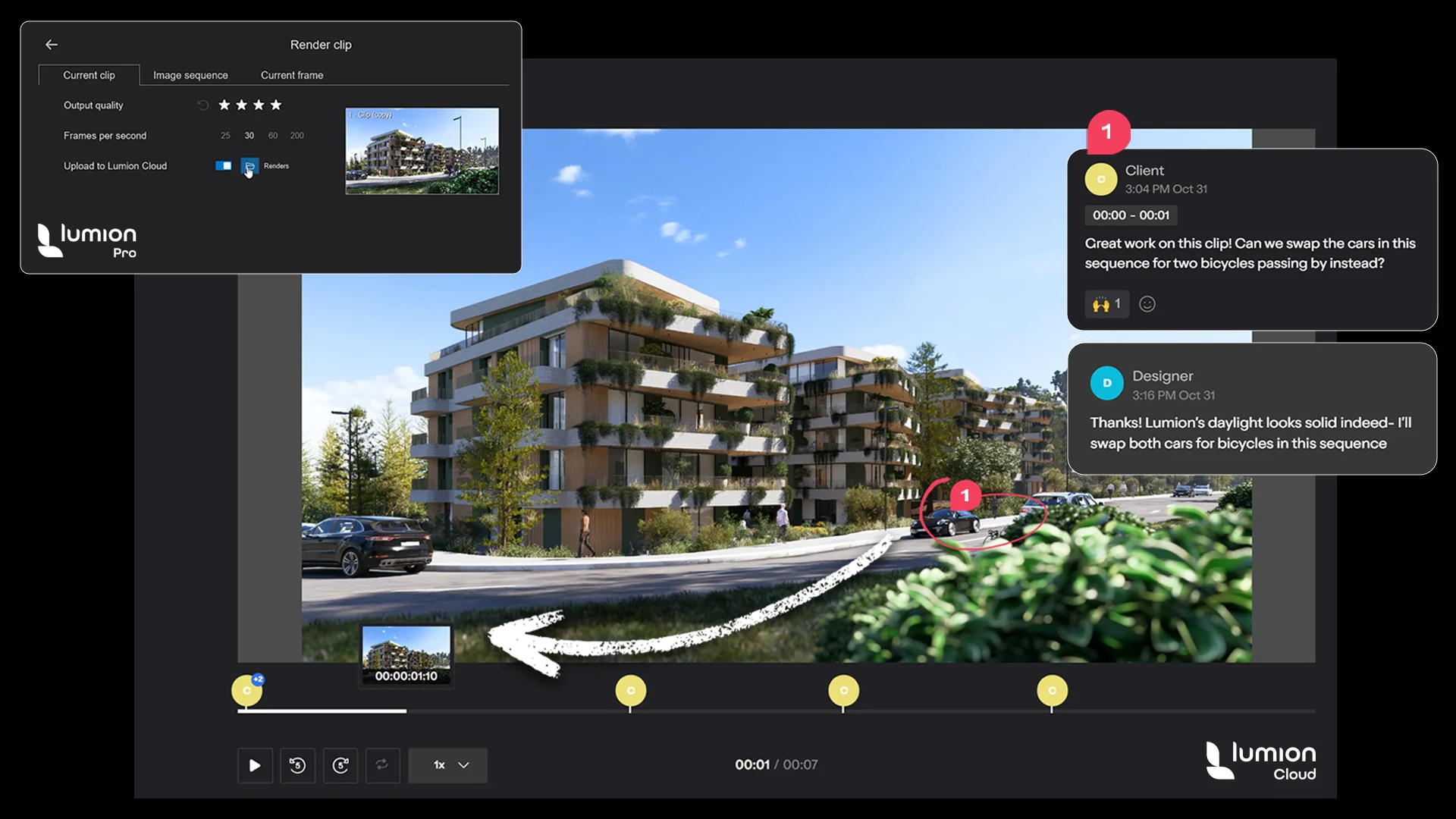
Turn on Upload to Lumion Cloud before you render the clip, then share a link. Reviewers comment on the exact moment they mean.
In-house animation or an animation studio
It is possible to save money on outsourcing renders and create client-ready visuals yourself with Lumion Pro.
In-house, you pay for Lumion Pro, a capable Windows PC, and your time, and you control every revision and its timing. MyArchitectAI's August 2026 price guide puts outsourced animation at $4,000 to $12,000 per minute, with 2 to 3 weeks of turnaround. A studio still makes sense when the film itself is the deliverable or your team has no time.
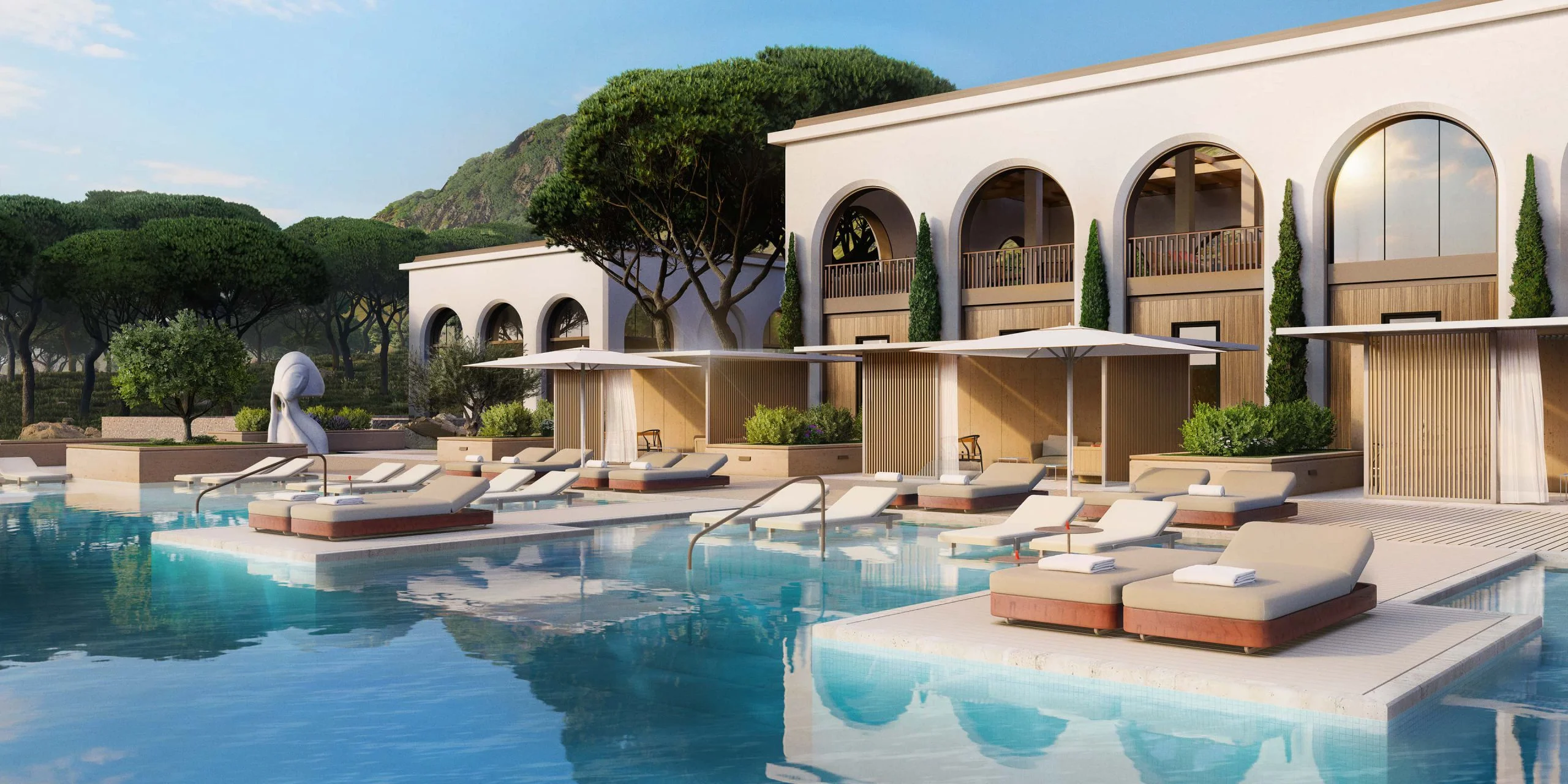
Make it in-house with Lumion Pro
Outsource to an architectural animation company
Cost | A Lumion Pro subscription, a Windows PC that meets the system requirements, and your team's time | $4,000 to $12,000 per minute of animation |
Control | You set every camera move and change it yourself | You brief the studio and review its cuts |
Turnaround | Set by your own schedule and render times | 2 to 3 weeks per animation |
Revisions | A design change means re-rendering from the updated model | A change after delivery can reopen the scope and the fee |
When it makes sense | You need clips often, while the design is still changing | The film is the product and needs a director's eye, or your team has no time |
Good 3D architectural animation services bring a filmmaker's sense of pacing and story, and some of those studios render in Lumion Pro themselves, like Ten Over Media and BEEHIVE below.

Rémi Anfosso
Head Filmmaker, Ten Over Media
Camera movement plays a big role as it sets the tone and matches the client's expectations and emotions.
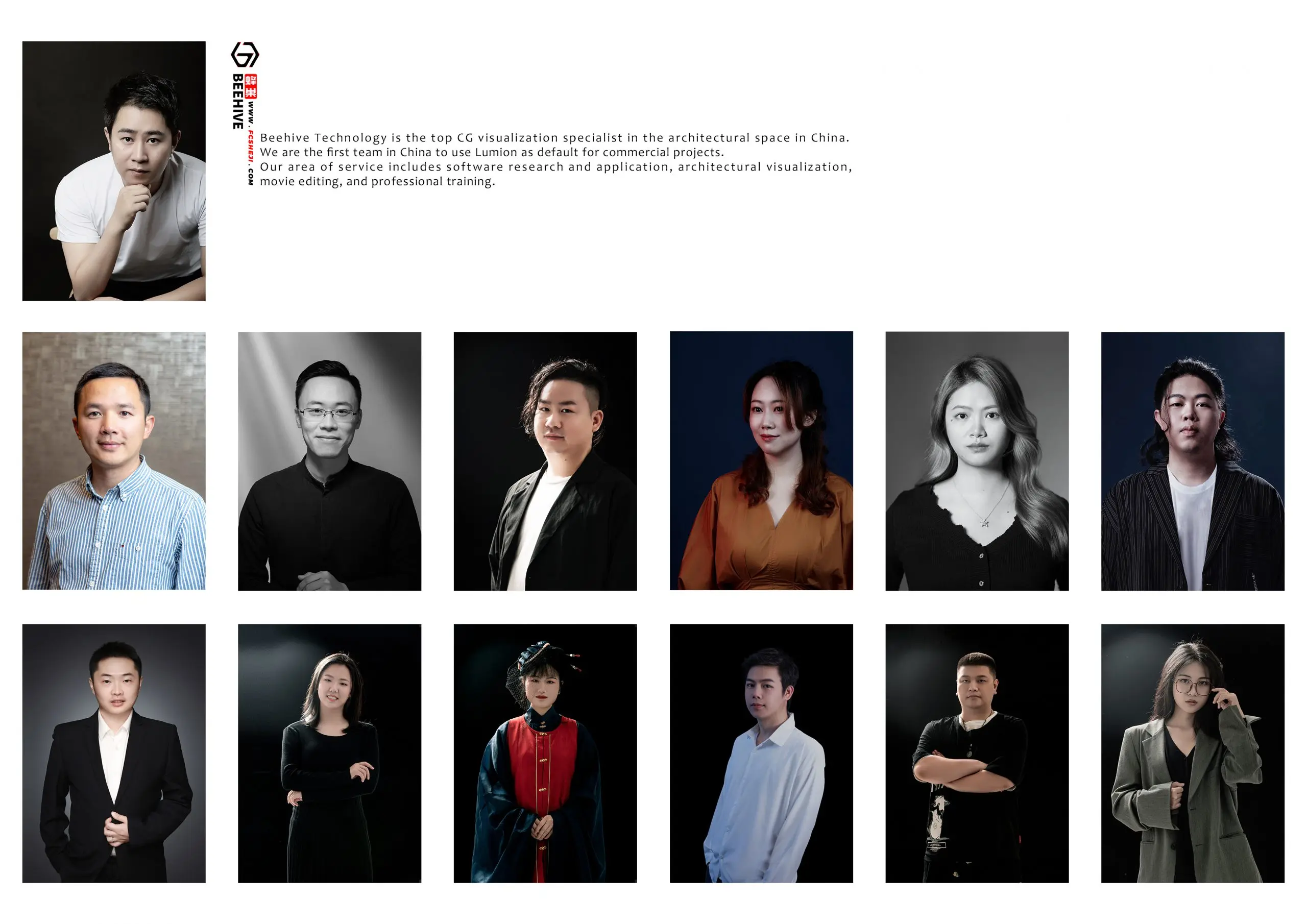
Tang Tao
Founder and CEO, BEEHIVE
We wanted to express our idea in the fastest possible manner so that we can edit, change our idea and improve our creativity as we go.
Production times, from minutes to a month
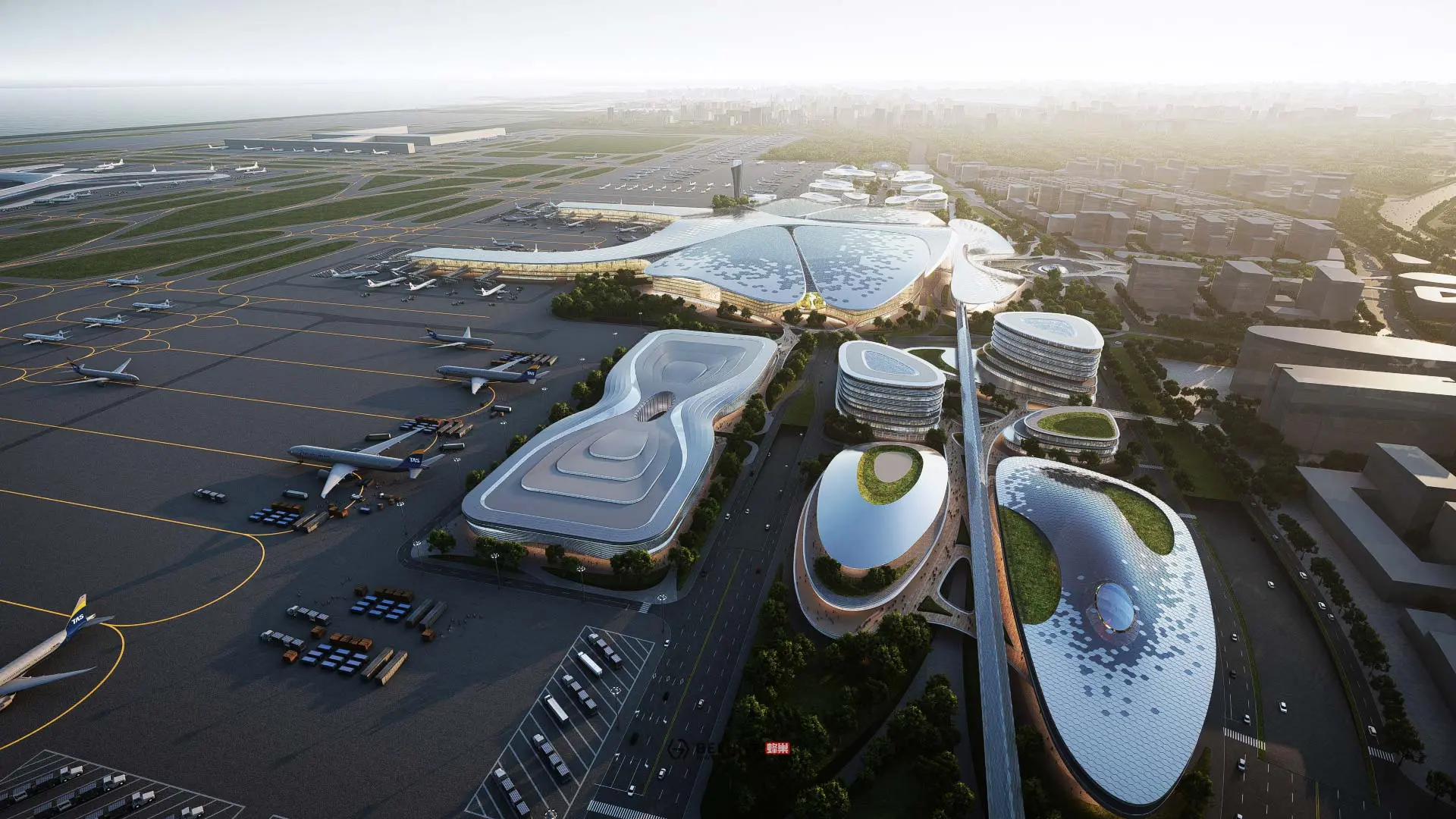
Render time in Lumion Pro depends on the scene, clip length, resolution, and your PC. Lumion's support team reports a ray-traced Full HD clip at 30 frames per second rendering with 1 sample in under 2 minutes on an RTX 3090. At the other end, the studio BEEHIVE built and rendered its city-scale Aedas City film in about a month.
In his interview with Lumion, BEEHIVE founder Tang Tao gave the breakdown for the Aedas City film: "The bird's-eye view took a day to create in Lumion. And the Aedas models and the city took 2 days. That's how long it took to put the scene together [in Lumion]." That scene covered about 600 square kilometers of city; a walkthrough of one building is a far smaller job.
Lumion Pro is considered an easy tool to pick up and get started with. The free trial comes with short video guides and a practice model, to help with onboarding. Additional tutorials are available for advanced use, and all new Lumion Pro subscriptions include a free onboarding program and an on-demand workflow training session.
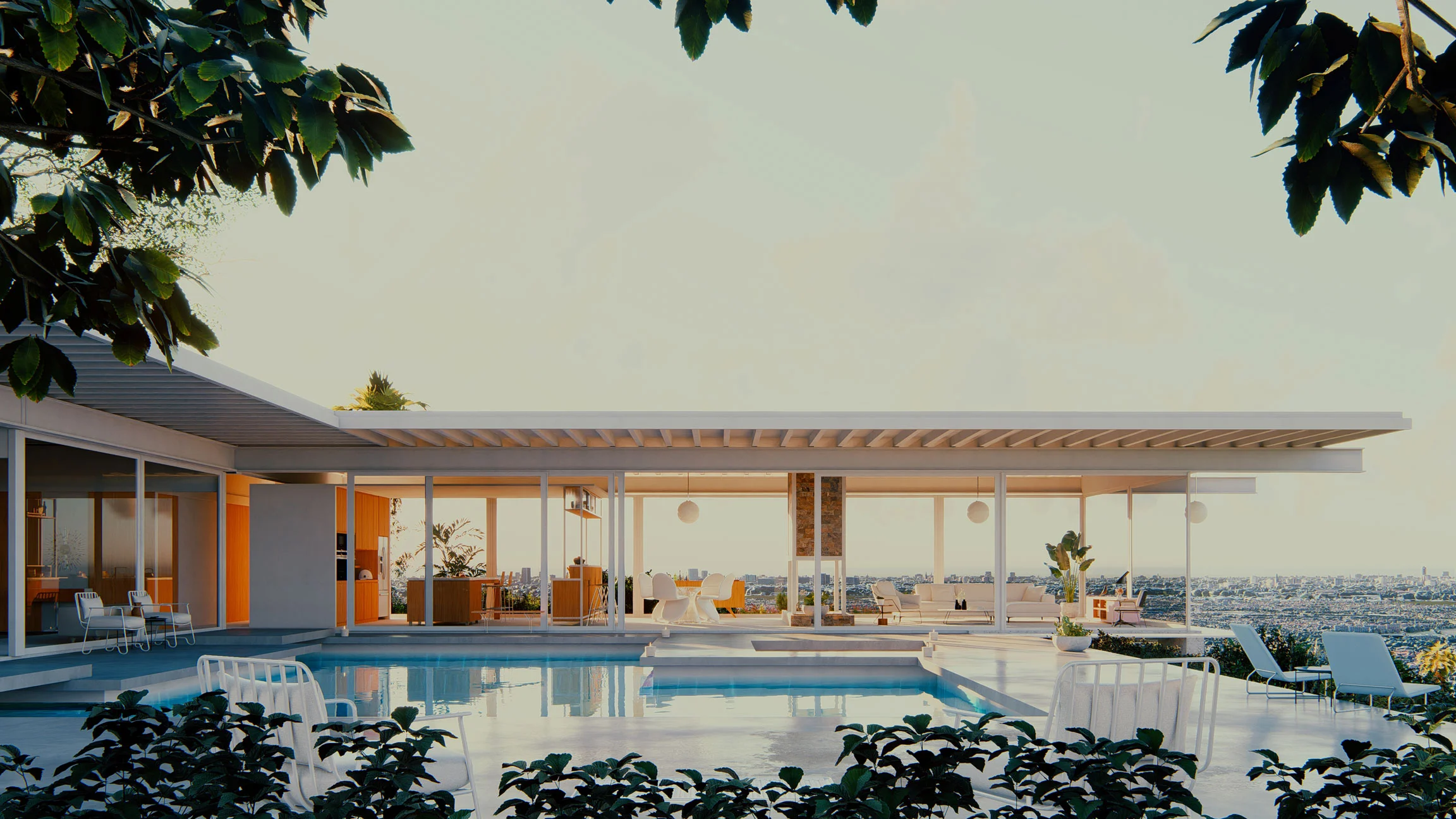
Animate the camera, the building, and the life in a scene
In Lumion Pro you can animate camera paths, people, traffic and other moving objects, trees and weather, the time of day, and phasing animations that build the design in stages. Animating the sun or clouds across a clip gives a timelapse from day to night.
All of it happens in the same tool you render stills with.
Animate the camera path for a 3D rendering walkthrough
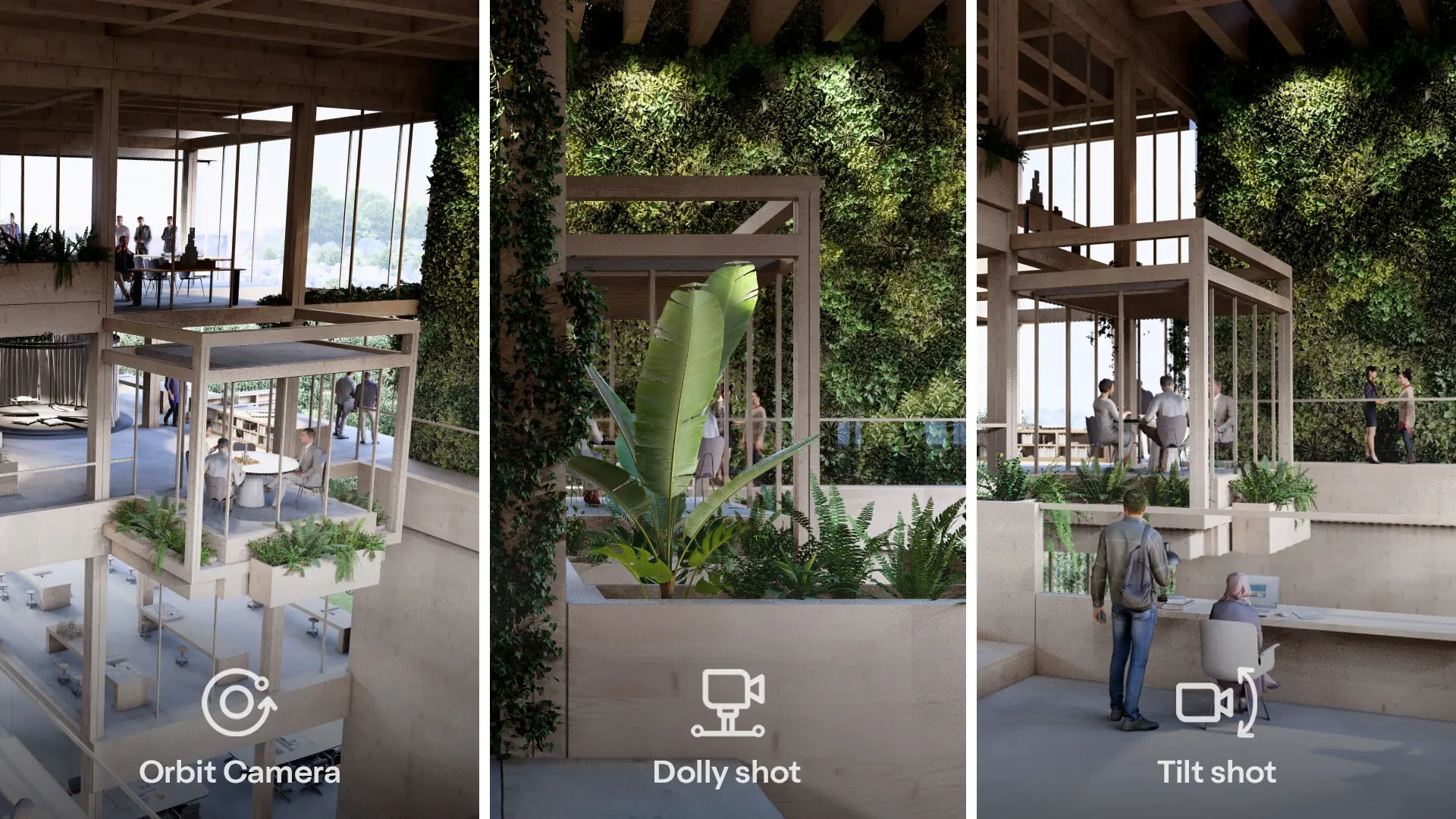
Lumion Pro's Movie mode has four preset camera movements: orbit path, dolly shot, pan or tilt shot, and follow object, which tracks anything already animated. If a preset is not enough, a camera path built in 3ds Max imports as an .fbx file. For a walkthrough, raise the handheld camera's shake strength so the motion reads as footsteps; for a drone flythrough, use its angle slider.
Animate a building assembling itself
Phasing animations can show a design assembling itself in the order you set: sky drop from above, ground rise from below, pop in from a center point, or implode toward the center. Layer visibility does the same for a presentation build-up, keyframing furniture, planting, and context in one after another.
Animate the life in a scene
Animate people and cars, and set wind speed and cloud direction as animated effects, so the sky is not a photograph behind the building. Keyframe the Sun or Sun Study effect to move the time of day. Lights animate too: import them with your 3D model, animate their colors with keyframes, and use the stagger slider to switch them on at different times.
Client review of animations in Lumion Cloud
Upload the clip from Lumion Pro to Lumion Cloud, which is included in the same subscription, and share it by link or QR code. Clients open it in a browser with no install or account, pause at any frame to comment, or drag along the timeline to comment on a sequence. Each comment shows on the timeline.
Lumion Cloud is included in all Lumion plans, with up to 20 projects and 50 GB of storage. See how to collaborate on videos in Lumion Cloud.
Try it on a live project
Animate your next project with Lumion Pro. Sync or import your model, render as many clips as you require, and share your creations through Lumion Cloud. Free for 14 days, no credit card required.


FAQ
Lumion Pro renders a clip or a whole movie as an MP4 video or as an image sequence of every frame. Movie resolutions run from 640x360 up to Ultra HD 4K (3840x2160) at 16:9, with 11 aspect ratios including vertical 9:16 and square 1:1. Rendering at 30 frames per second instead of 60 halves the render time. Lumion Pro runs on Windows, and 4K or ray-traced 1080p clips require 8 GB of graphics memory. Check the system requirements before you install.
No. The four preset camera paths take a few clicks. Walkthrough camera moves, layer build-ups, and light colors use keyframes, which are points on a timeline rather than rigging. If you already use 3ds Max, a custom camera path imports as an .fbx file.
Yes. The Side by Side 3D Stereo effect in Movie mode renders a stereoscopic movie or image sequence that can be watched in 3D on a VR headset.
Yes, for simple animations. A model exported as an .fbx file at 25 frames per second keeps its move, rotate, and scale animation in Lumion Pro. Bone and morph animations are not supported.
Not officially. Lumion Pro runs on Windows and is not officially supported on Mac computers, so the supported setup is a Windows PC that meets the system requirements.
There is a 14-day free trial with no credit card required. It includes every Pro feature and a curated set of essential materials, characters, vegetation, and objects; a subscription unlocks the complete library. Access to Lumion Cloud is available during the trial. Eligible students get a free one-year license that they can renew each year of their studies.