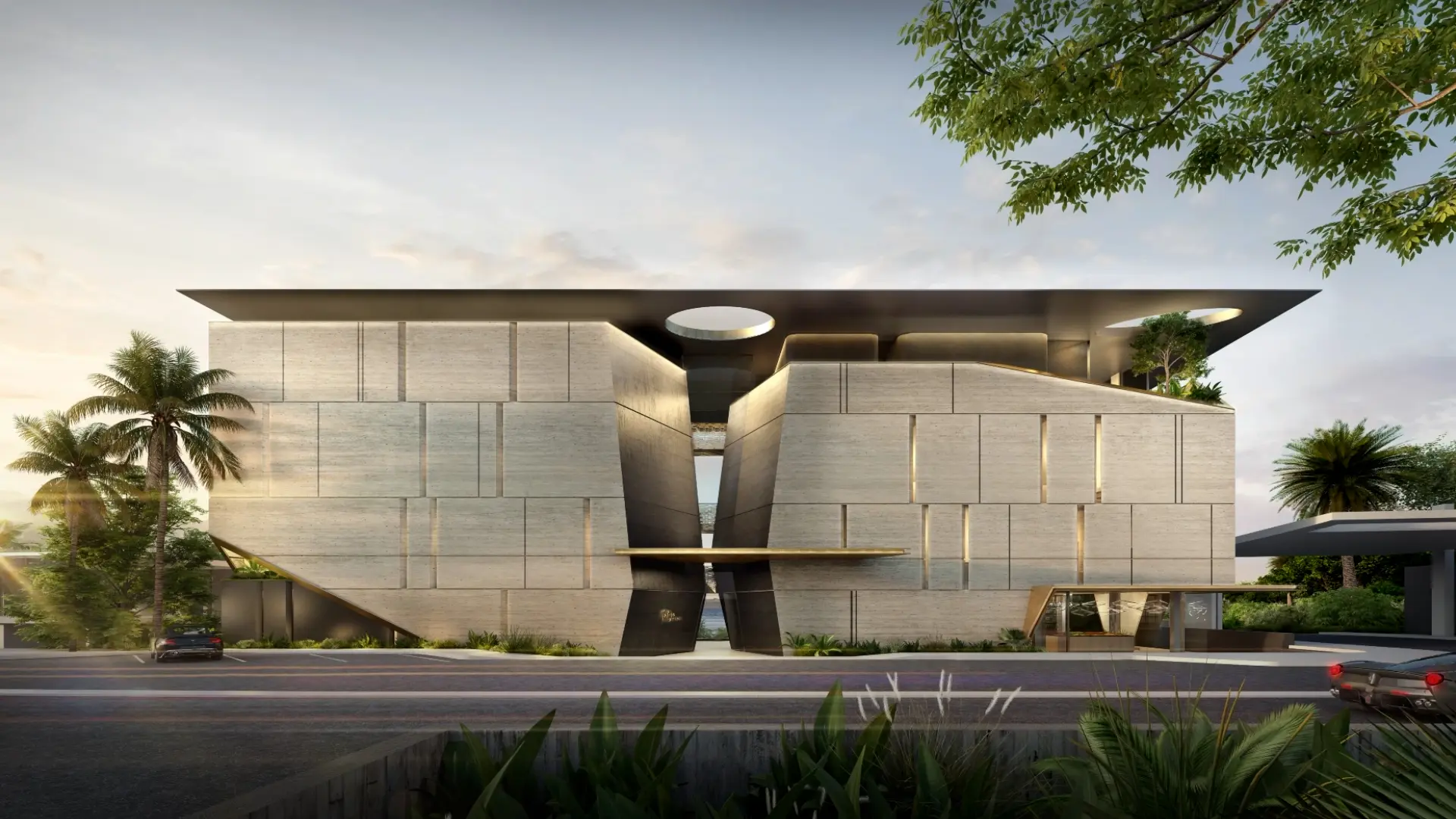
Architectural visualization software
For every project stage: communicate your project from first concept to approval, in its real setting, with visuals the whole team can produce.
From first concept to approval
One scene that carries the project through every stage and every review
When three people create visuals for one project, it comes back three ways
A concept image from one designer, planning views from another, competition boards from a third: when each looks different, clients, planners, and investors struggle to read the proposal. Visualization is how a practice communicates a project, so it has to fit the CAD and BIM tools you use, save the team work, and create output that appears cohesive, and from the same studio.
From CAD or BIM model to approved visuals
Architectural visualization software turns a CAD or BIM model into images, animations, and 360 panoramas that show a design before it is built. Lumion Pro, for Windows, does this in real time. You build your scene and render in Lumion Pro, then refine with AI, gather feedback, and win sign-off in Lumion Cloud: one workflow, one subscription.
Who it fits. Practices that present projects at every stage and want visuals anyone on the team can produce, modeling in SketchUp, Revit, Archicad, or Rhino. Lumion Pro runs on Windows only; there is no Mac version.
What you get. A scene that stays linked to your model through the free Lumion LiveSync plugin, the site and presentation work kept in one place, saved looks the whole team reuses, and review and sign-off in Lumion Cloud.
Save money on outsourcing renders and create client-ready visuals yourself with Lumion Pro.
Visualization at every project stage
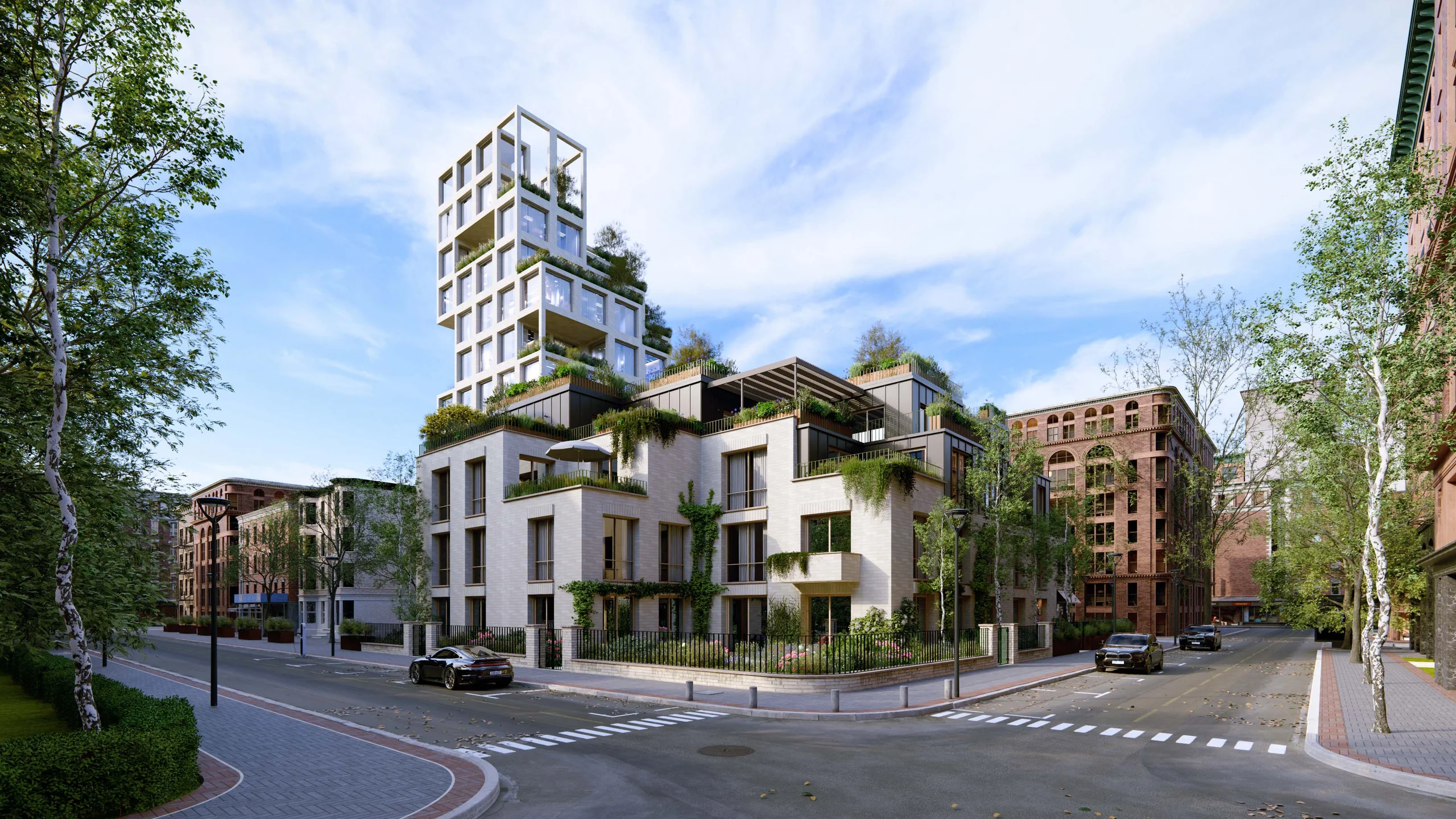
Each stage asks something different of the same model. Concept views test form and scale, design development checks materials and light, planning shows the design in its real setting, and presentations make it clear to a client. Competitions need striking images, and marketing needs finished stills, animations, and panoramas. One linked Lumion Pro scene serves them all.
Agora Architects took its Wilderness house from the first concept through a long planning process. Its interview with Lumion records that the practice's detailed, context-aware Lumion Pro renderings were credited as a deciding factor in council approval.
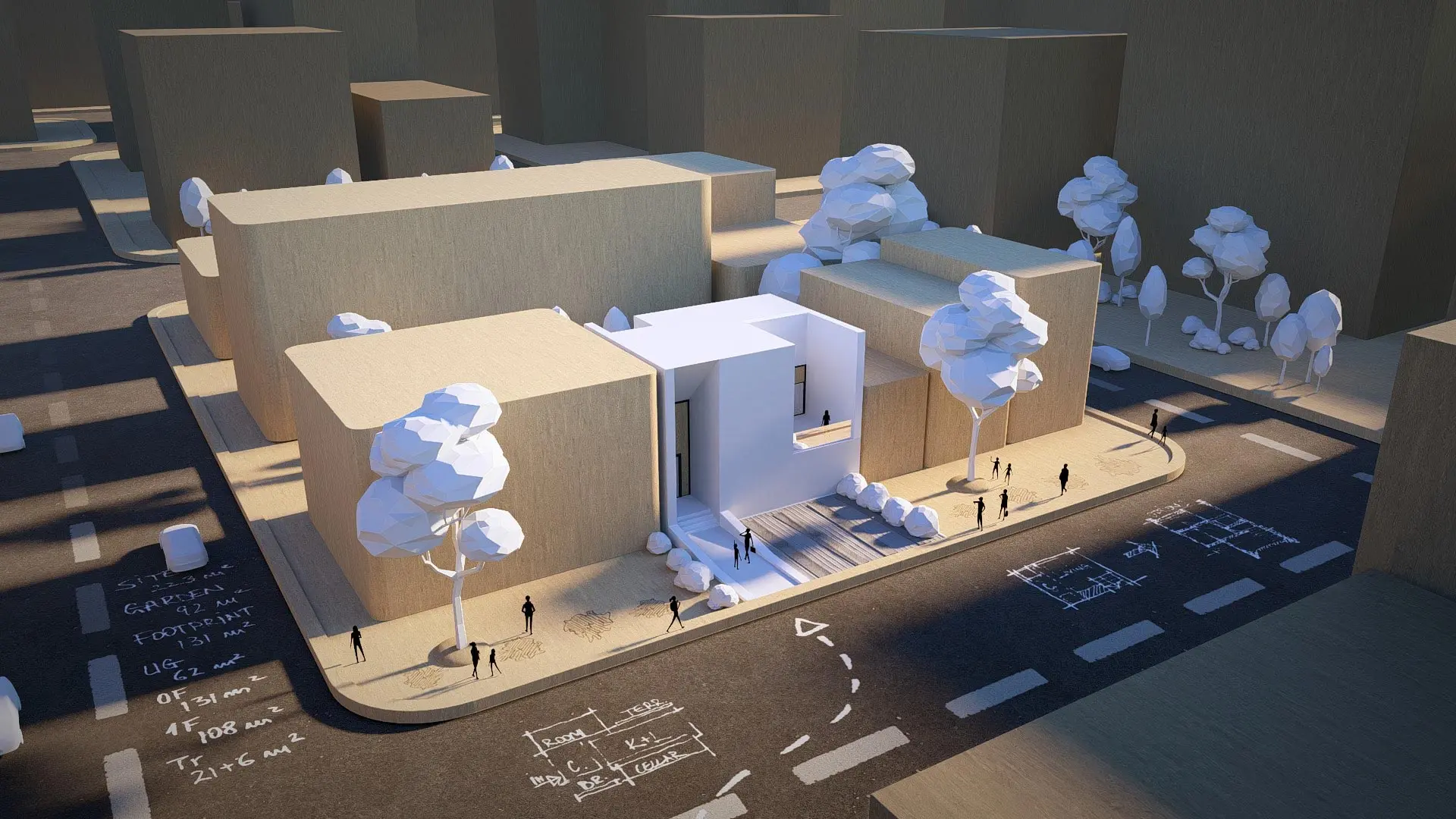
Concept and massing
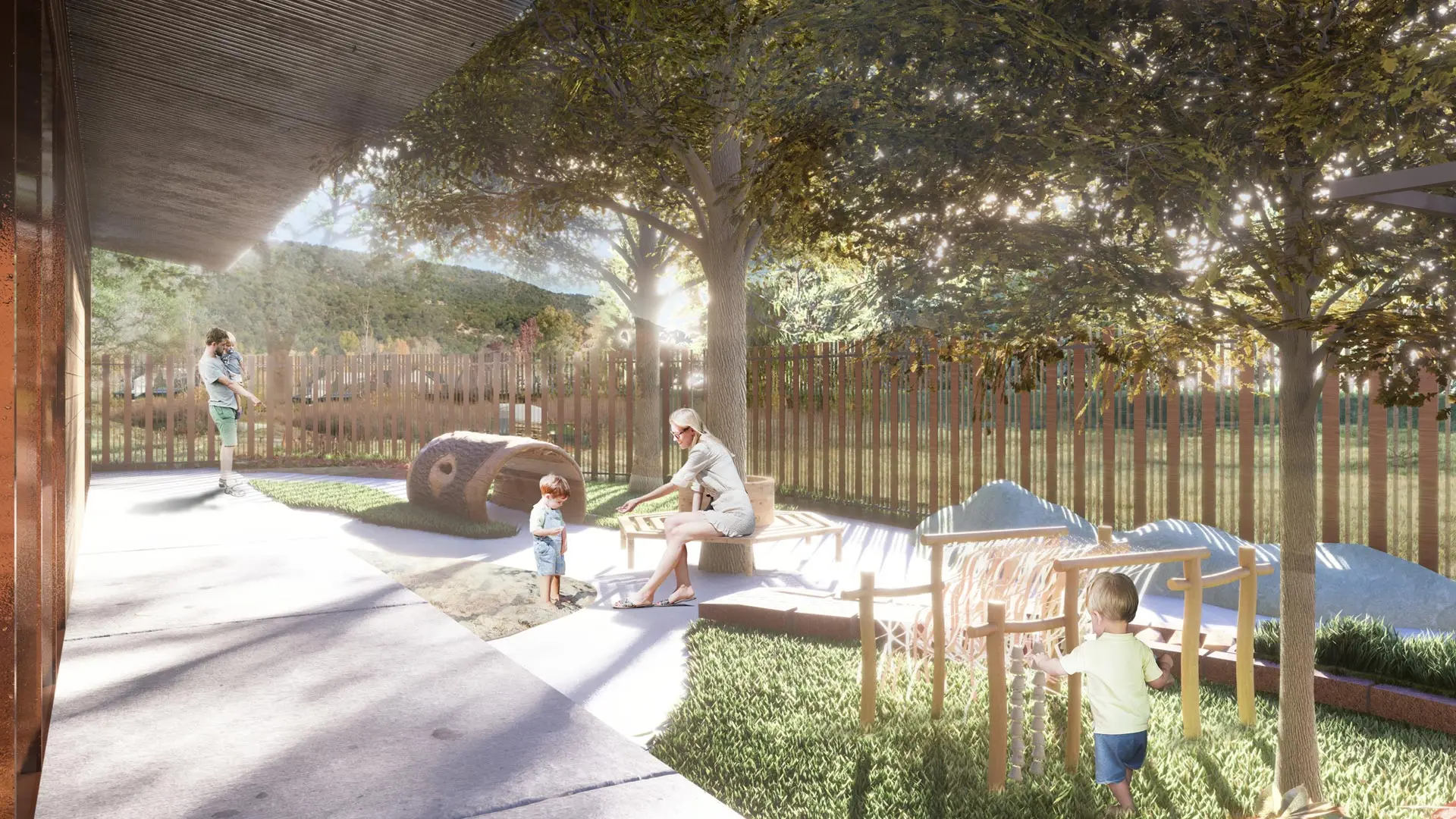
Stylized low-poly nature, people, and objects show scale and activity while keeping attention on the form.
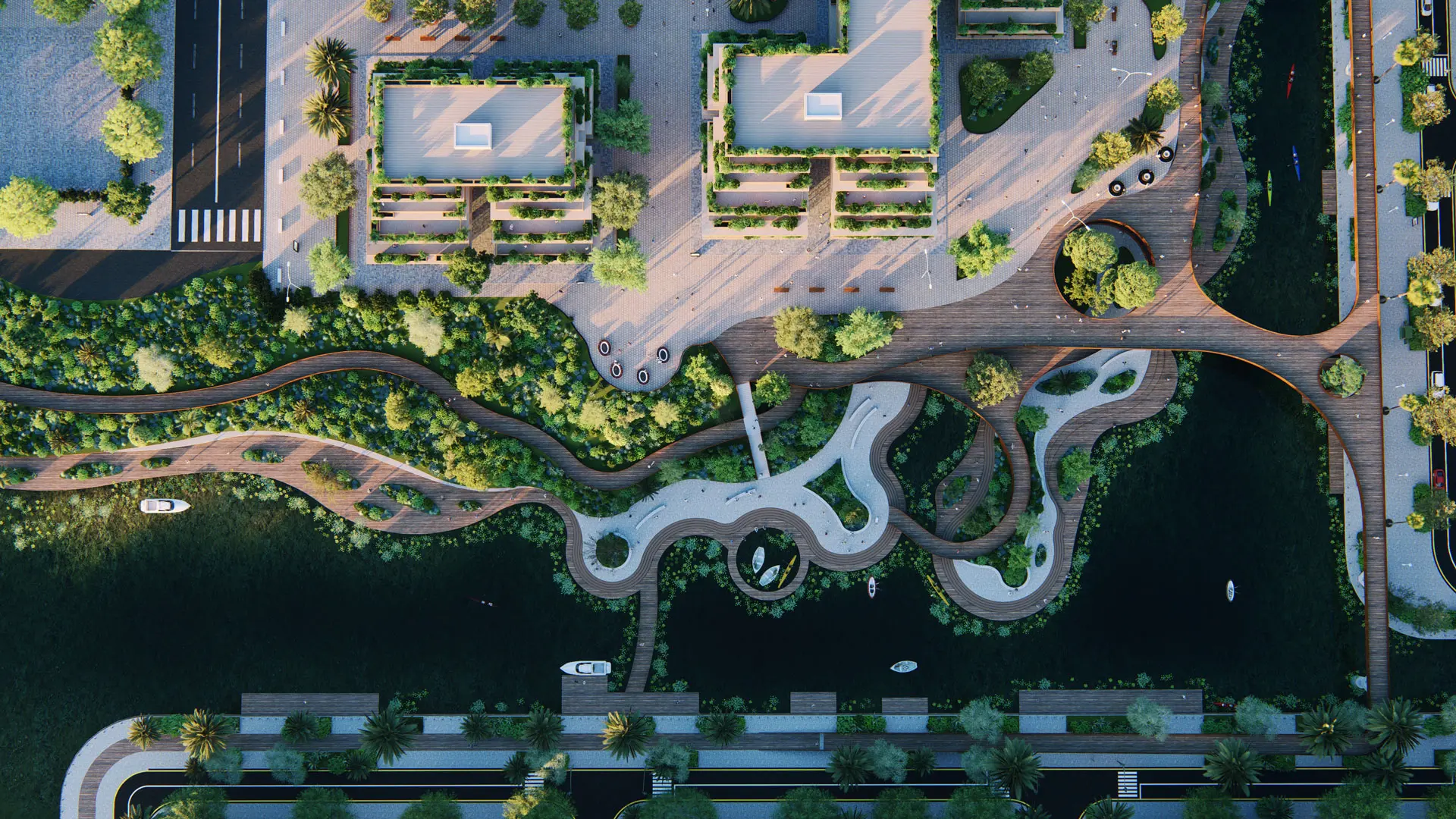
Design development
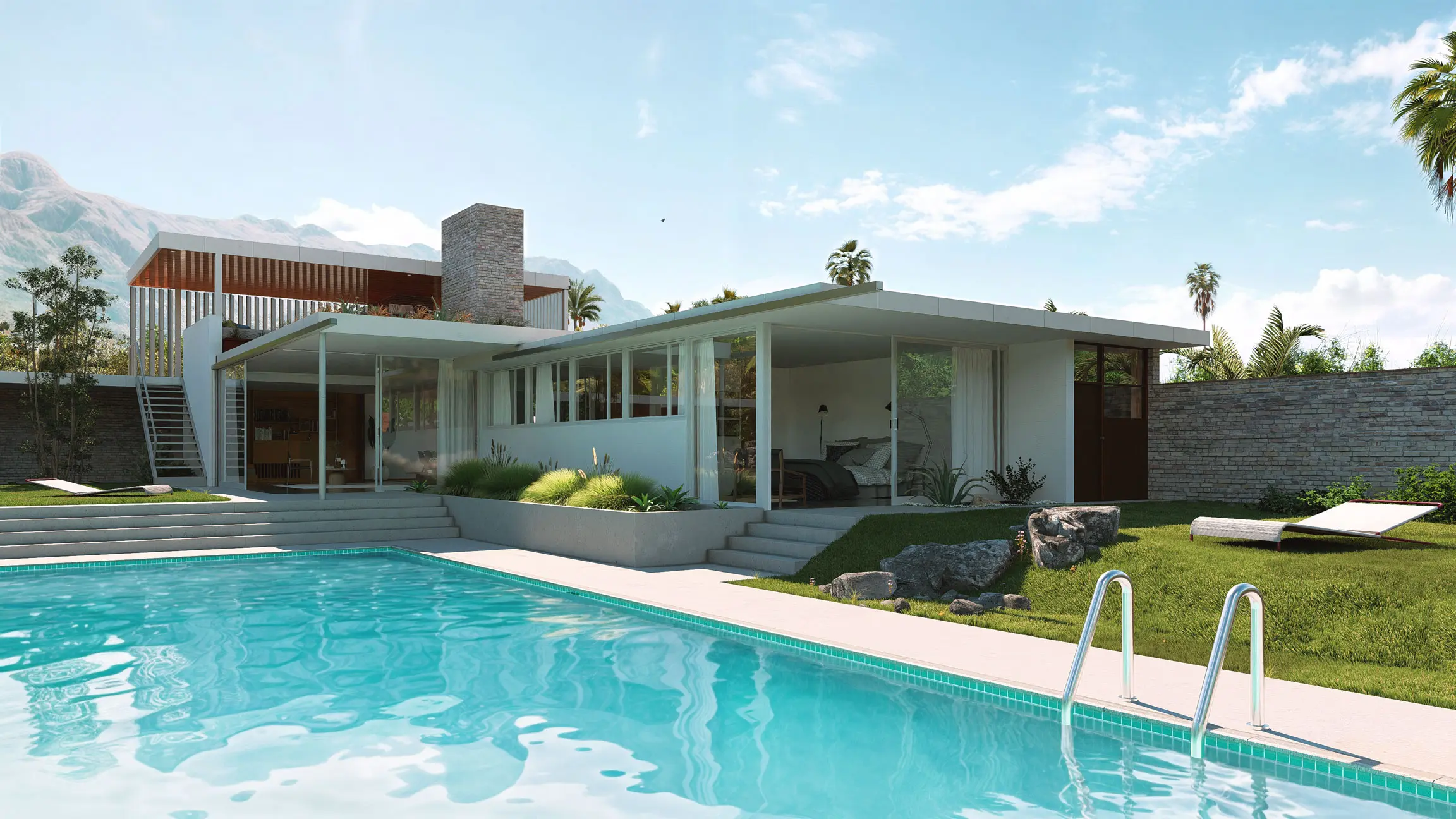
LiveSync carries each model change into the scene, so material and lighting studies stay current.
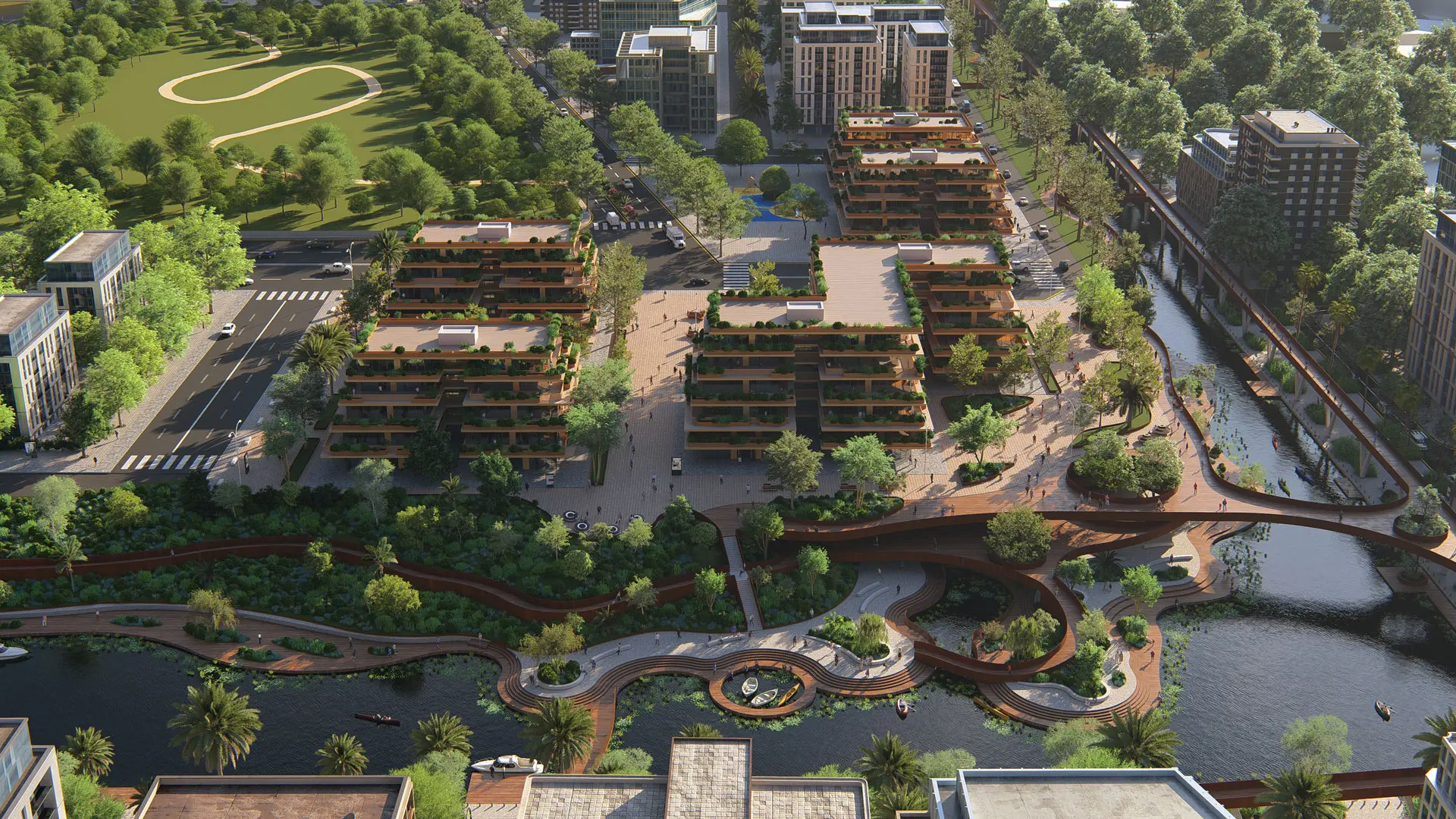
Planning and presentation
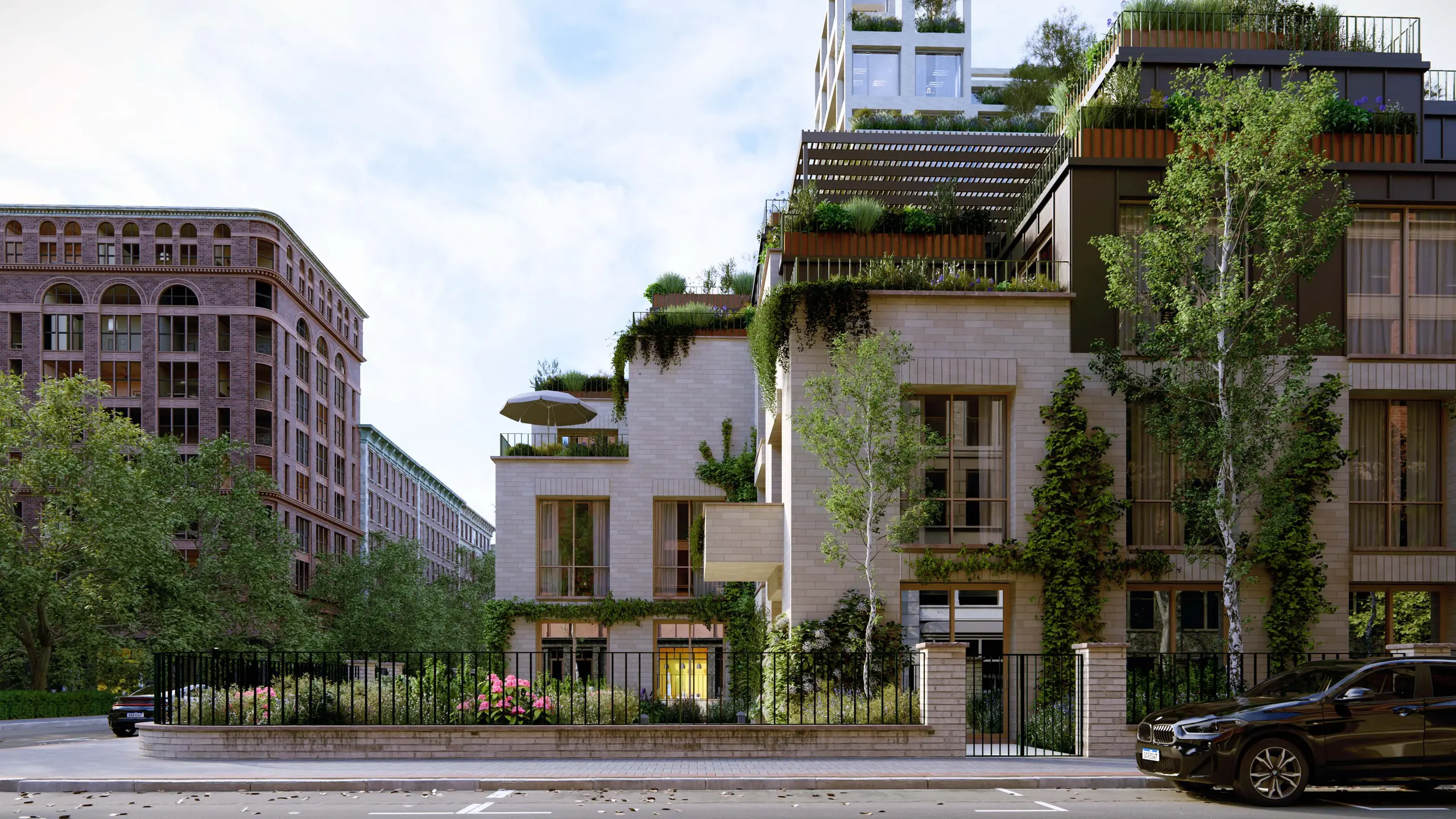
Site context from OpenStreetMap, sun studies, and plan, section, and elevation views for planners and committees.
Competition and marketing
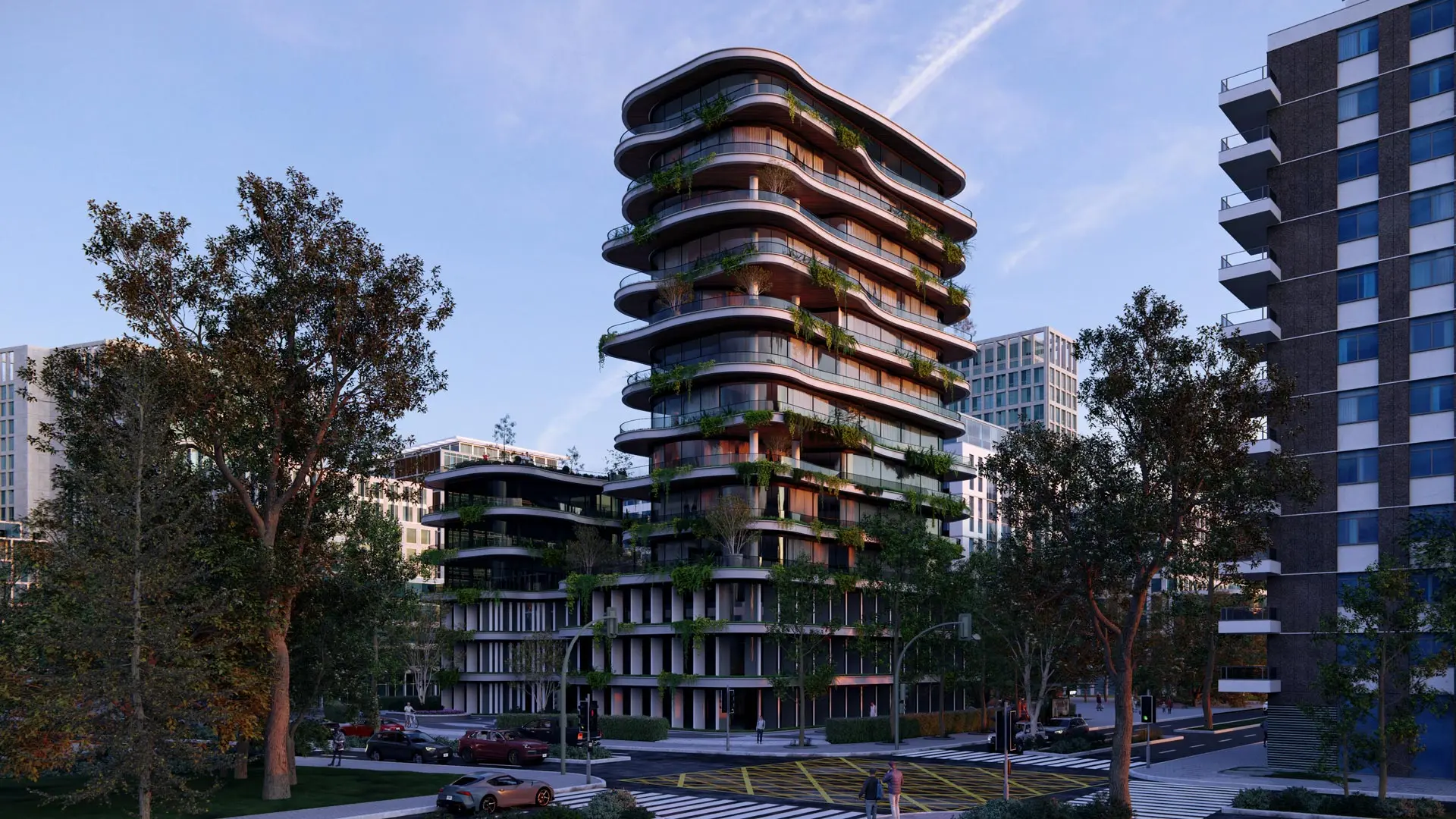
Ray-traced stills, animations, and panoramas, with AI upscaling in Lumion Pro up to 16K for boards and banners.
Show the design in its real setting
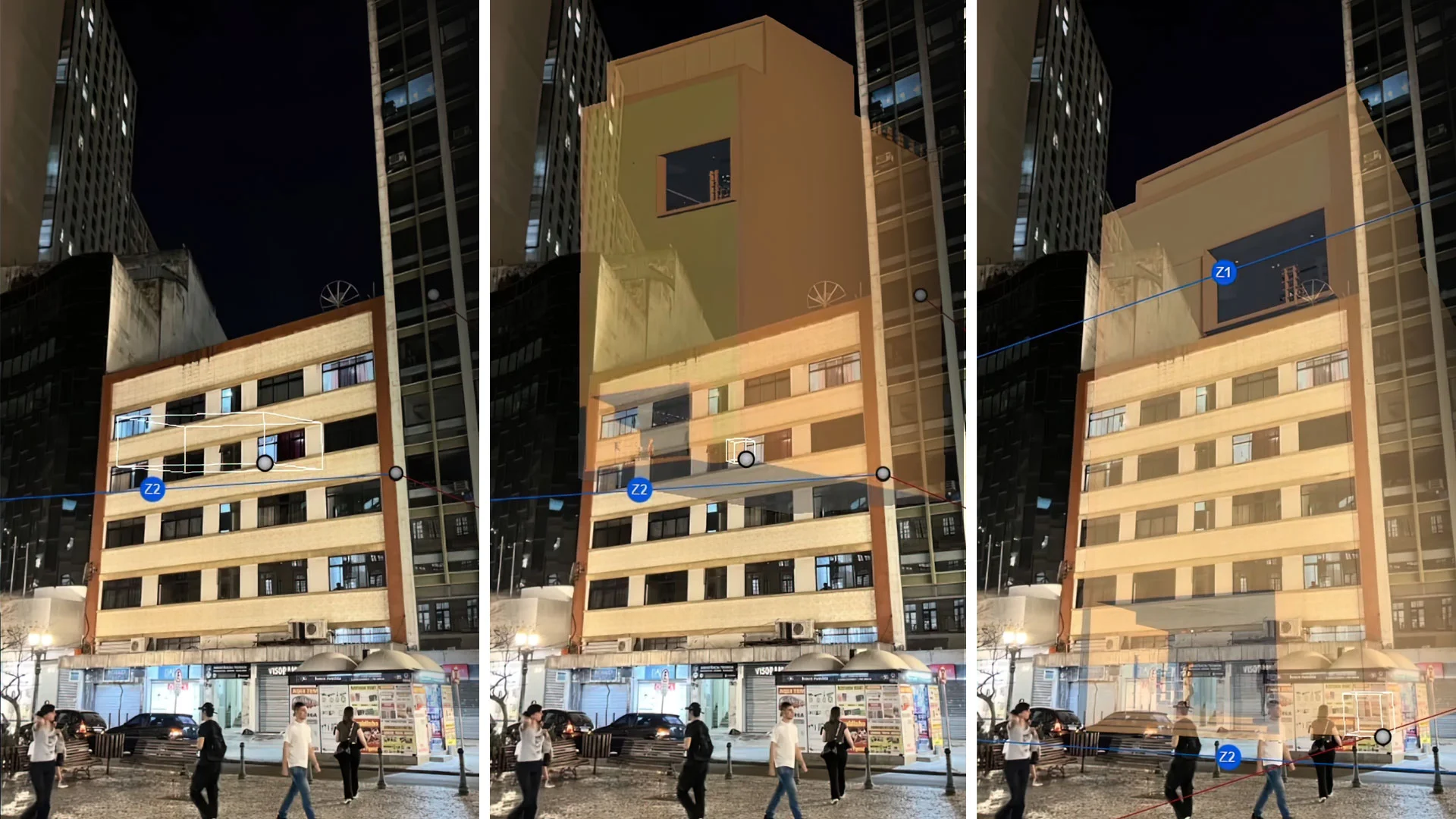
Import the site's topography and surroundings from OpenStreetMap so the design sits in its real location, then shape the terrain around it in Lumion Pro. To show the view people will actually see, the Photo Match effect places your model into a photo of the site. A sun study then shows how light and shadow fall through the day.
Clients, planners, and investors can judge a proposal more easily when it stands in a street they recognize. See photo matching in three steps.
Every output from one scene
Set up the camera once and render the same scene several ways. In Lumion Pro, composition grids such as rule of thirds and golden ratio help frame each view. Photo mode renders stills, Movie mode renders video along camera paths, and Panorama mode renders 360 panoramas that clients open in a VR headset through Lumion Cloud.
Adjust eye level, focal length, heading, and pitch, then turn on a grid overlay: Golden Ratio, Rule of thirds, Grid, Diagonal, or Triangle.
Render a set of stills, an orbit or dolly animation from preset camera paths, and ray-traced 360 panoramas from one scene, each in the aspect ratio the output needs.
One look across every project and team
Save the practice's look once and reuse it. In Lumion Pro, start from preset styles and preset or custom LUTs, then save an effect stack as a named custom effect preset, and a custom project template opens each new project with the same setup. In Lumion Cloud, reusable presets and custom LUTs keep every image consistent, whoever rendered it.
Saved object sets keep the assets a studio places most in reusable groups.
Review and approval in Lumion Cloud
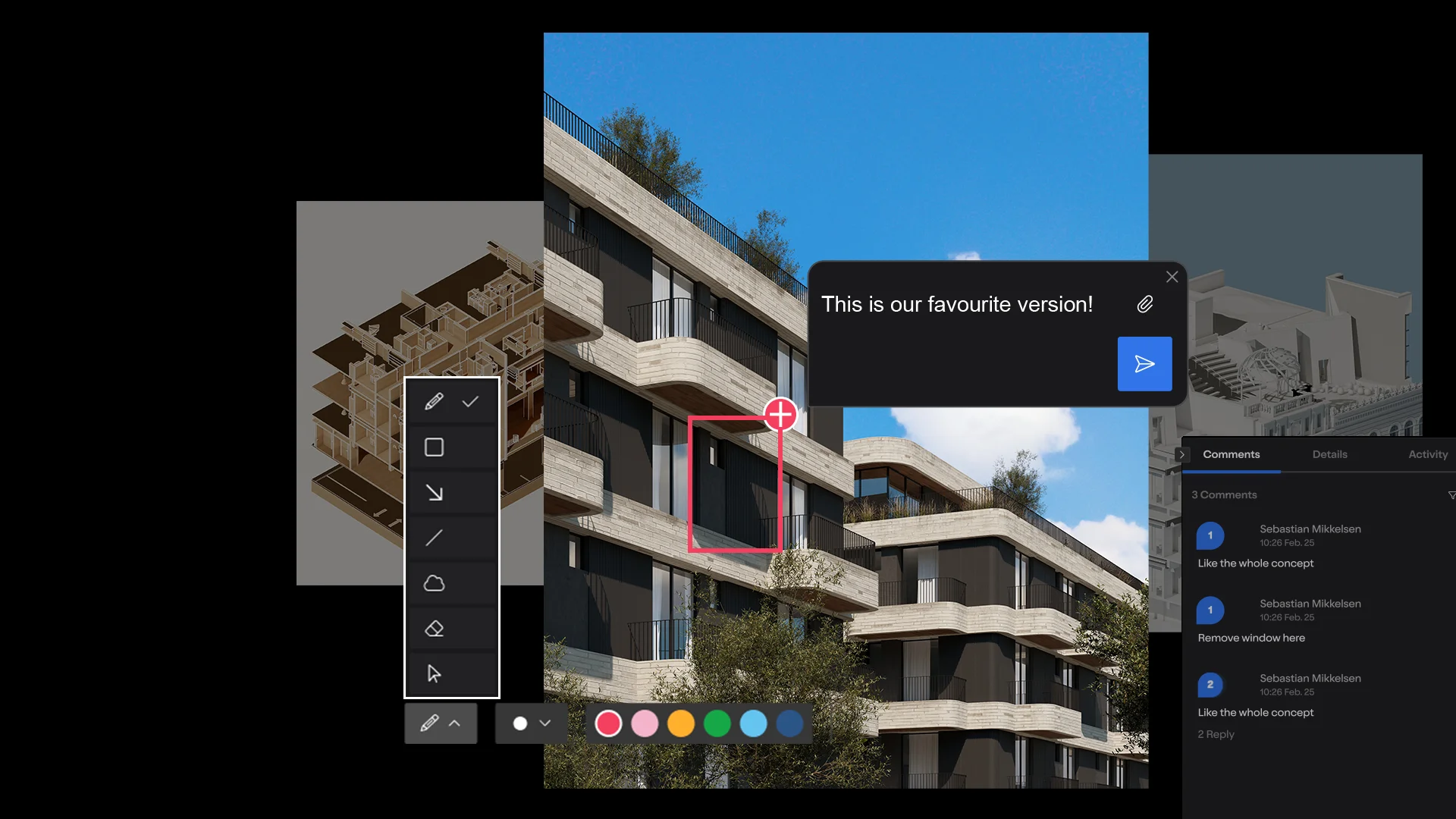
Upload renders, animations, and panoramas from Lumion Pro to a shared Lumion Cloud project and invite clients, planners, and consultants by link or QR code. They review in a browser with no install, pin comments and markups to the image, document, or video, and compare versions side by side. Approvals move through a click-and-drag workflow with a full audit trail.
The AI image enhancer and post-processing tools work on any image you upload, not only Lumion Pro renders. Role-based permissions set who can view, comment, or manage each project. Lumion Cloud is included in all Lumion plans, with up to 20 projects and 50 GB of storage. With Lumion Cloud, approvals that once took weeks now happen in days.
Explain how the design works
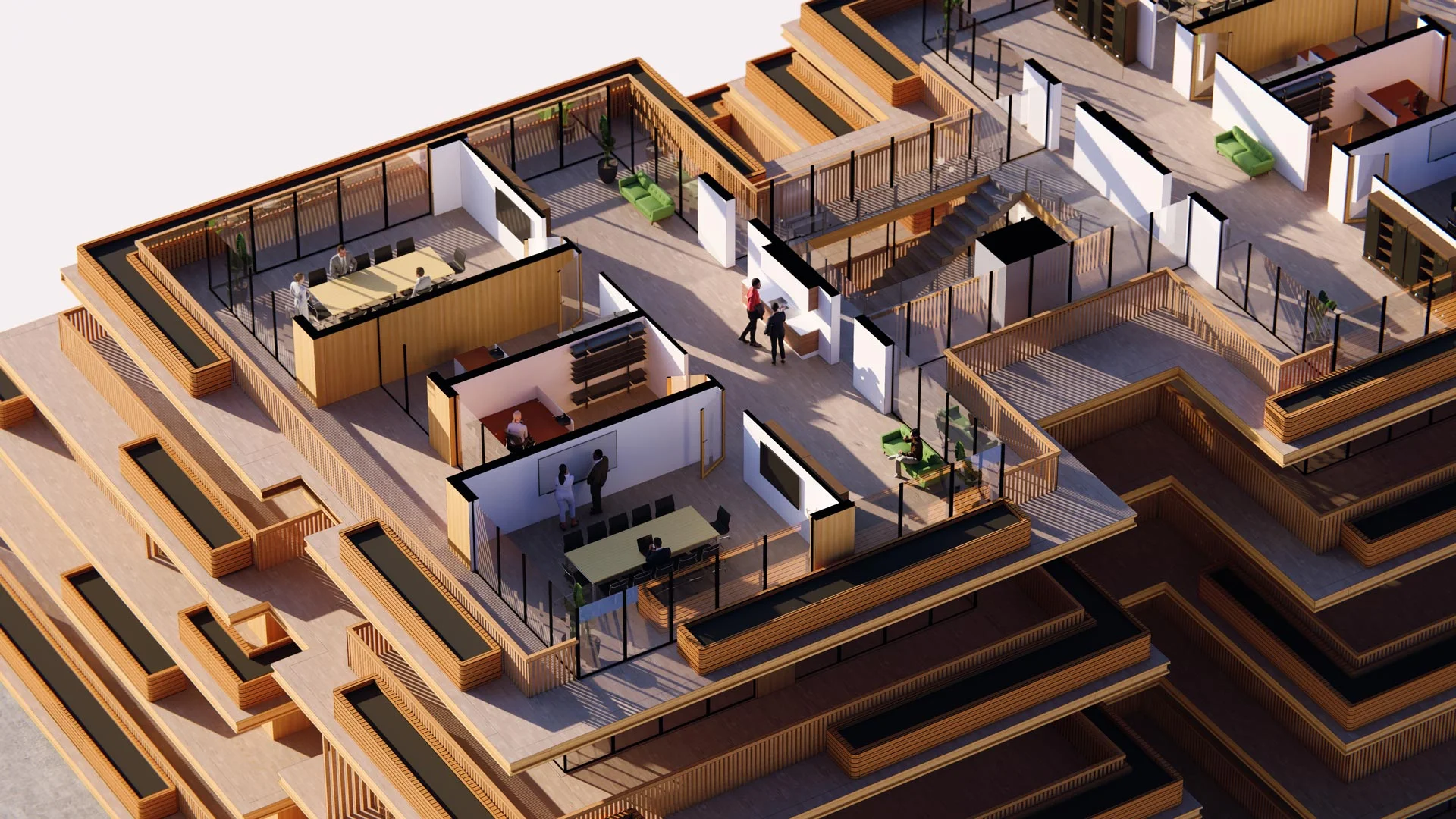
Renders show what a building looks like; sections and diagrams explain how it works. In Lumion Pro, the Clipping Plane tool cuts plans, sections, and elevations and fills the cut. For live 3D diagrams, there is Axogram, a separate diagramming tool in the Lumion family.
Axogram works inside SketchUp, Revit, and Archicad on Windows, includes Lumion Cloud, and does not need Lumion Pro; it is free for up to 5 saved diagram views. To lay out drawings and boards, see Lumion's guides to custom architectural drawings and presentation boards.
Hardware, licensing, and onboarding
Operating system
Windows 10 64-bit (version 2004) or newer. There is no Mac version.
Graphics card
For adequate performance, the minimum is G3DMark 8,000 with 6 GB of memory; 1080p ray tracing requires 8 GB. Lumion recommends 14,000 with 10 GB.
Memory and disk
16 GB of RAM and 105 GB of free disk space for the full version. See the full system requirements.
Named user
One person, installed on several computers, one active session at a time.
Pro Floating
Shared across a team: anyone can run Lumion Pro from any computer while a seat is free. Add seats from your Lumion Account.
Custom licensing
For practices of 10 users or more, with volume licensing and premium onboarding.
Onboarding
All new Lumion Pro subscriptions include a free onboarding program and an on-demand workflow training session.
Lumion Cloud projects
Log in with your Lumion Account, create a project, upload from Lumion Pro, and invite the client by secure link or QR code.
Try Lumion Pro on a current project
Render your next project with Lumion Pro. Sync or import your model, render as many views as you require, and share your creations through Lumion Cloud. Free for 14 days, no credit card required.
What architects say about Lumion Pro

Oliver Serek
Head of Operations, Agora Architects
We find that Lumion Pro gives us everything we need at any stage. It just makes it easier to work with, and that's why it's our preferred software.

Edwin Vonk
Visualization Expert, Royal HaskoningDHV
Lumion's ease of use, stability, and the extensive asset library were major factors in our decision to adopt it. We use it in every stage of our projects.

Emma Meriwether
Architectural Designer, Ford Architects
Lumion has become an irreplaceable tool in my practice, from early schematic designs to high-detail presentation renderings.

Daniel Berdichevsky
Associate, SCAPE
The ability to quickly produce realistic renders directly from our models, apply materials, planting, and entourage has been great for us, especially when it comes to client presentations with many stakeholders and iterations throughout the project.
Works with the tools you already model in
Model and render in sync with the free Lumion LiveSync plugin.


FAQ
Install Lumion Pro on a Windows PC that meets the system requirements and add the free Lumion LiveSync plugin to your modeling tool. License named users, or Pro Floating seats that anyone on the team can use from any computer while a seat is free. Onboarding is included, and each job gets a Lumion Cloud project you share with the client.
Rendering produces an image from a 3D scene. Architectural visualization, also called archviz, is the wider job of using images, animations, panoramas, and diagrams to communicate a project. Architectural rendering software and rendering programs such as Lumion Pro make the visuals; visualization also covers site context, consistency across a team, and review.
No. You keep modeling in SketchUp, Revit, Archicad, Rhino, AutoCAD, Allplan, BricsCAD, Vectorworks, or another tool. The free Lumion LiveSync plugin keeps that model connected, and other models import as files such as .skp, .fbx, .dwg, and .obj. The scene itself lives in Lumion Pro.
Lumion Pro is considered an easy tool to pick up and get started with. The free trial comes with short video guides and a practice model, to help with onboarding. Additional tutorials are available for advanced use, and all new Lumion Pro subscriptions include a free onboarding program and an on-demand workflow training session.
Yes. The AI image enhancer and post-processing tools in Lumion Cloud work on any image you upload, so a team can refine an existing render or a diagram without going back to the scene.
Prices vary by region. In the US, Lumion Pro costs US$96 per named user per month, billed upfront at US$1,149 for one year, and Pro Floating costs US$125 per floating seat per month, billed at US$1,499. 3-year plans save 20%. All plans include Lumion Cloud's AI creator tools and collaboration features. See plans and pricing for your region.
Lumion Pro has no free version, but there is a 14-day free trial with no credit card required. It includes every Pro feature and a curated set of essential assets; a subscription unlocks the complete library of more than 10,000 assets and materials. Access to Lumion Cloud is available during the trial.